
Here’s a step-by-step guide to download your Airwallex bank statement from their website:
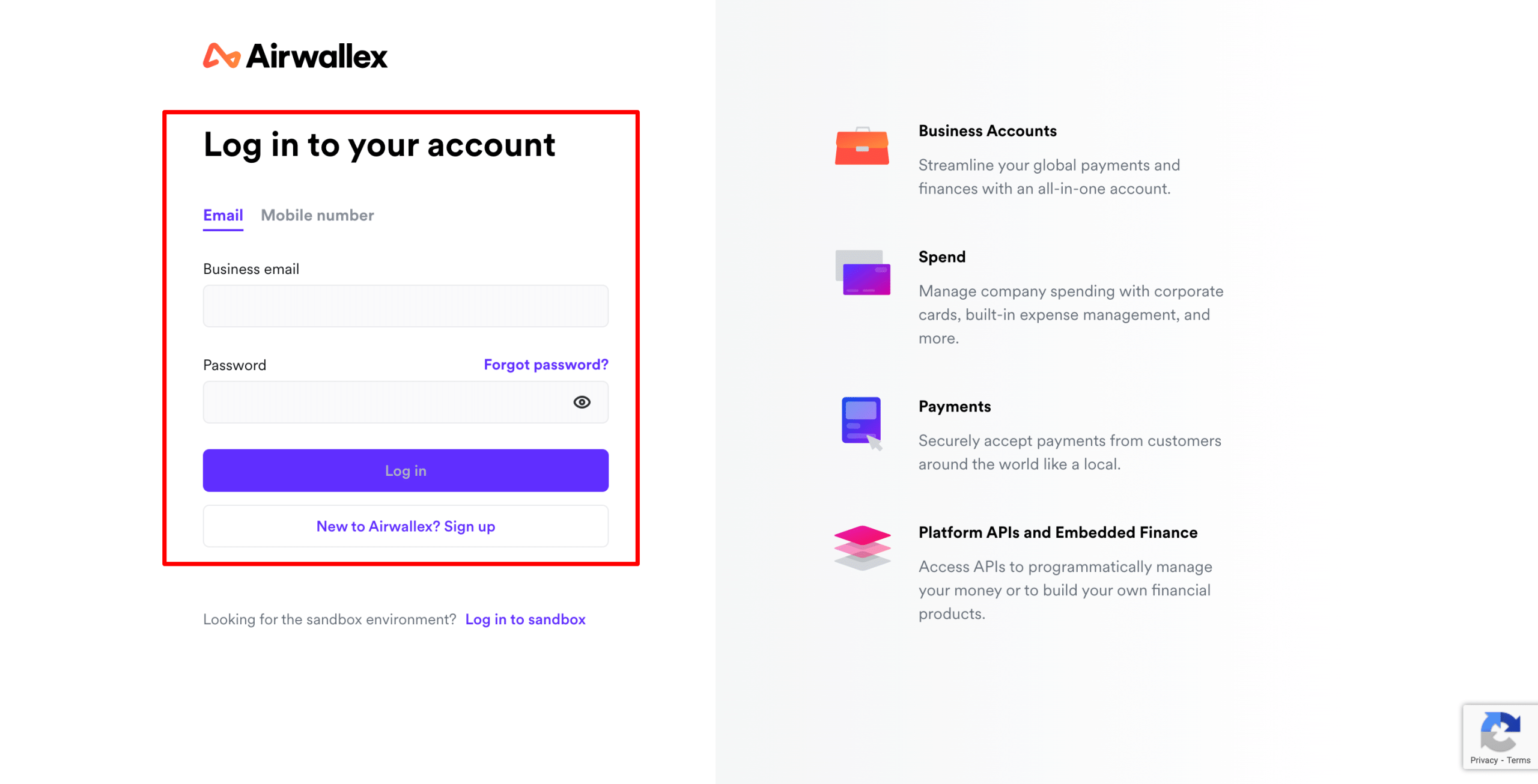
1) Log in
Go to Airwallex website and log in with your account credentials.
2) Navigate to Accounts
From the left-hand menu, click Accounts (sometimes shown as “Wallet” or “Balances”).
3) Select the Account
-
Choose the currency account (e.g., INR, USD, EUR) for which you want to download the statement.
4) Go to Transactions / Statements
- Click on the Transactions or Statements tab.
- Some versions show “Activity” where you can filter by date.
5) Set the Date Range
Choose the time period you want (monthly, custom date range, etc.).
6) Download
- Look for a Download or Export button (usually on the top right).
- Select the format: PDF, CSV, or Excel (XLSX).
- The file will be saved to your computer.
To get more details to download Airwallex bank statement, please do contact us at support@metrogroup.solutions