
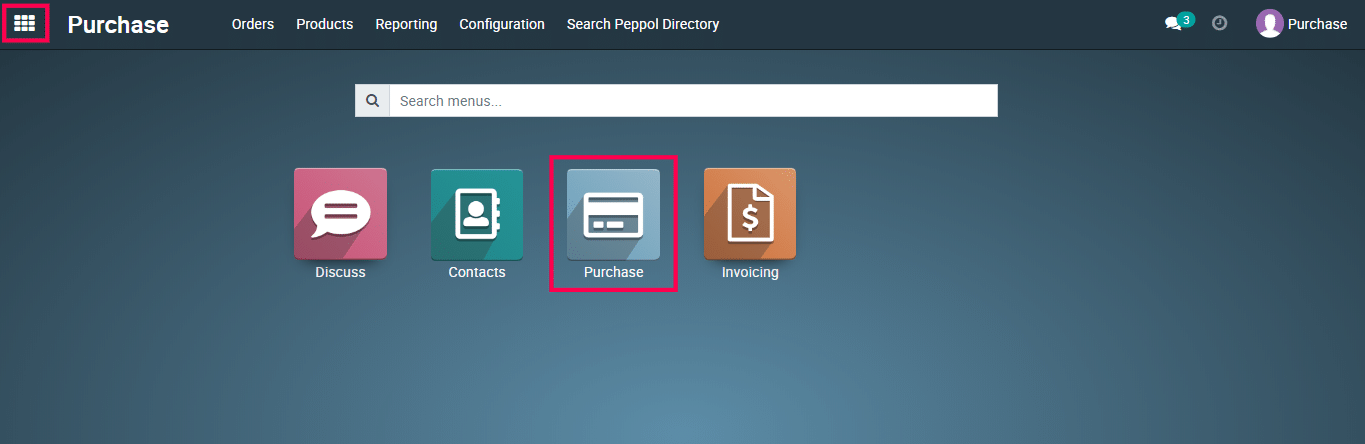
1) Go to the Purchase app from the Metro ERP main menu.
2) Select the purchase module.
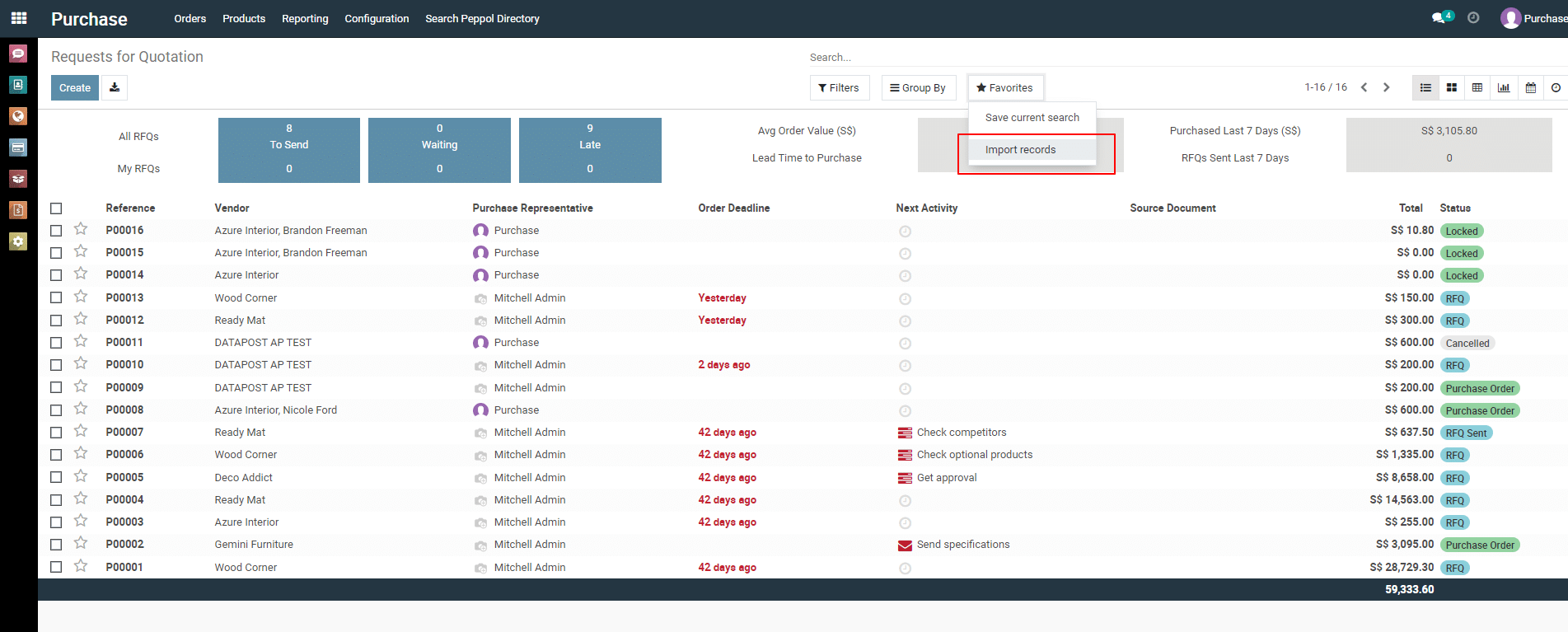
3) From the list view page of purchase quotation, click on “ Favorites –> Import records “.
4) In the next page, click on “ Load a new file “.
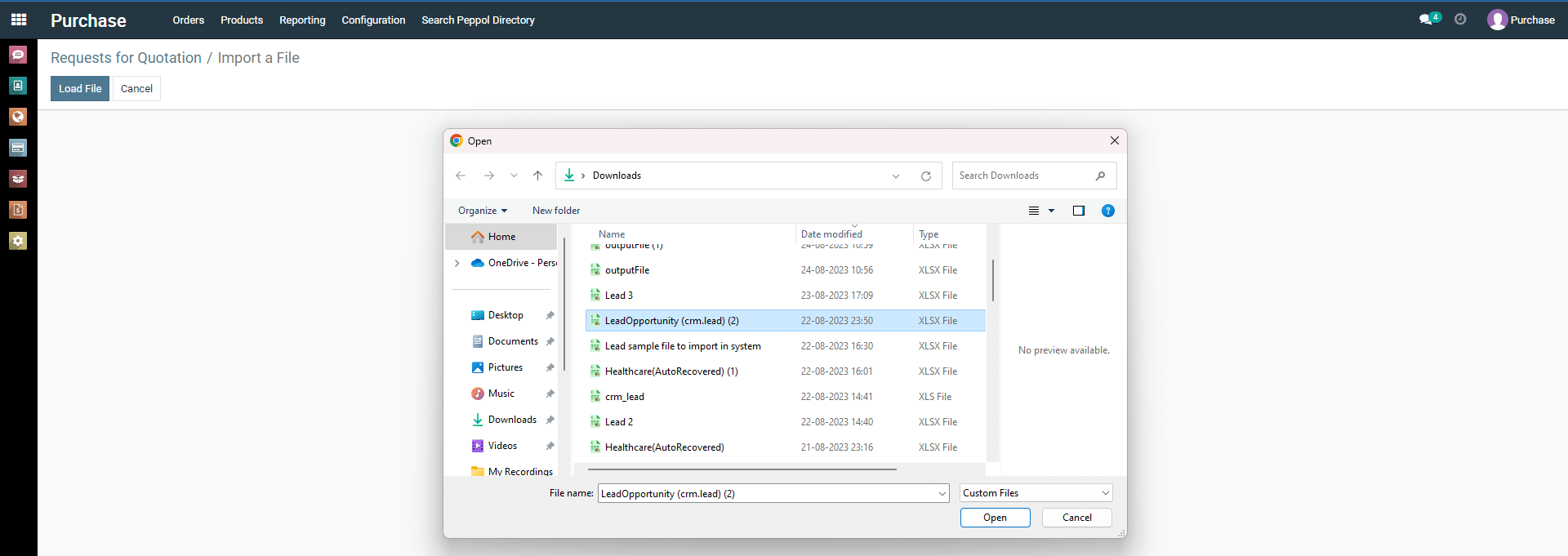
5) Load Excel or CSV file from your device.
6) Click on “ Import ” button. If you want to test before import then you can click on “ Test ” button.
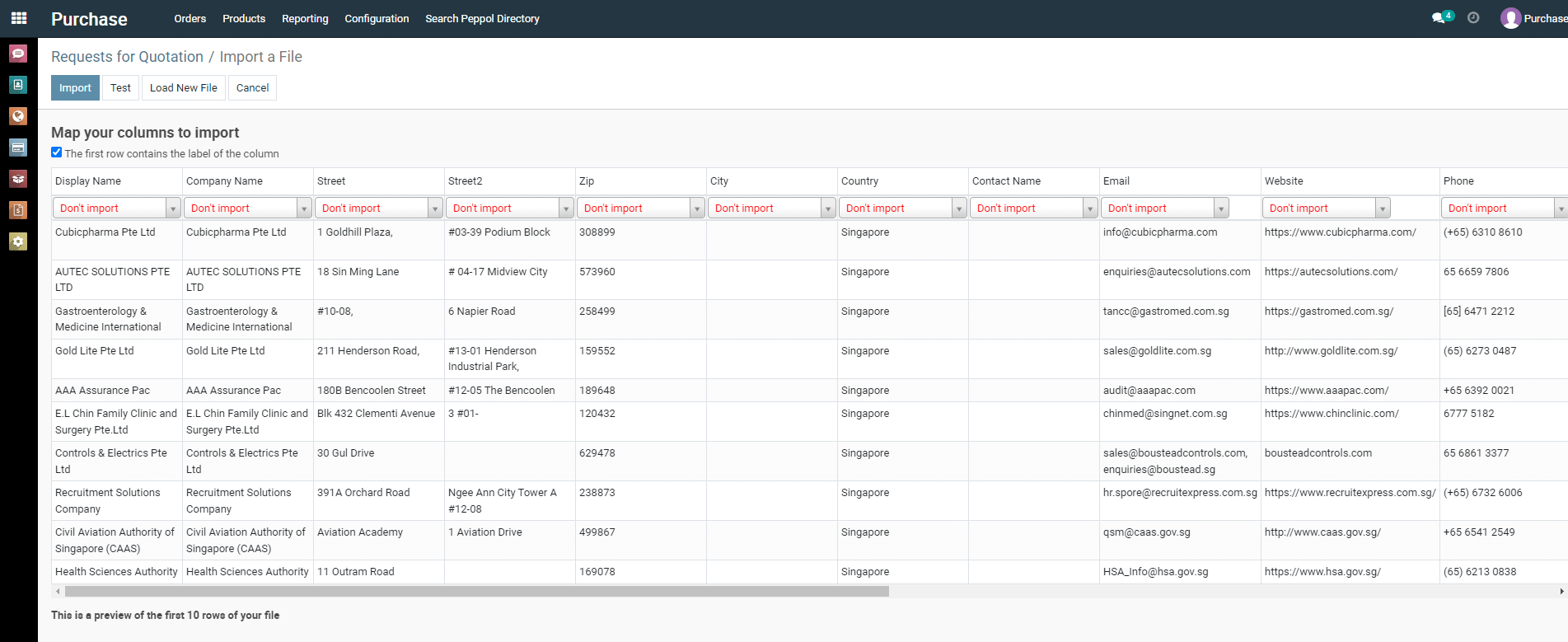
Note : Get import compatible file format from here –> https://t.ly/KG4_
To get more details on how to use the Purchase module, please do contact us at support@metrogroup.solutions