
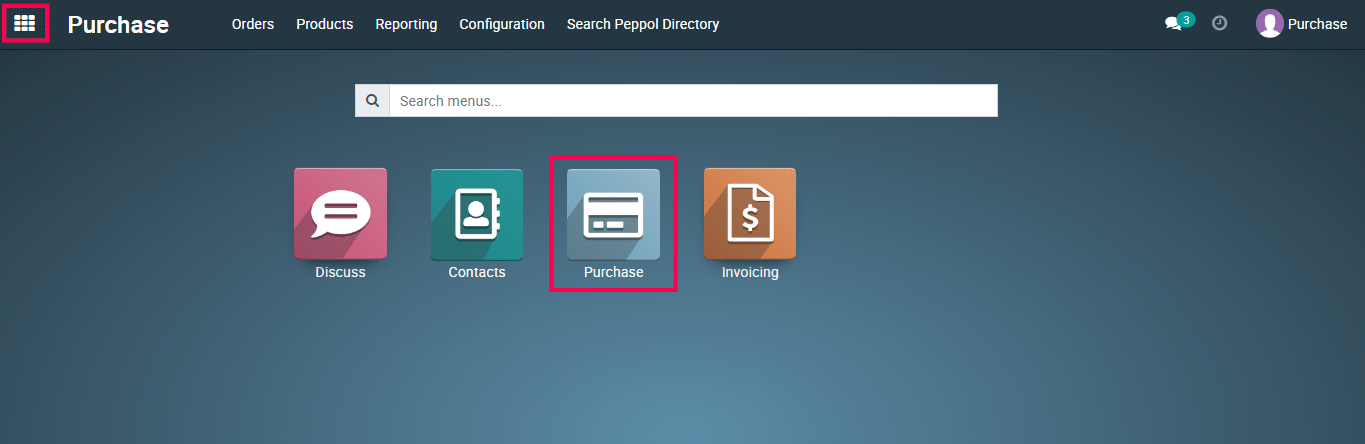
1) Open the Purchase app from the Metro ERP main menu.
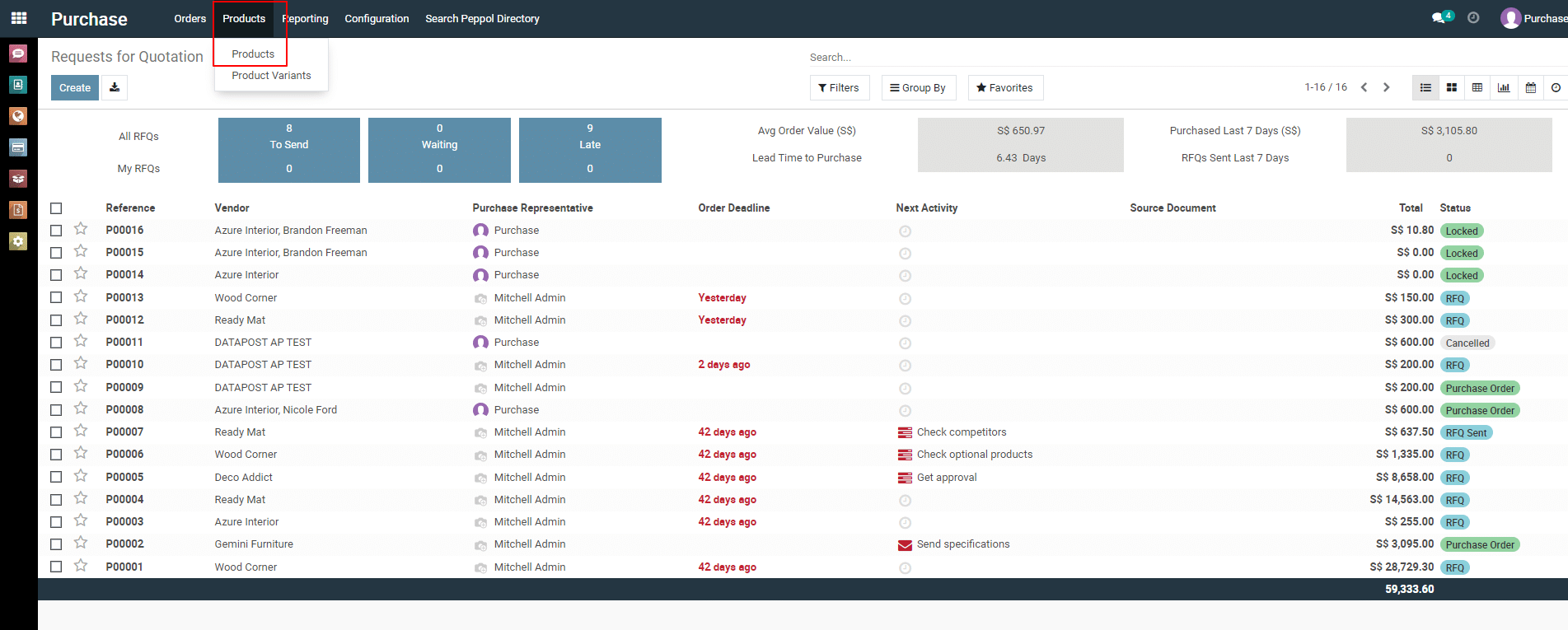
2) Click on ” Products –> Products ” from the header.
3)
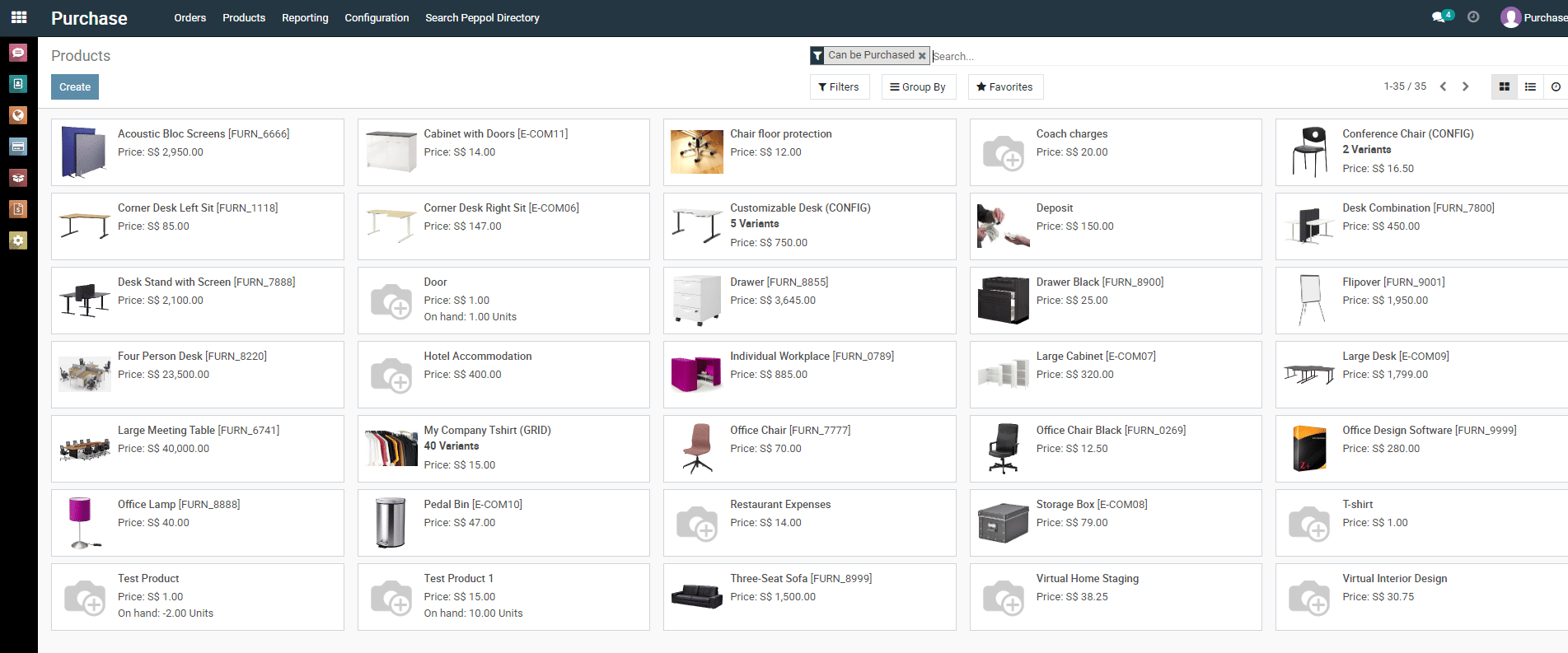
Next, you will be redirected to the product list view page.
4) Here you can see all the products. To find a particular product, you can apply filter/group-by/custom filter/custom group-by as well as search functionality.
To get more details on how to use the Purchase module, please do contact us at support@metrogroup.solutions