
To create and send a non-Peppol Purchase Credit Note to GST InvoiceNow:
Here’s the step-by-step process (as shown in your screenshots):
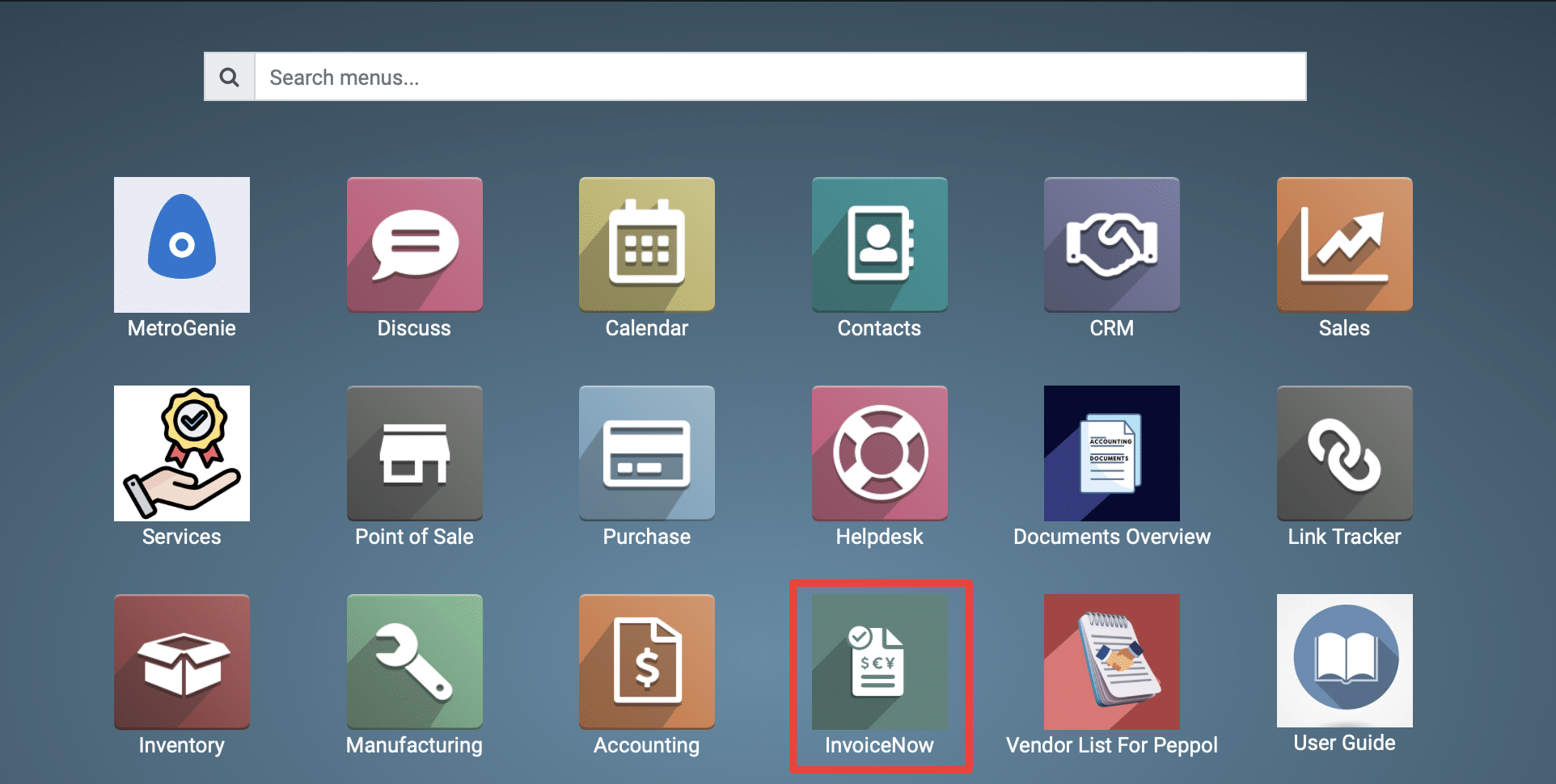
1) Go to the Peppol application by clicking on its icon in the main dashboard or by using the application menu.
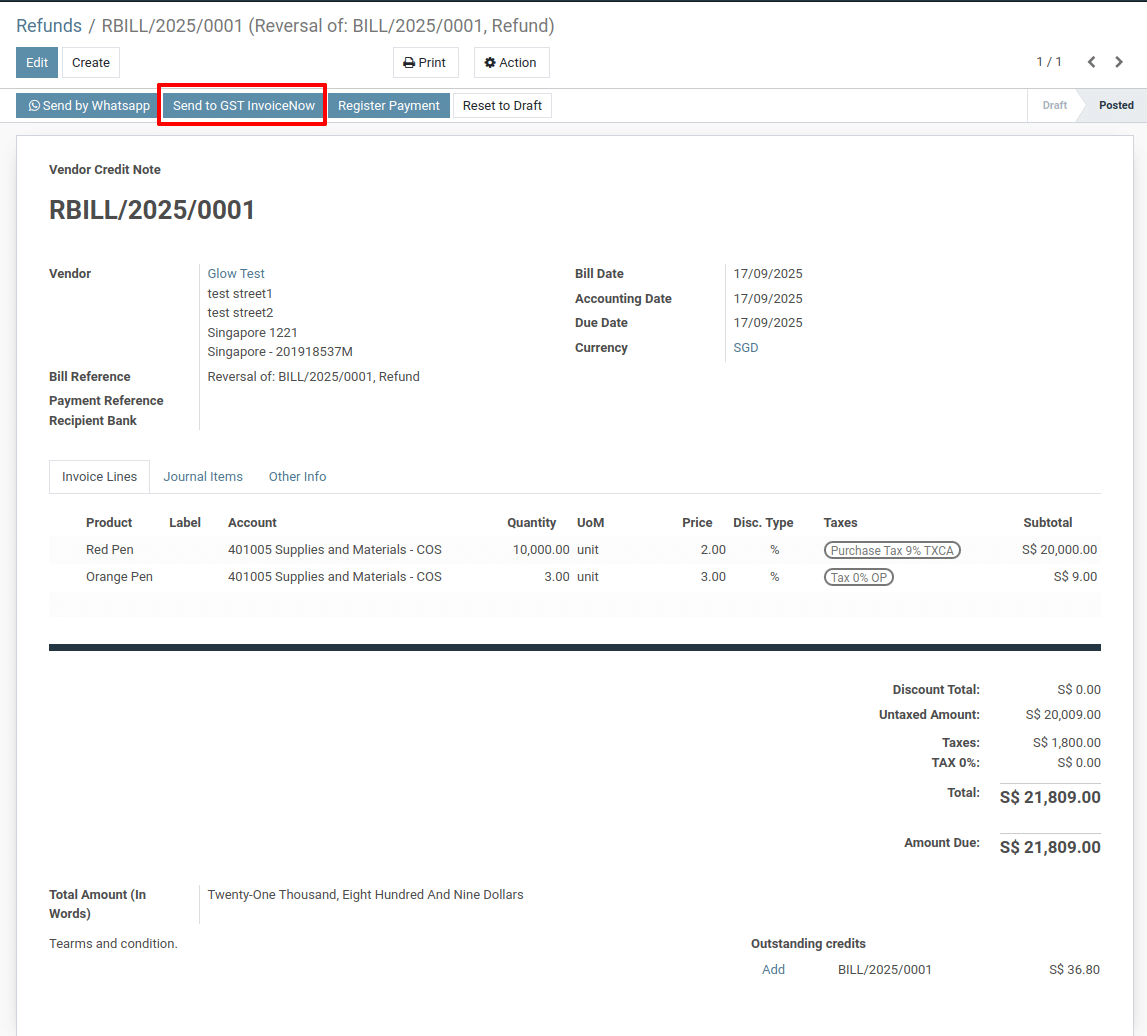
2) Vendor Credit Note Form
Go to inside Accounting → Vendor Credit Note (Refund).
You shows you creating a Vendor Credit Note and preparing it for e-invoicing.
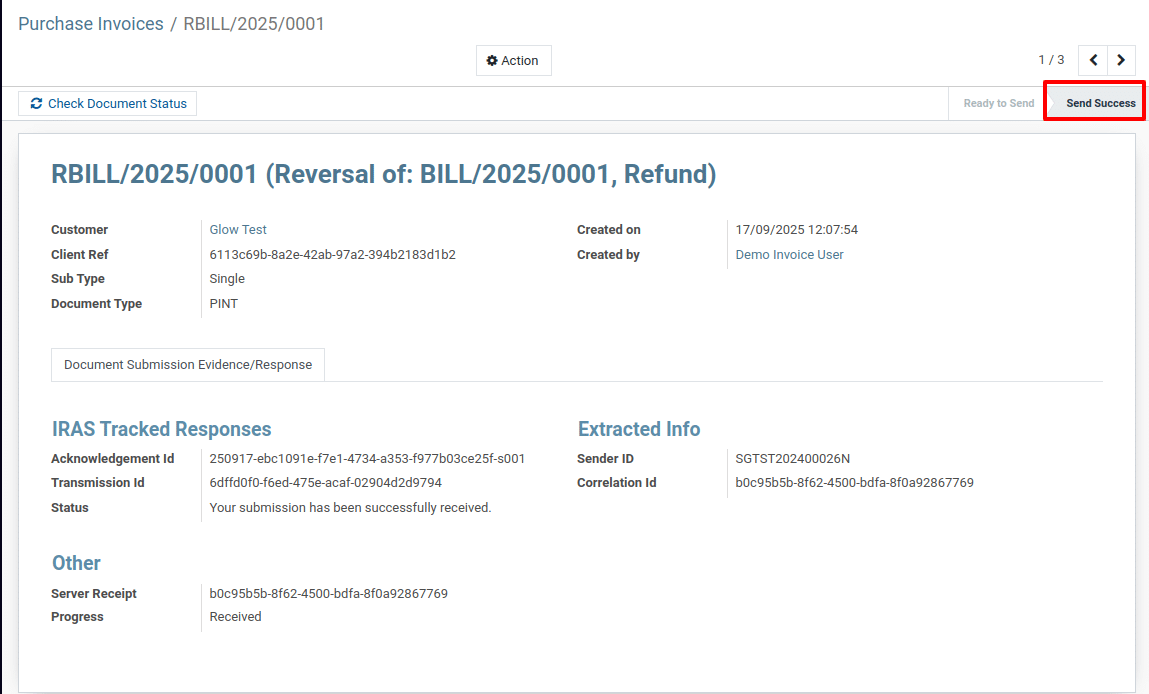
3) Transmission Status Screen
This is the InvoiceNow transmission tracking page after you clicked Send to GST InvoiceNow.It confirms that the credit note was successfully transmitted to the InvoiceNow/Peppol network.
To get more details how to create & send a non-Peppol Purchase Credit Note to GST InvoiceNow in Metro Accounting System, please do contact us at support@metrogroup.solutions