
To generate the profit and loss report for your company, simply follow these steps within the Metro ERP accounting module:
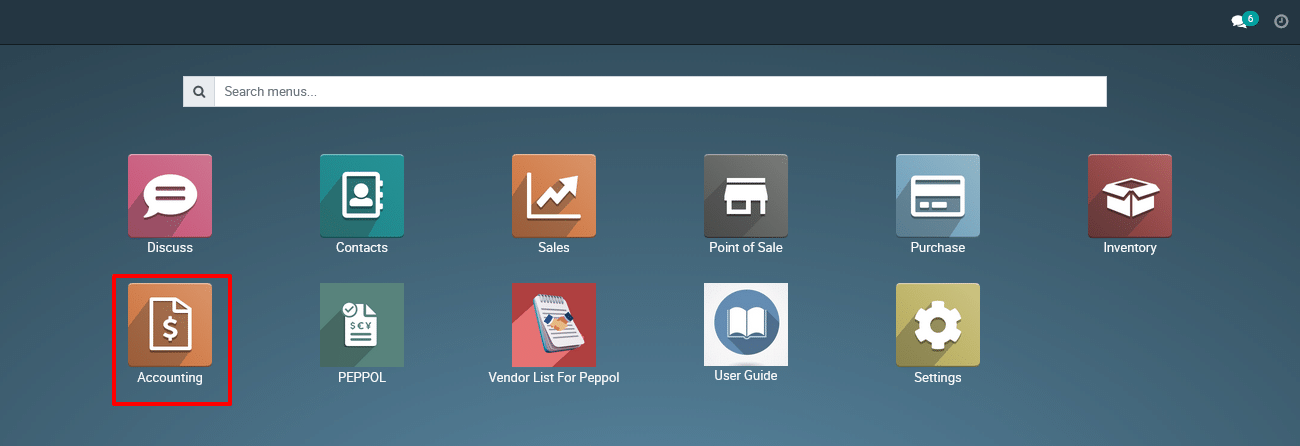
1) Navigate to the “Accounting” section.
2) Click on “Reporting.”
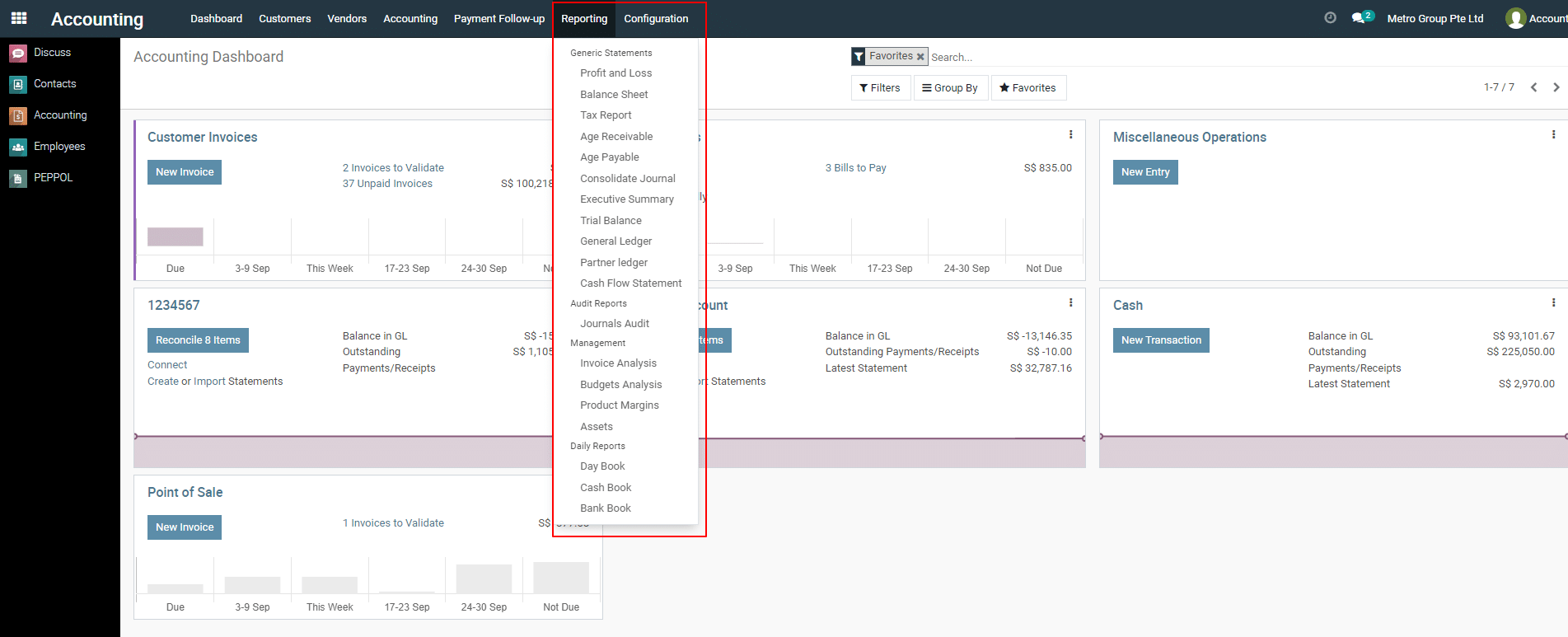
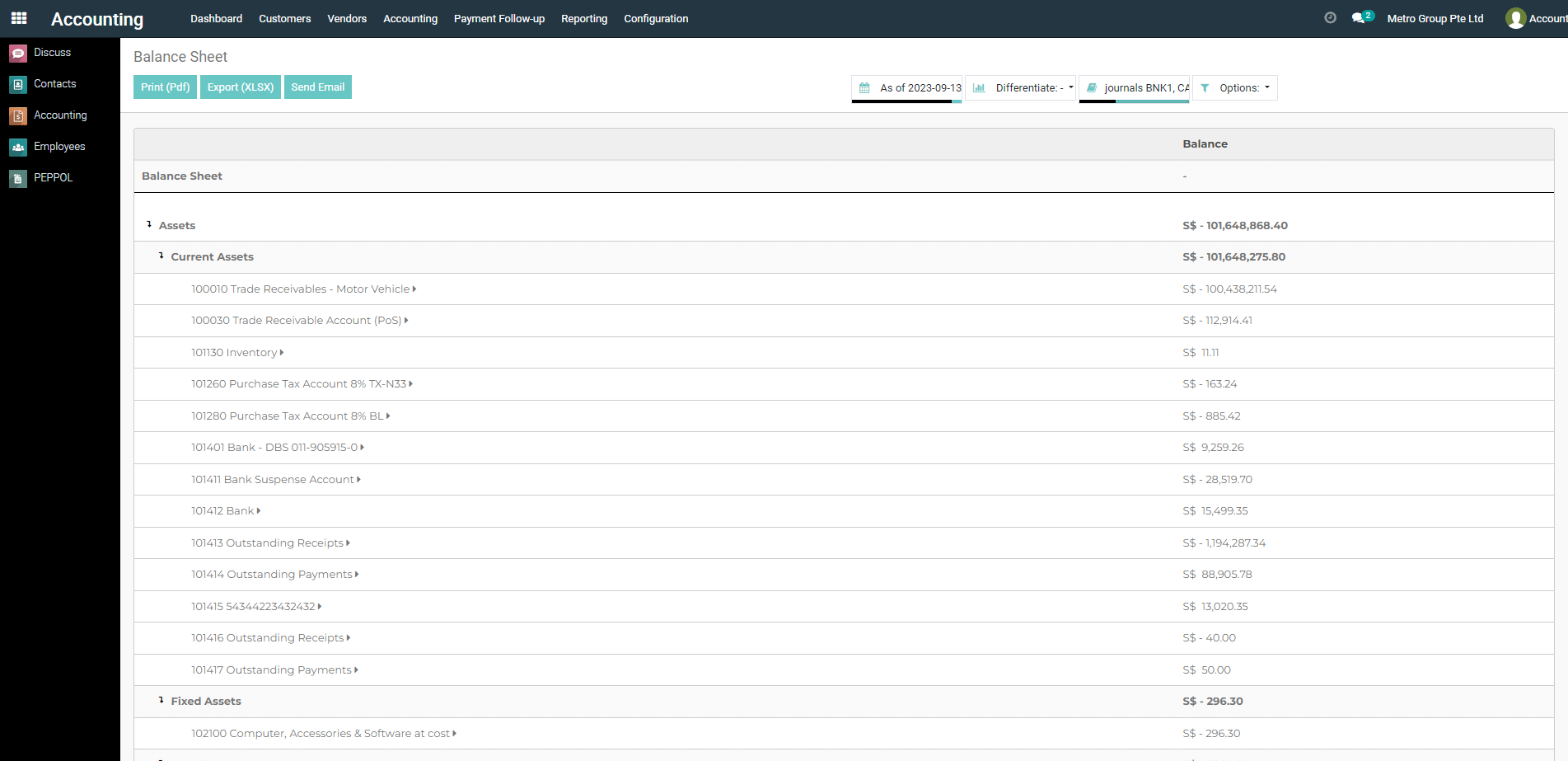
3) Select the “Profit and Loss” option.
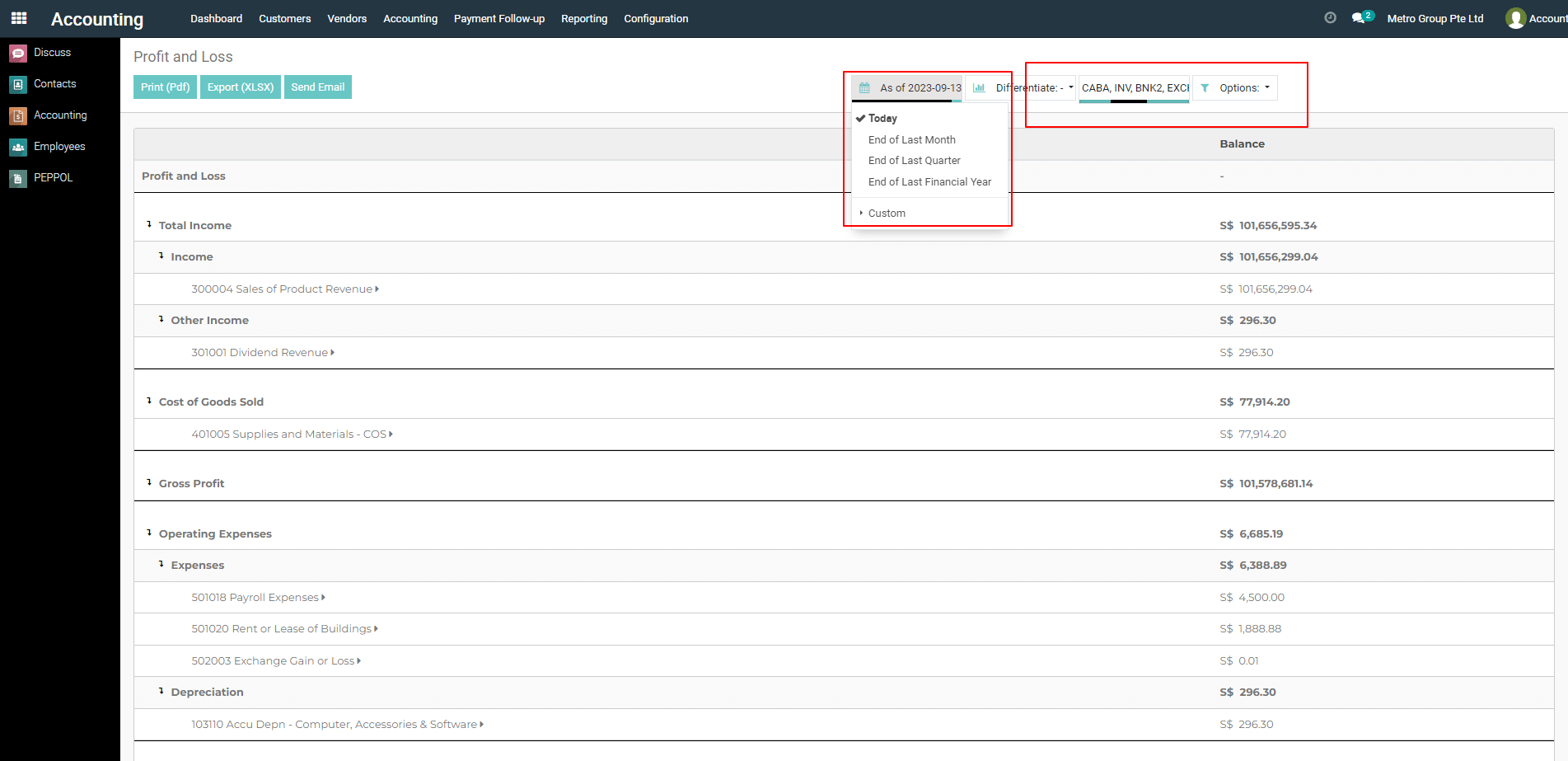
4) You may have different filtering options available
, such as by relevant criteria.
Apply Filters
- Date Range: Use the date picker at the top of the report to select the desired period.
- Journals: Select or deselect journals to include in the report.
- Filters: Click on the “Filters” button to apply custom filters. For example, you might want to filter by specific account types or only include entries with certain tags.
Group By
- Use the “Group By” dropdown to organize the data by different dimensions.
5) Export or Print
- After applying the filters, you can export the report using the “Export” button or “Email” it using the “Send Email” button. If you want a PDF report, print it using the “Print” button.

To get more details how do I apply filters to profit and loss reports, please do contact us at support@metrogroup.solutions