
Here’s how you can do it:
1) Go to the Purchase app from the Metro ERP main menu.
2) Select the purchase module.
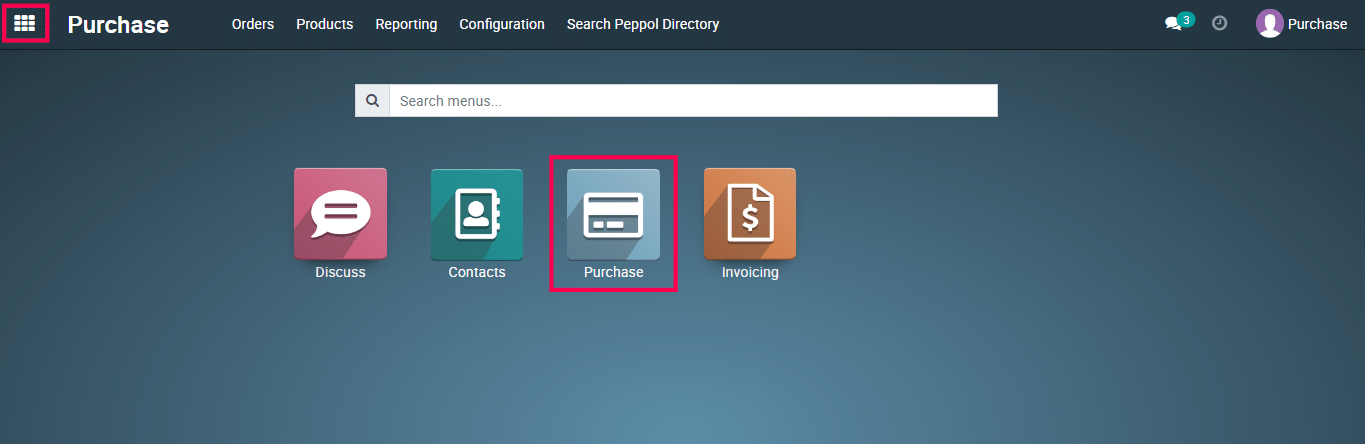
3) Go to your purchase quotation.
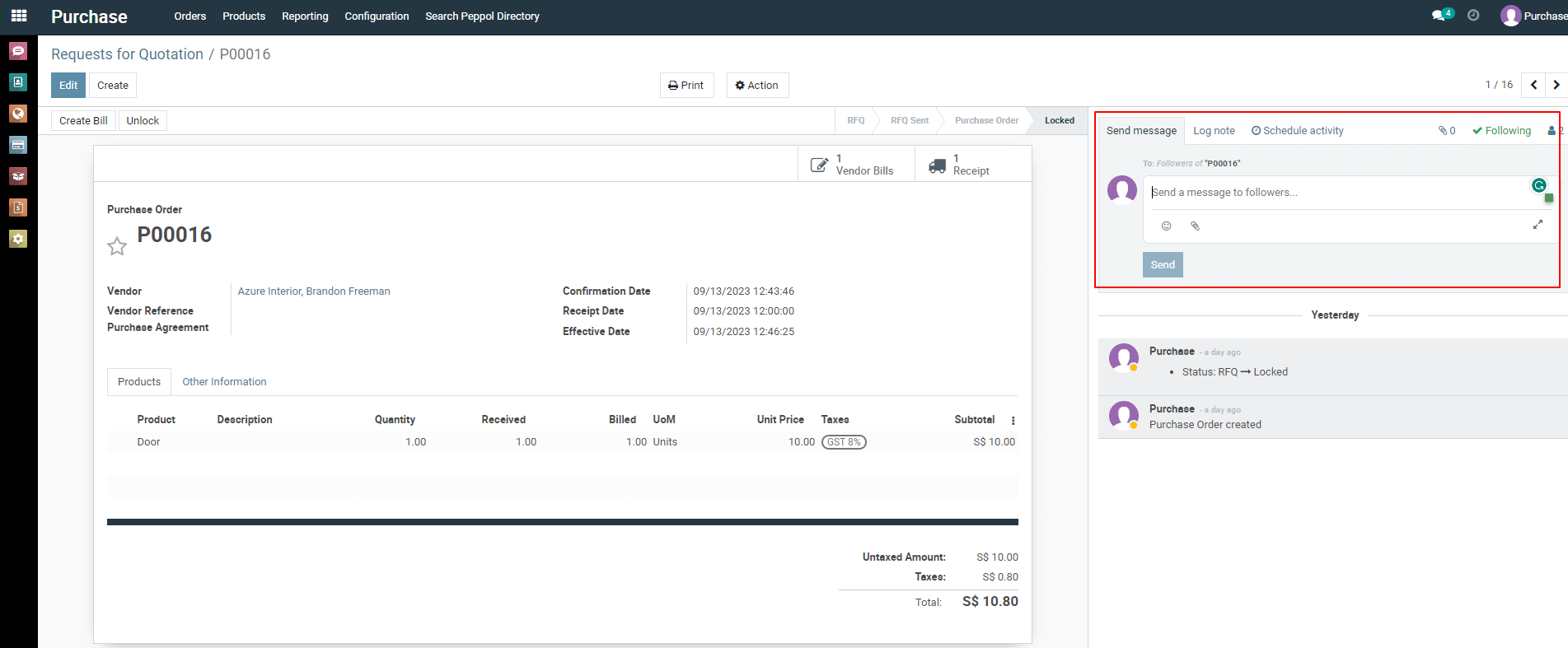
4) Scroll down the page a bit and you will see “ Log note ” option. Click on it.
5) Type your message and mention by “ @ ” then mention your staff name. Then click on “ Log ” button.
To get more details on how to use the Purchase module, please do contact us at support@metrogroup.solutions