
Below is a step-by-step user guide for creating and sending a Peppol Order Cancel (InvoiceNow) in Metro.
Create a Peppol Order Cancel:
1) Go to the Purchase application by clicking on its icon in the main dashboard or by using the application menu.
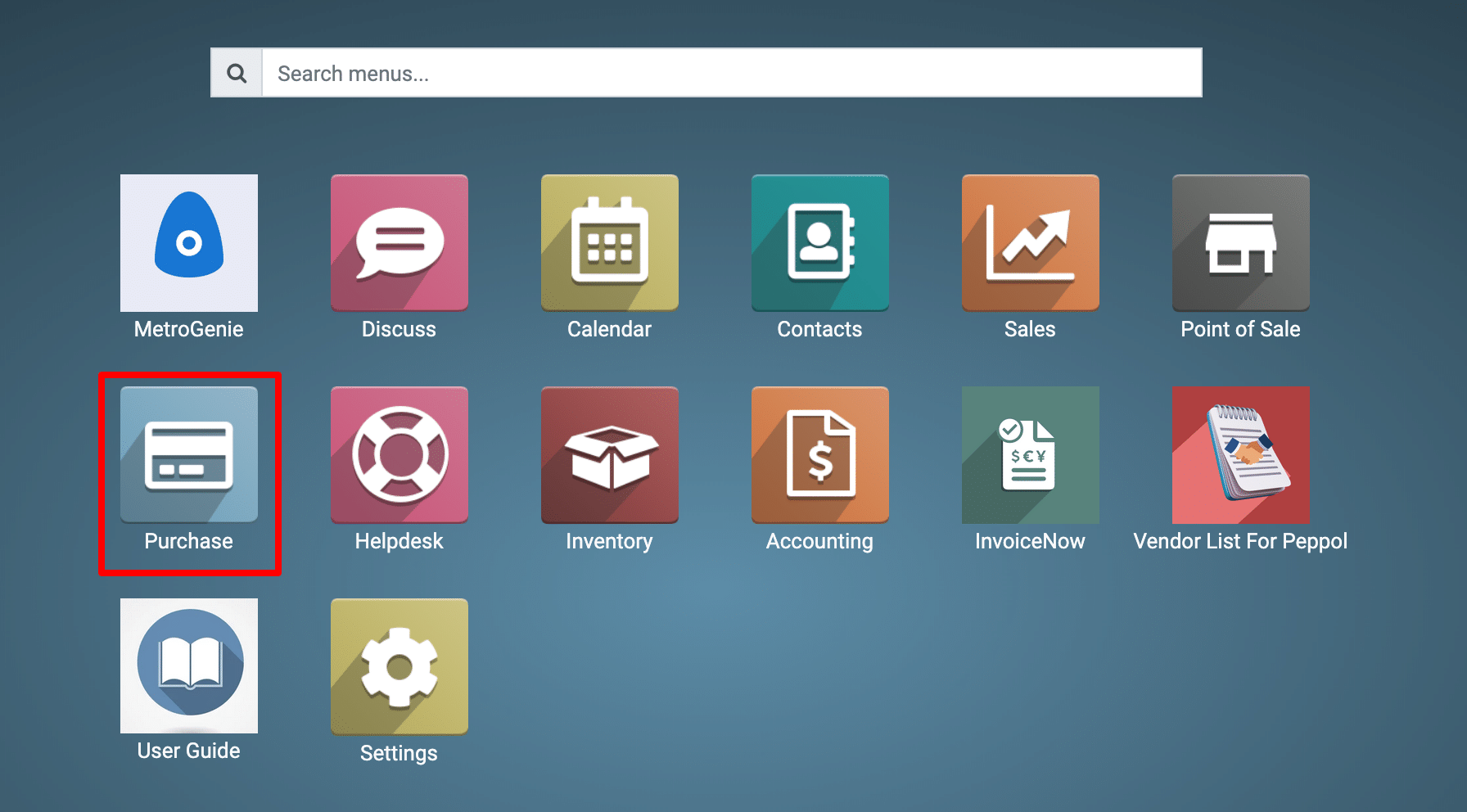
2) Go to Purchase → Orders → Purchase Orders → Create
The Send to InvoiceNow button means this order can be sent through PEPPOL/InvoiceNow.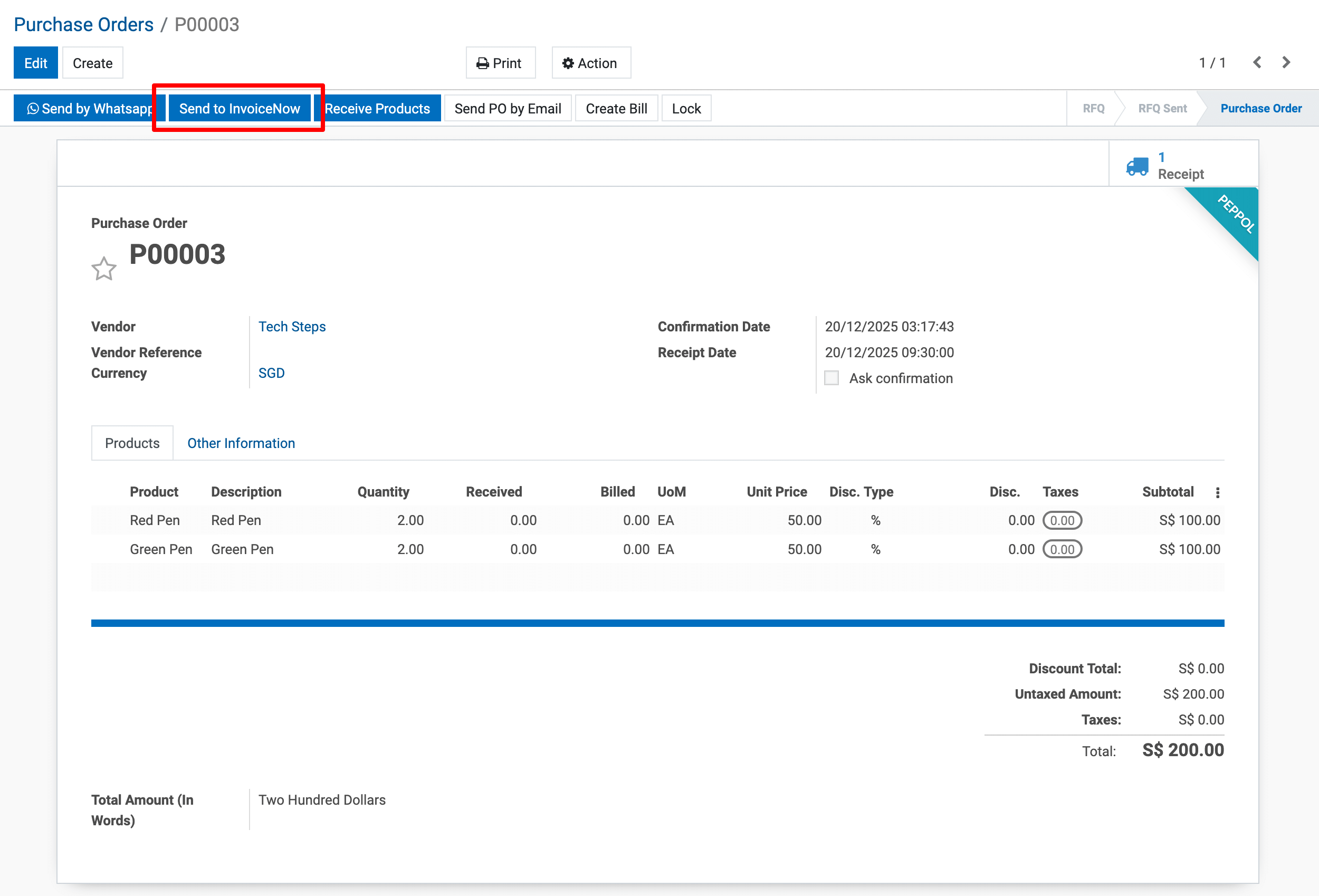
View the Order Note.
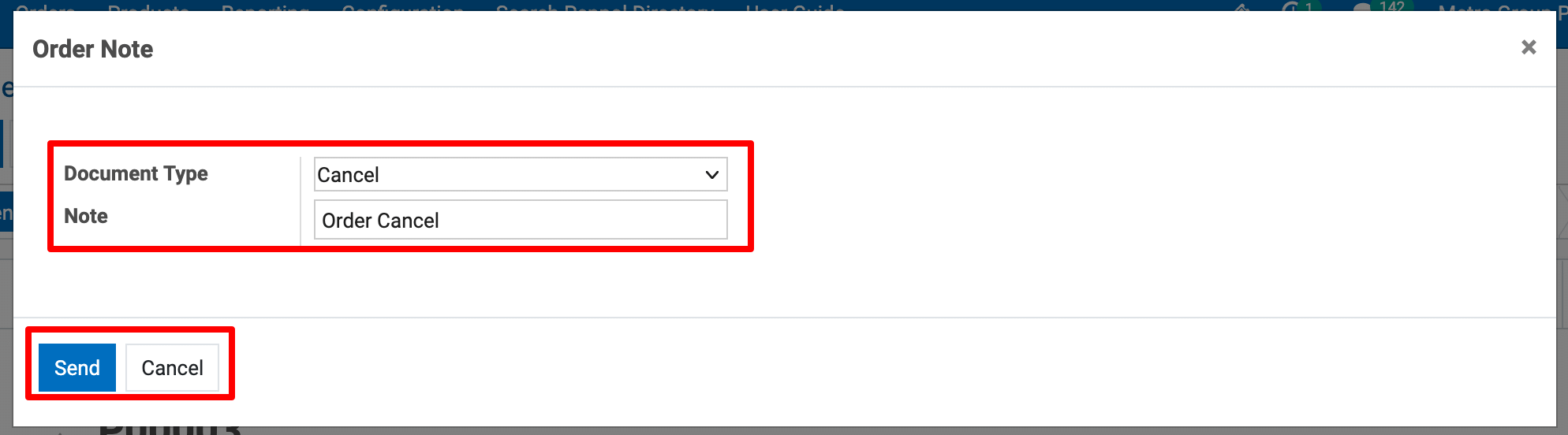
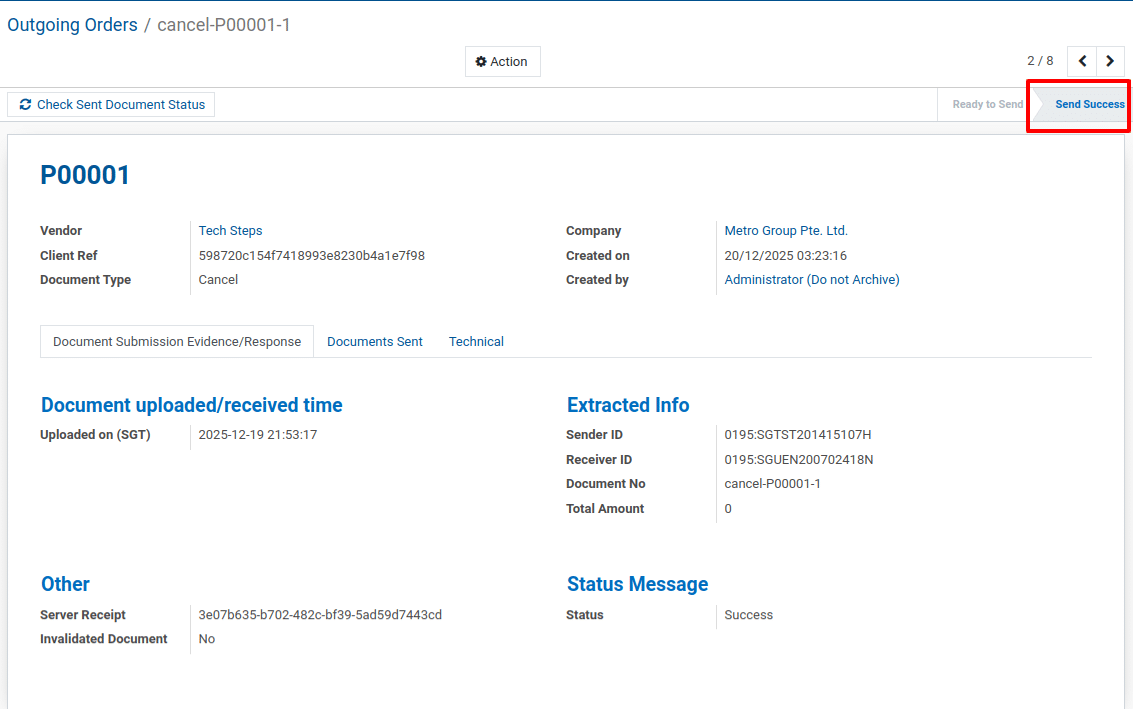
Send Successfully.
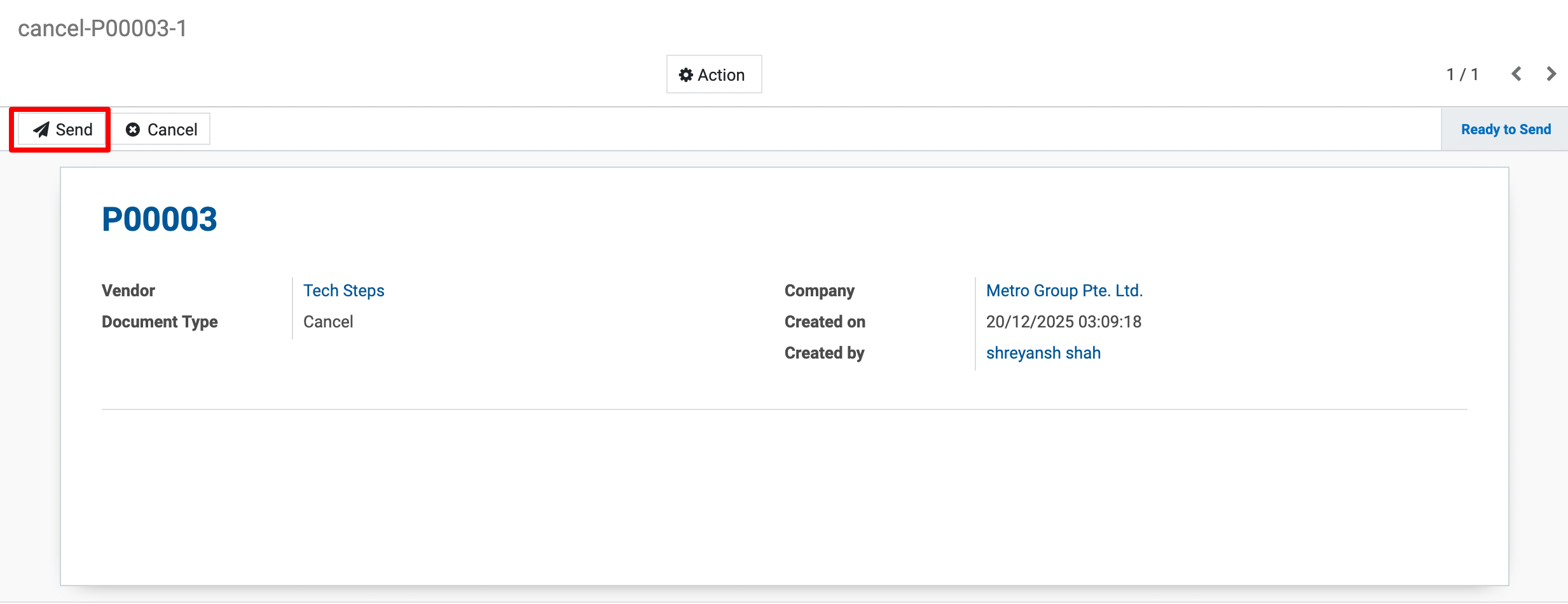
3) Order Submission (PEPPOL Flow Status)
This is the PEPPOL transmission tracking screen for the Order. rack and confirm successful delivery/receipt of PEPPOL documents.
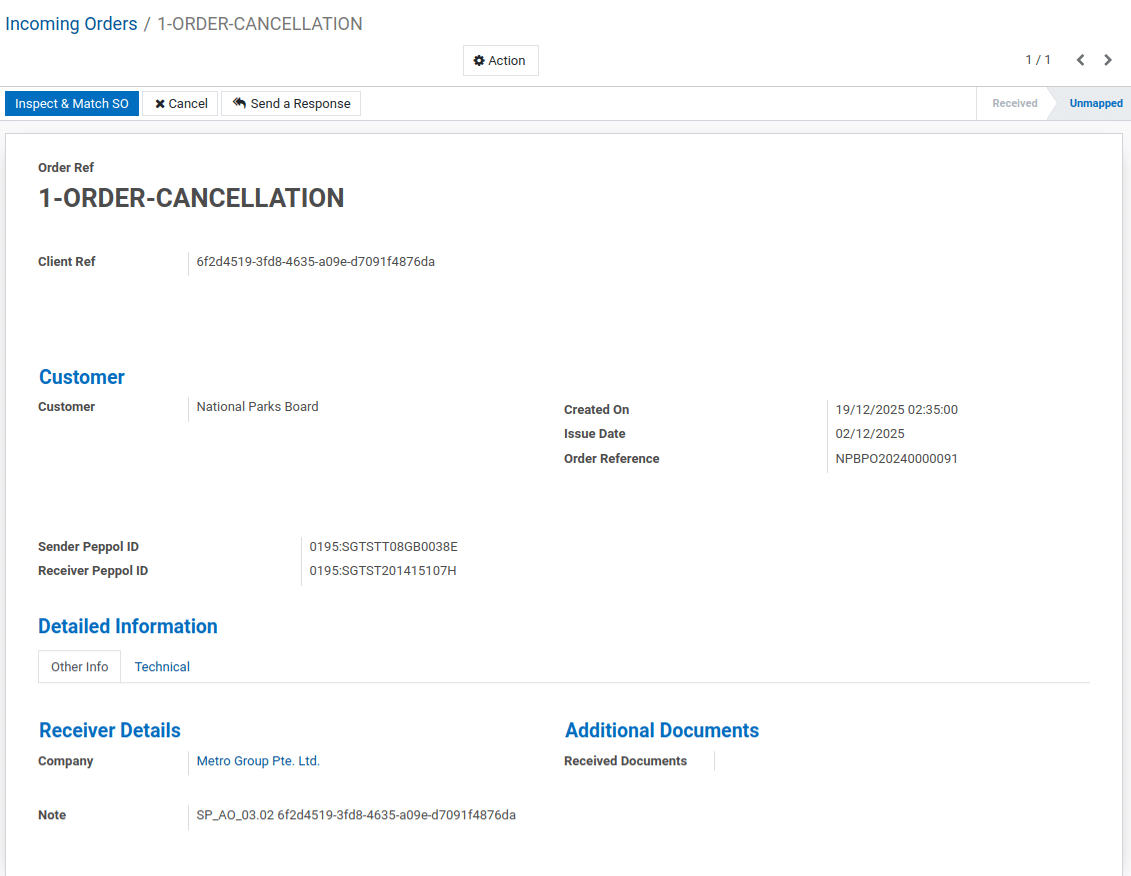
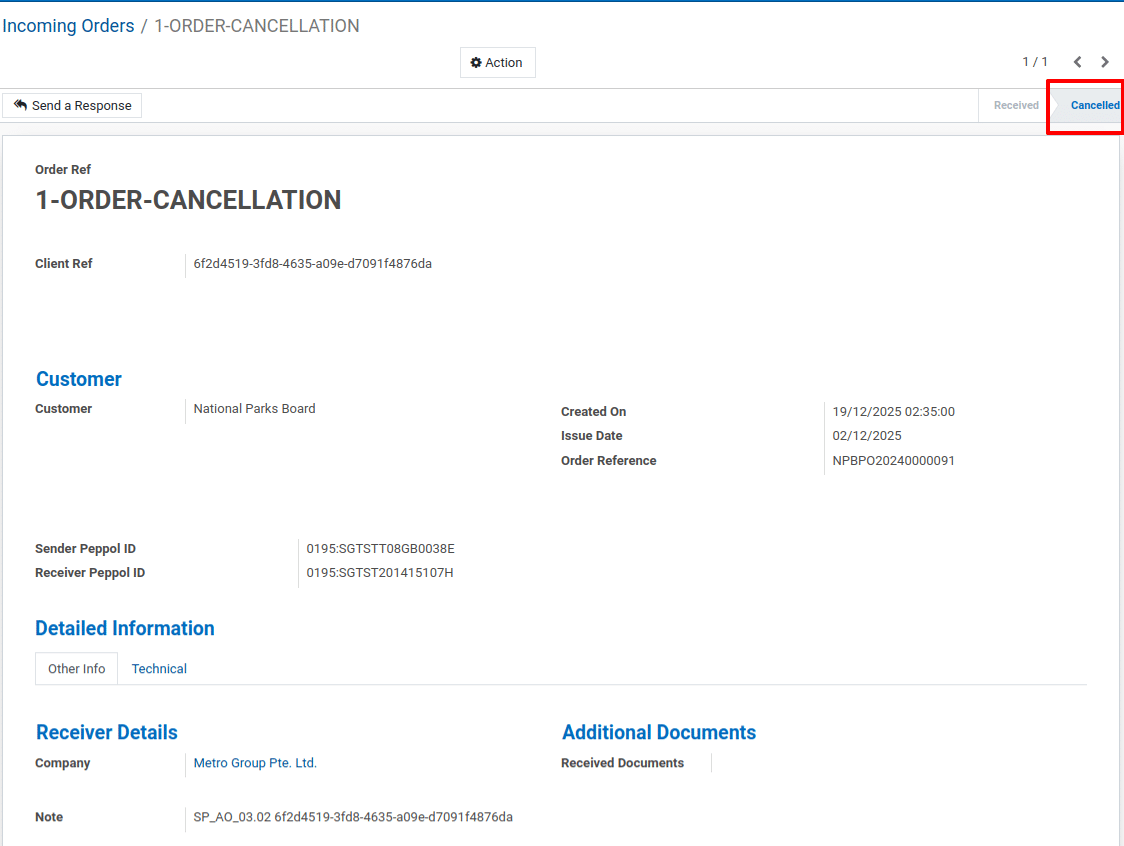
4) Incoming Order (Received via PEPPOL)
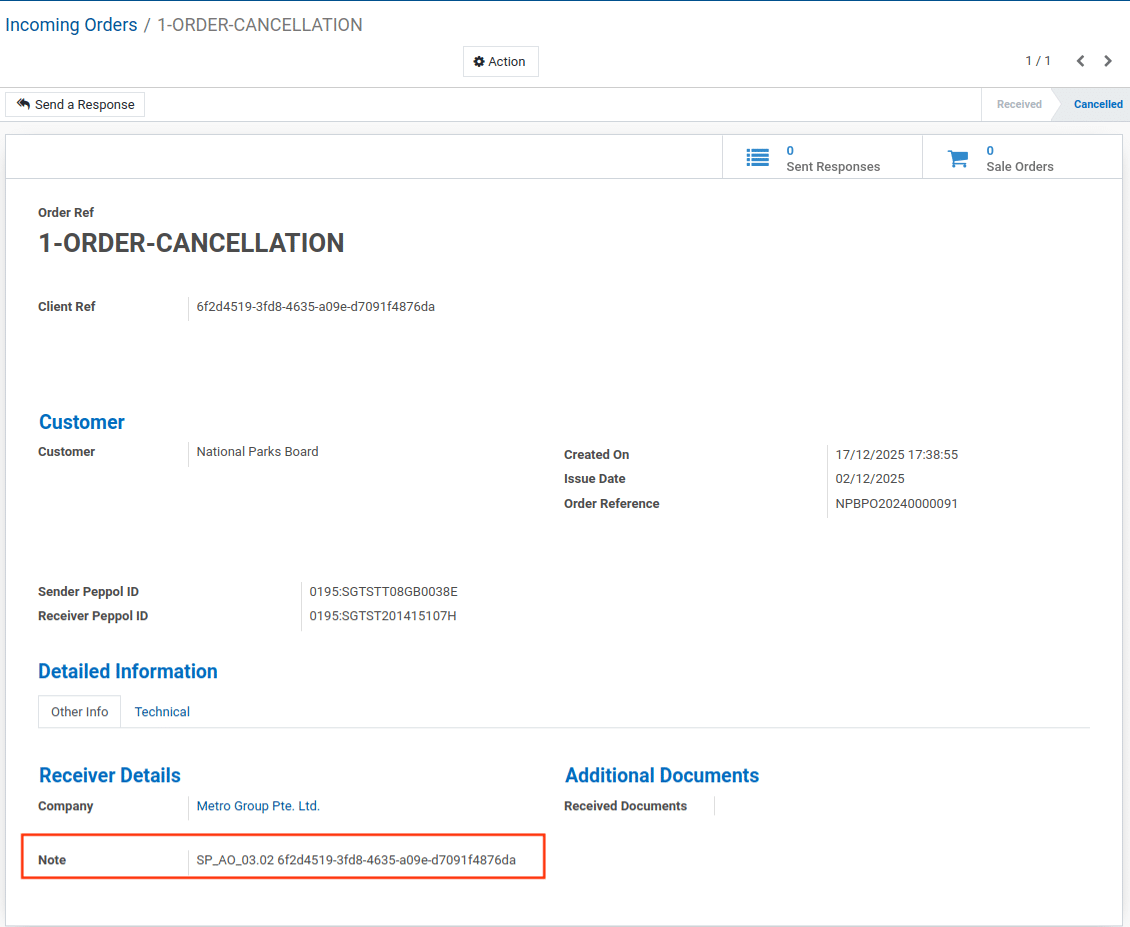
5) Flipped the Order.
Now, Click on the Cancel button.
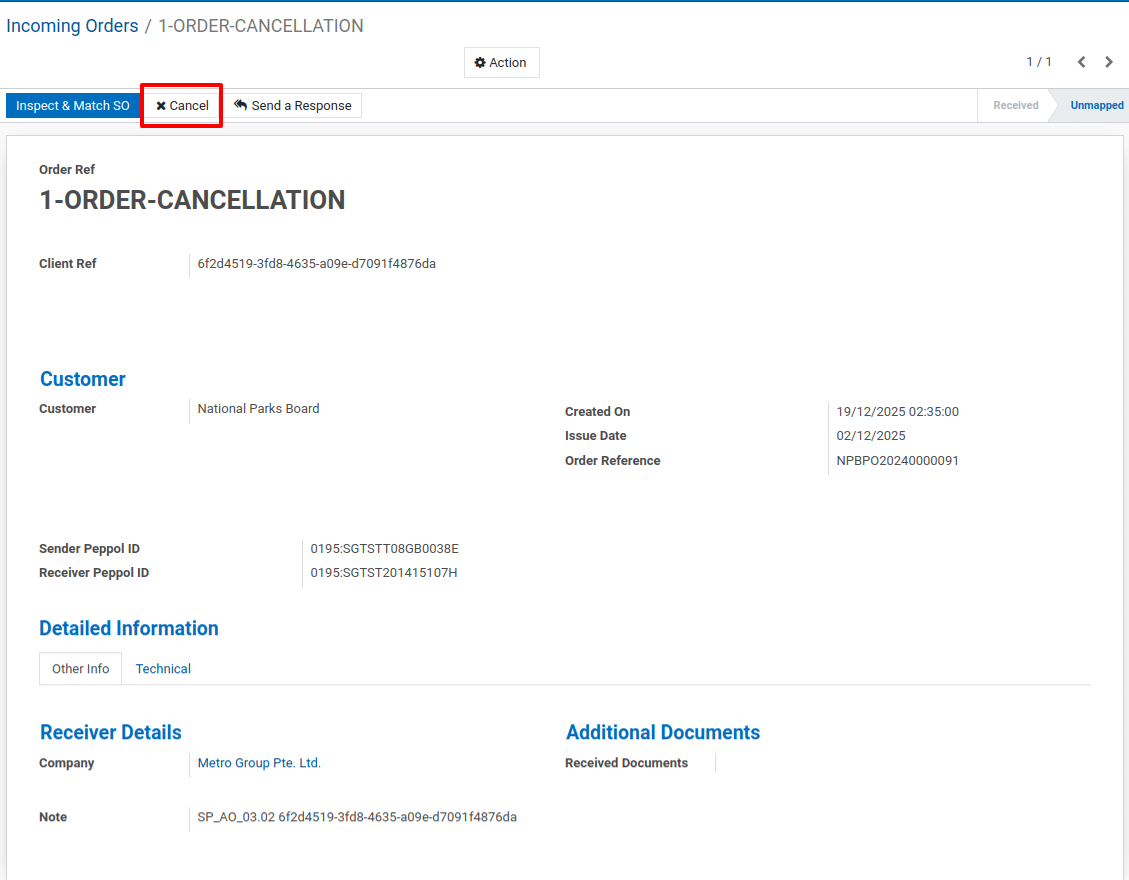
Order Cancellation.
To get more details how to create & send a Peppol Order Cancel to InvoiceNow, please do contact us at support@metrogroup.solutions