
In Metro, extracting and packaging non-PEPPOL purchase credit notes for GST InvoiceNow submission can be done using the following steps:
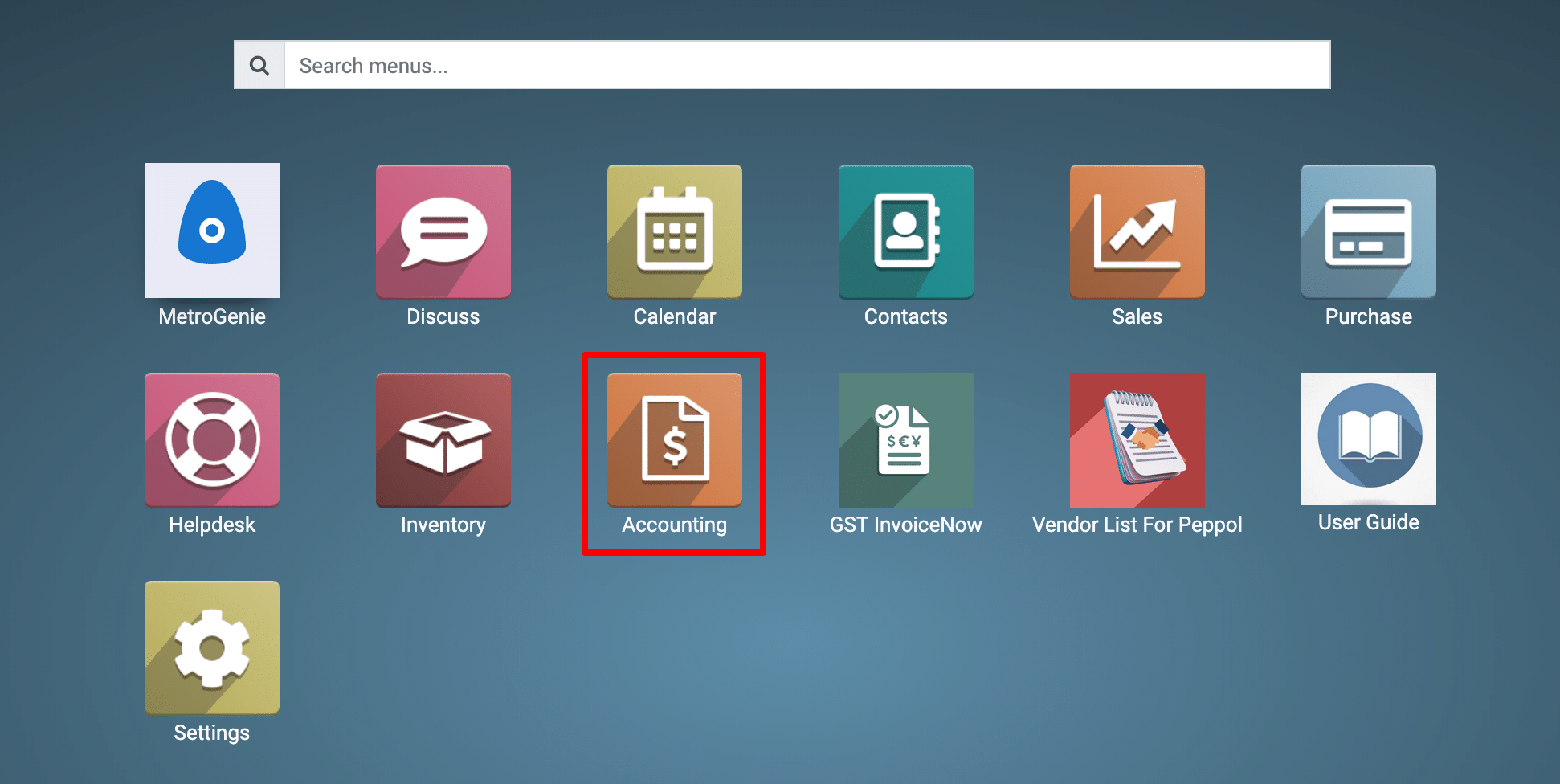
1) Go to the Accounting application by clicking on its icon in the main dashboard or by using the application menu.
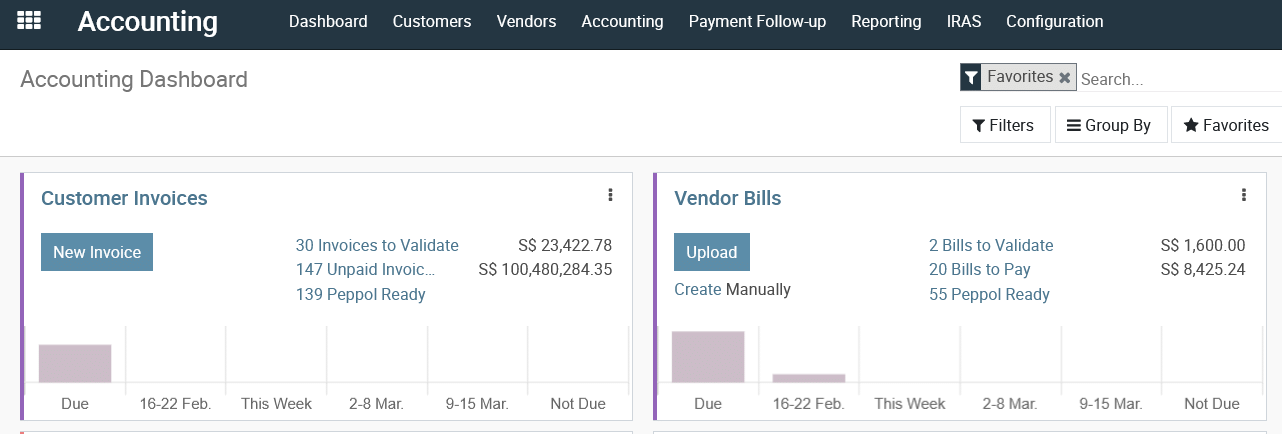
View Accounting Dashboard
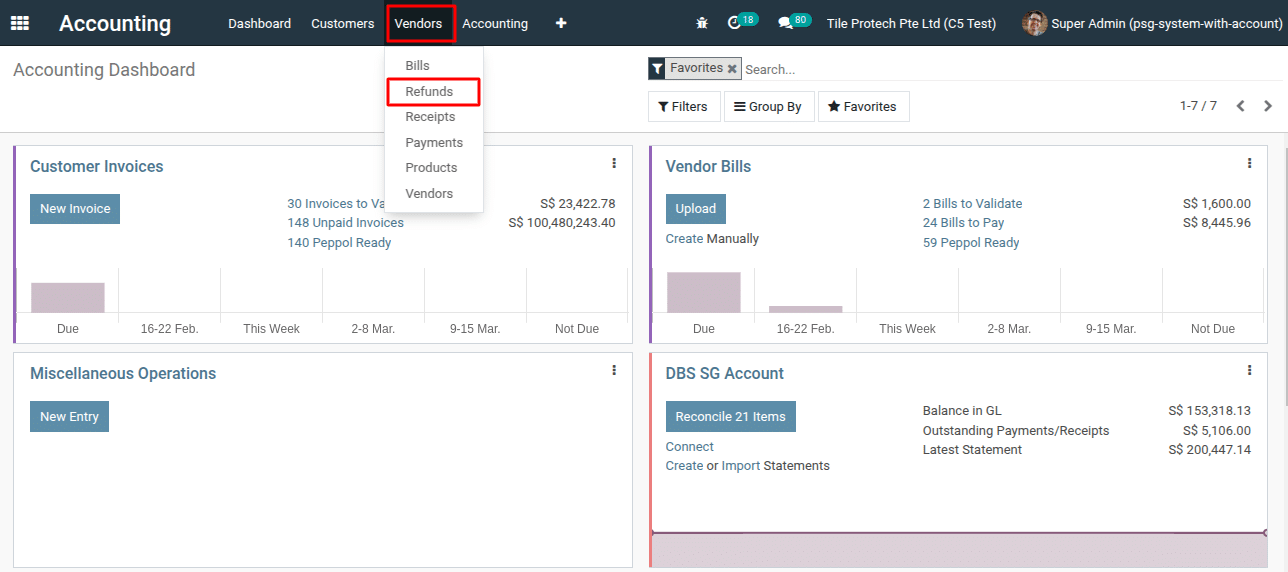
2) Navigate to the “Vendors >Refunds.”
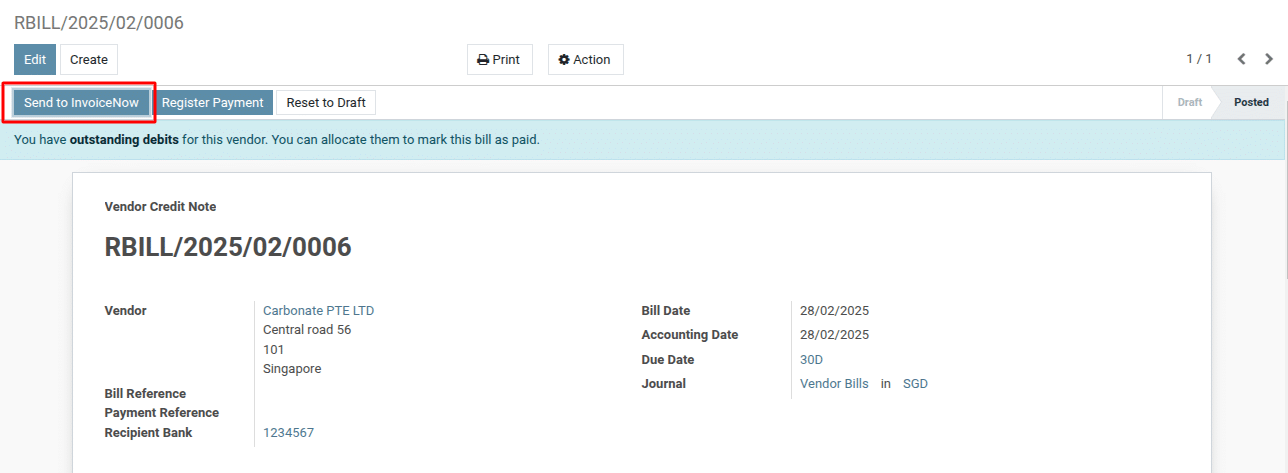
3) Select the purchase credit note from the list view for which you want to send to the GST InvoiceNow, and then click the “Send to InvoiceNow” button.
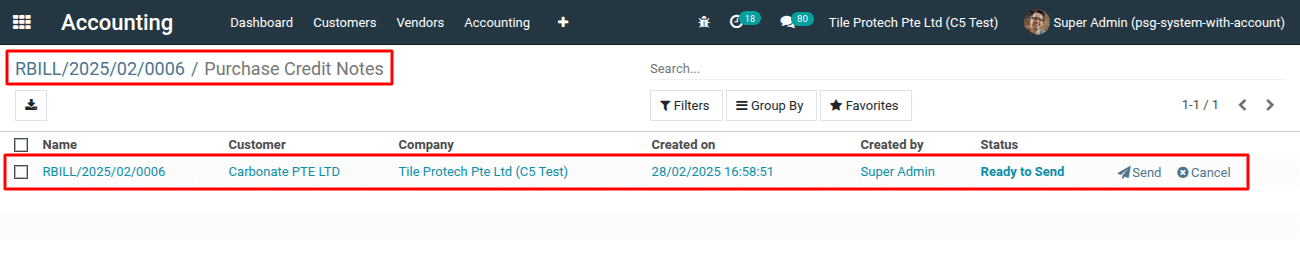
4) This action will open a list view. Next, click the “Send” button to send the purchase credit note.
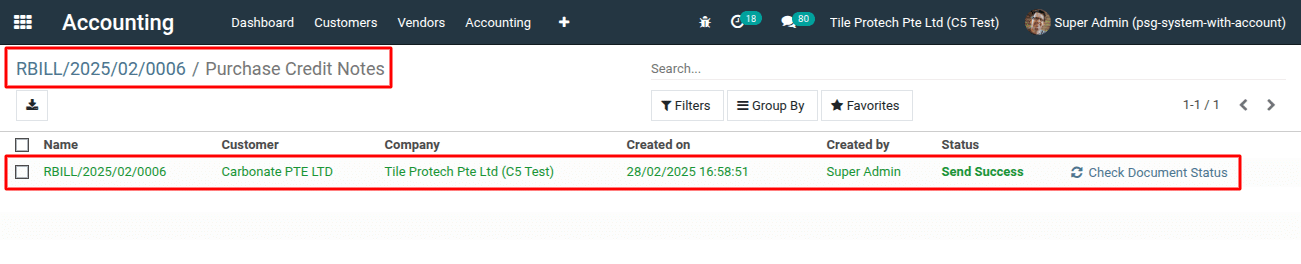
5) Check the status “Send Success”
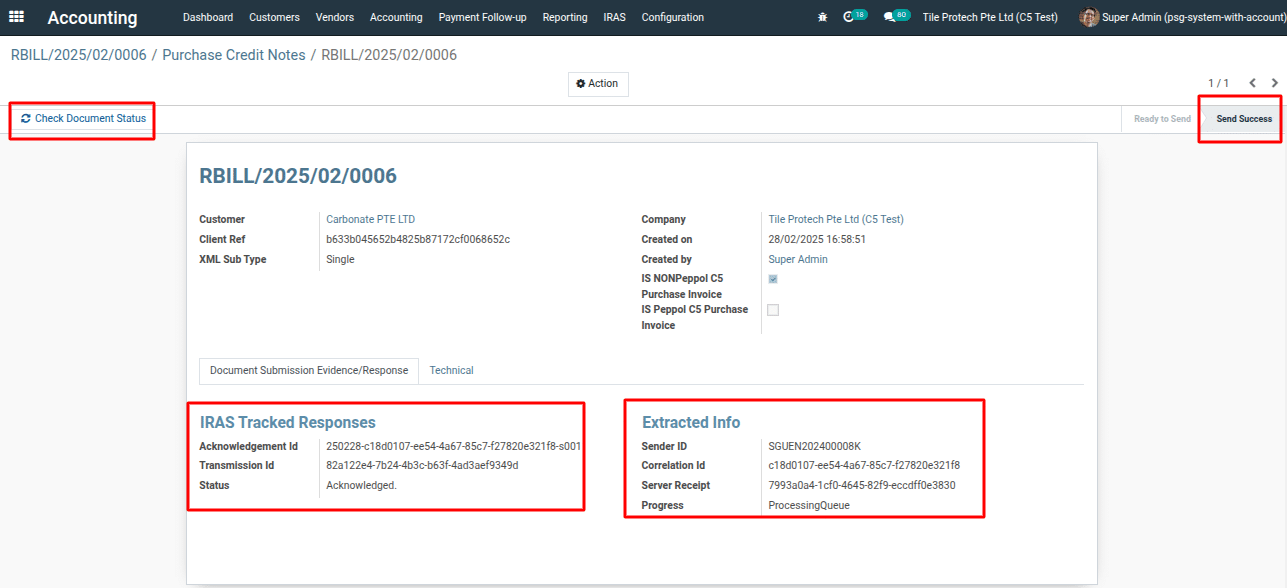
To get more details on how to extract and package non-peppol purchase credit notes for submission to GST InvoiceNow, please do contact us at support@metrogroup.solutions