
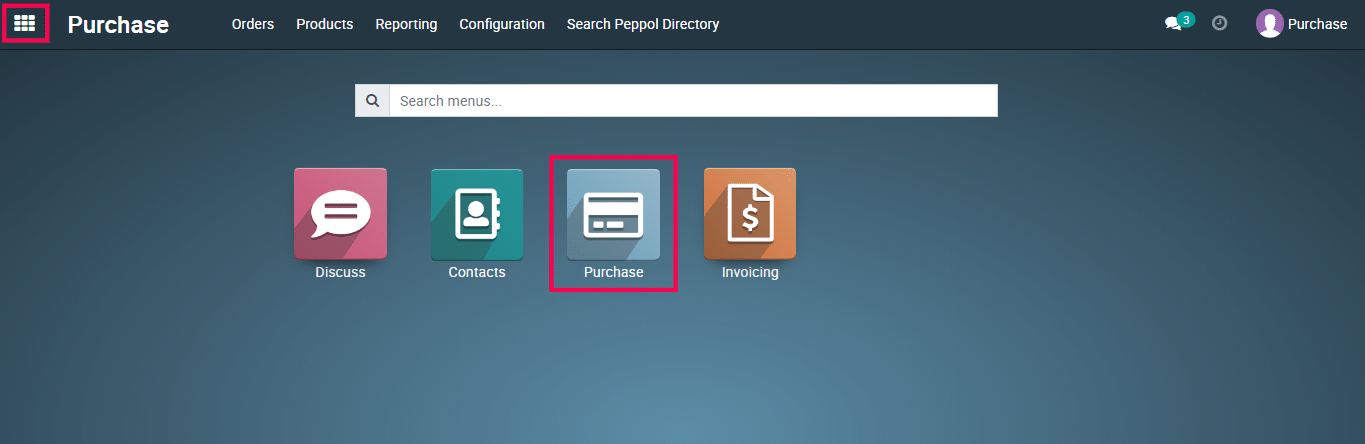
1) Select the Purchase module.
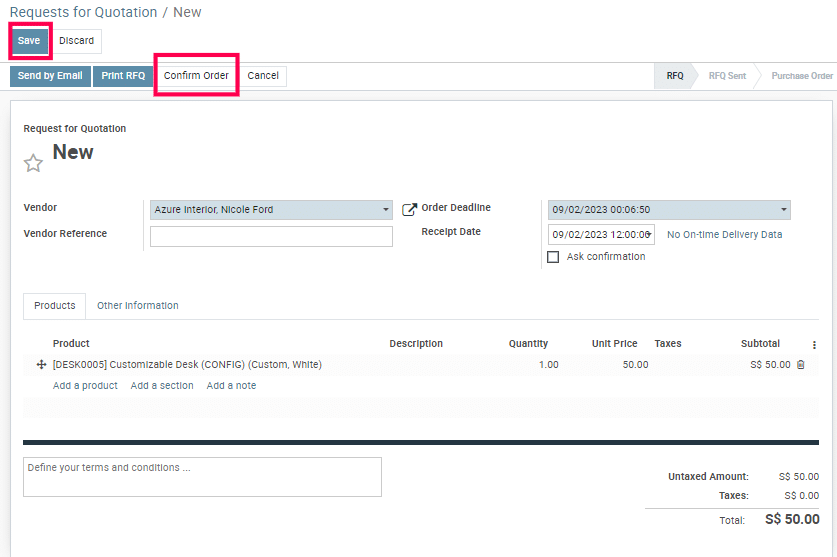
2) Create a purchase RFQ and confirm it.
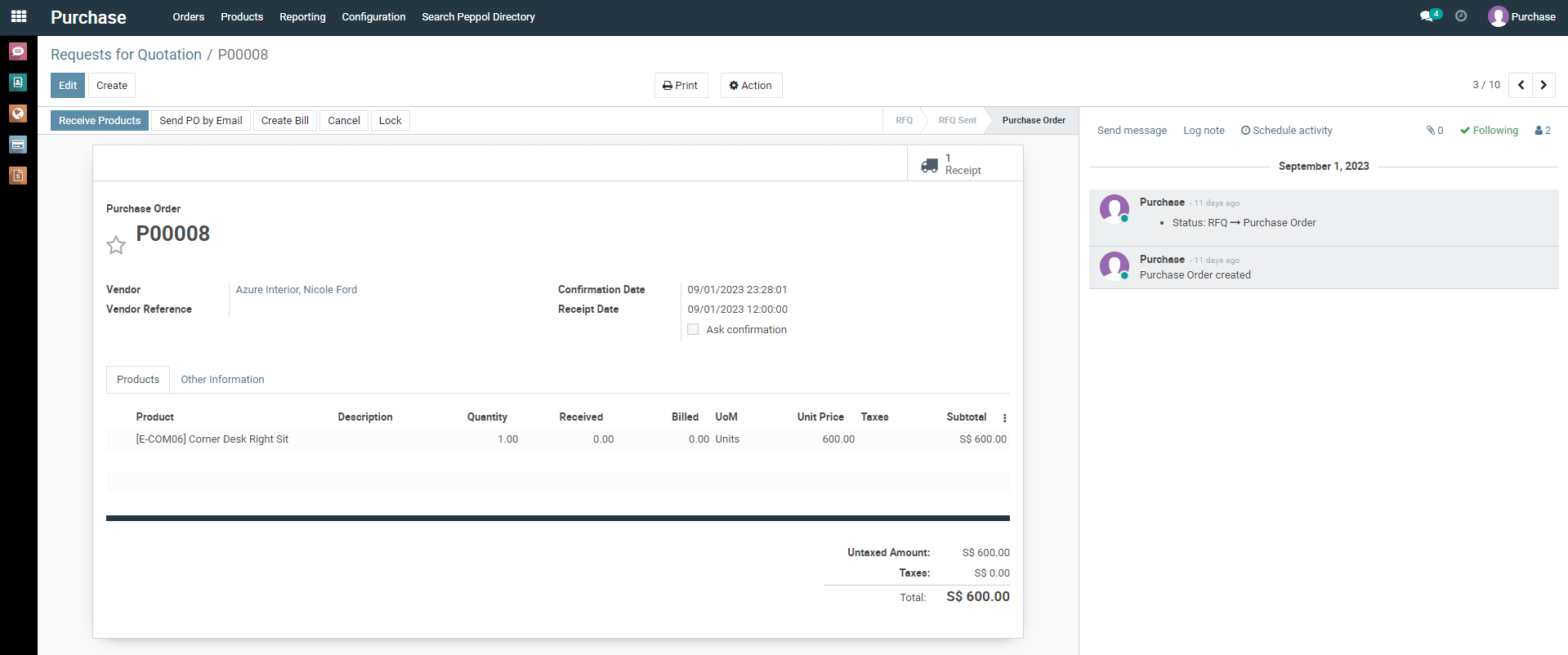
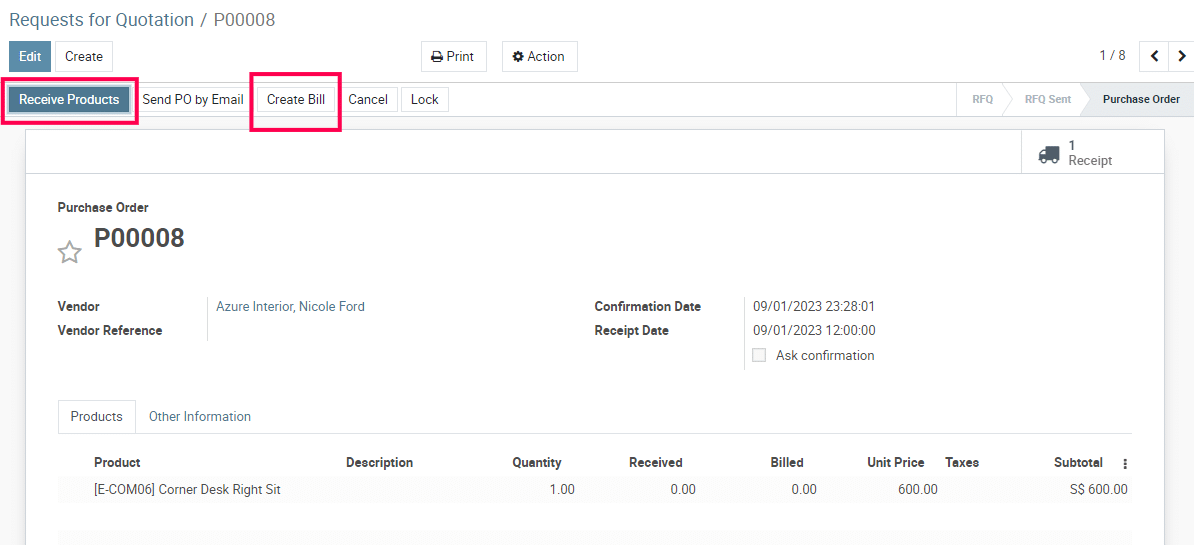
3) Receive the product.
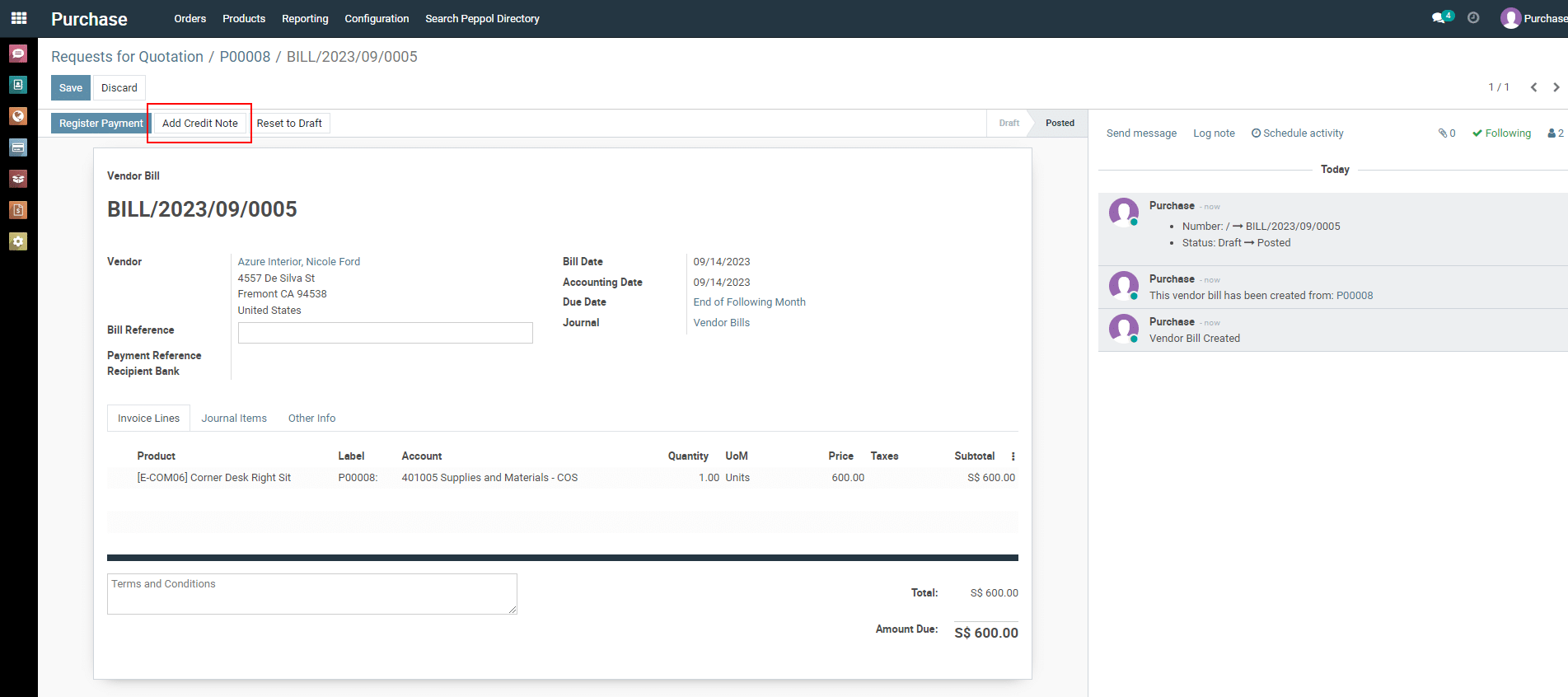
4) Create vendor bill and confirm it.
5) Click on the “ Add Credit note “.
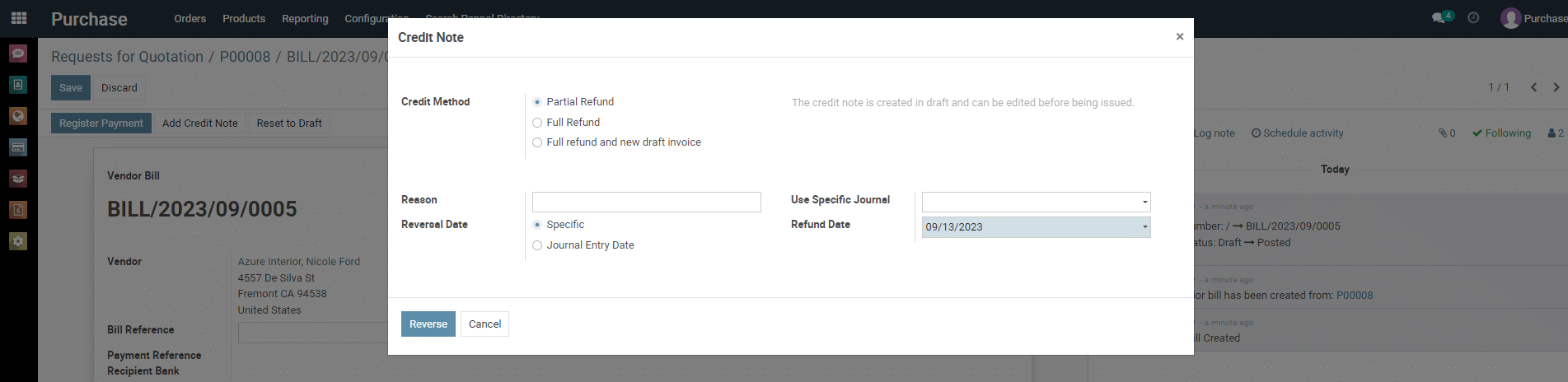
6) Now a pop-up will open. Select type of refund [e.g, partial/full refund etc..].
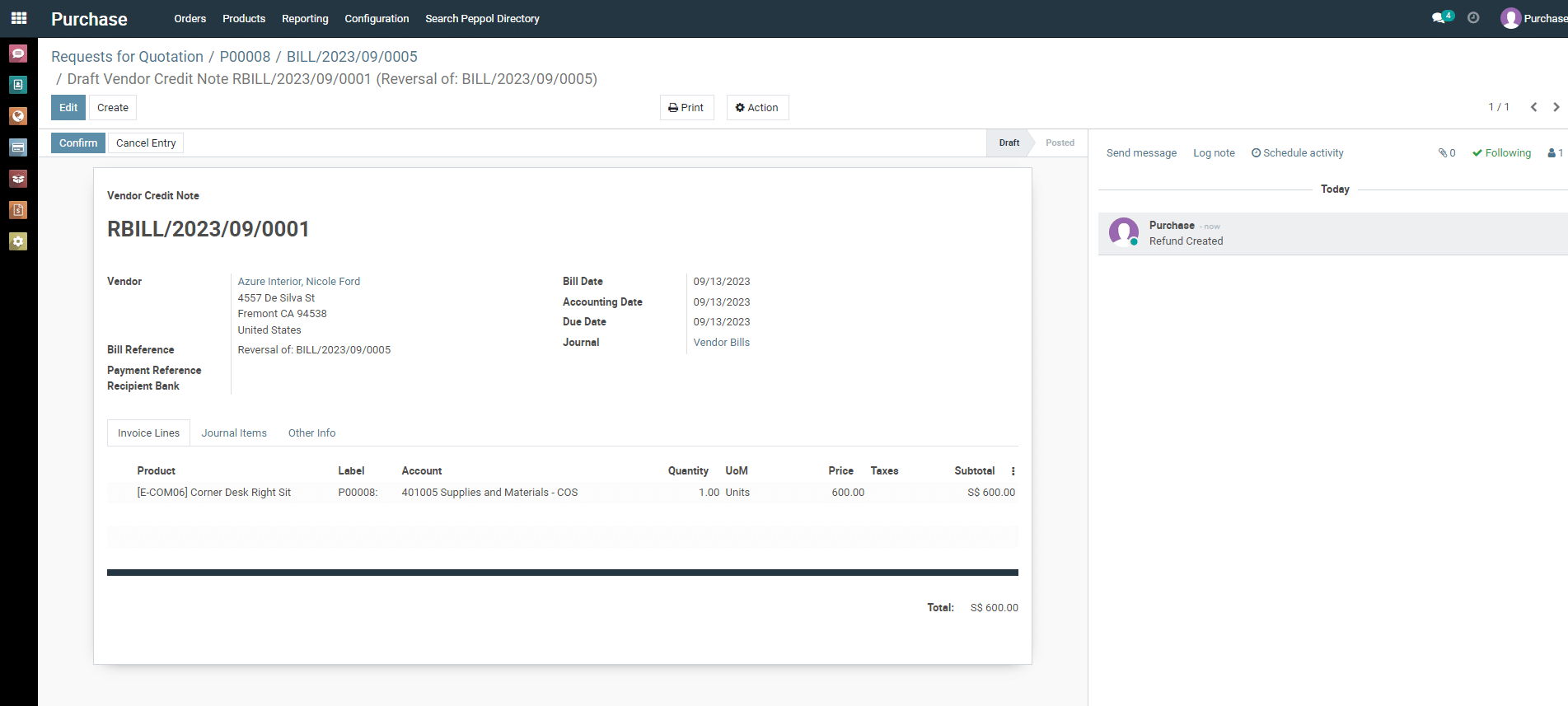
6) Click on “ Confirm ” button.
To get more details on how to use the Purchase module, please do contact us at support@metrogroup.solutions