
In Metro, extracting and packaging non-PEPPOL purchase invoices for GST InvoiceNow submission can be done using the following steps:
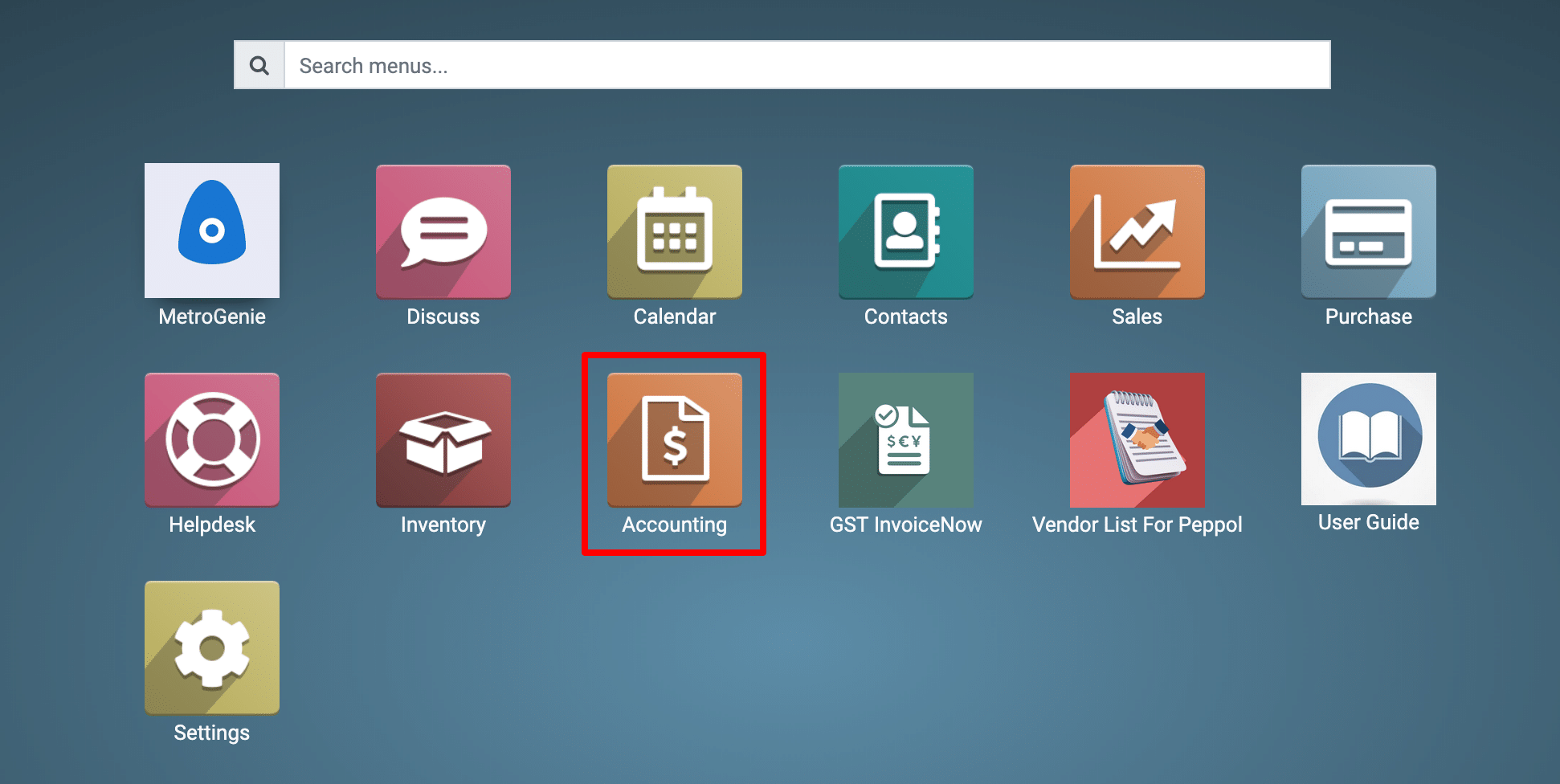
1) Go to the Accounting application by clicking on its icon in the main dashboard or by using the application menu.
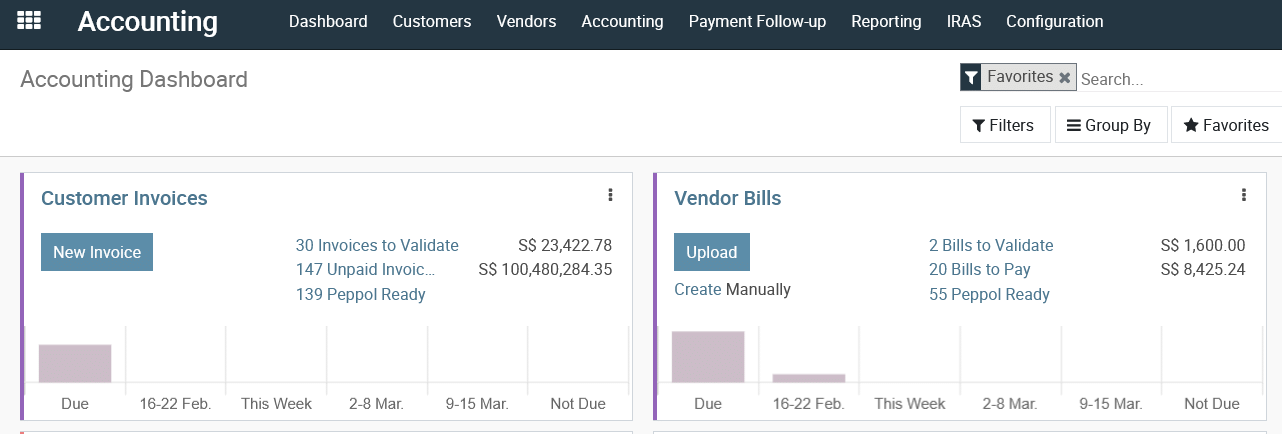
View Accounting Dashboard
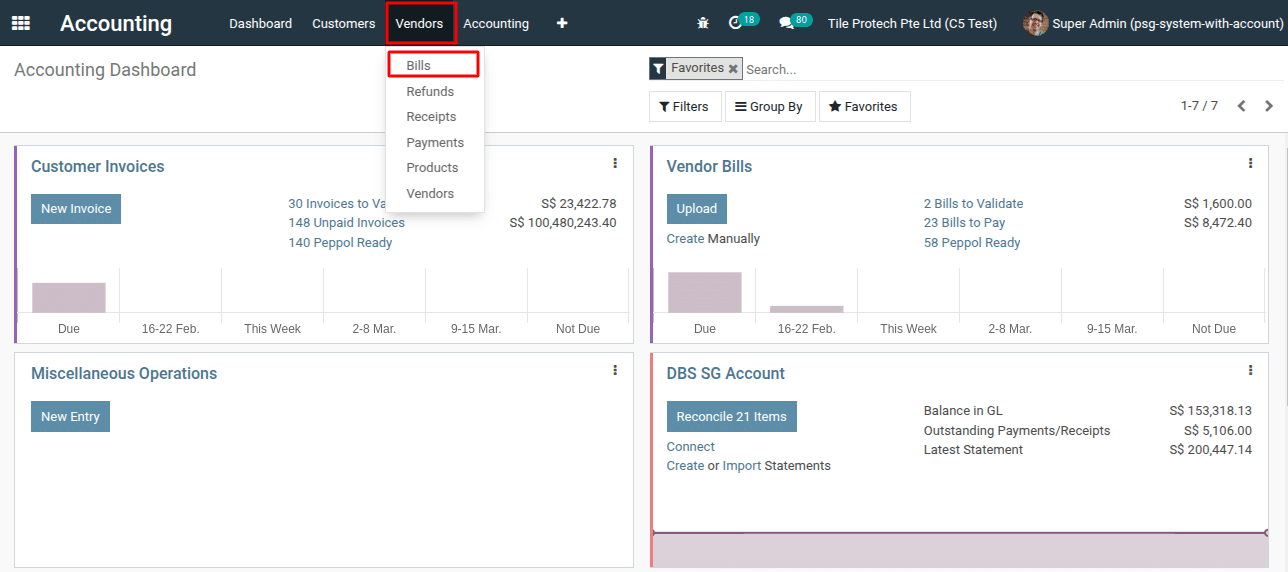
2) Navigate to the “Vendors >Bills.”
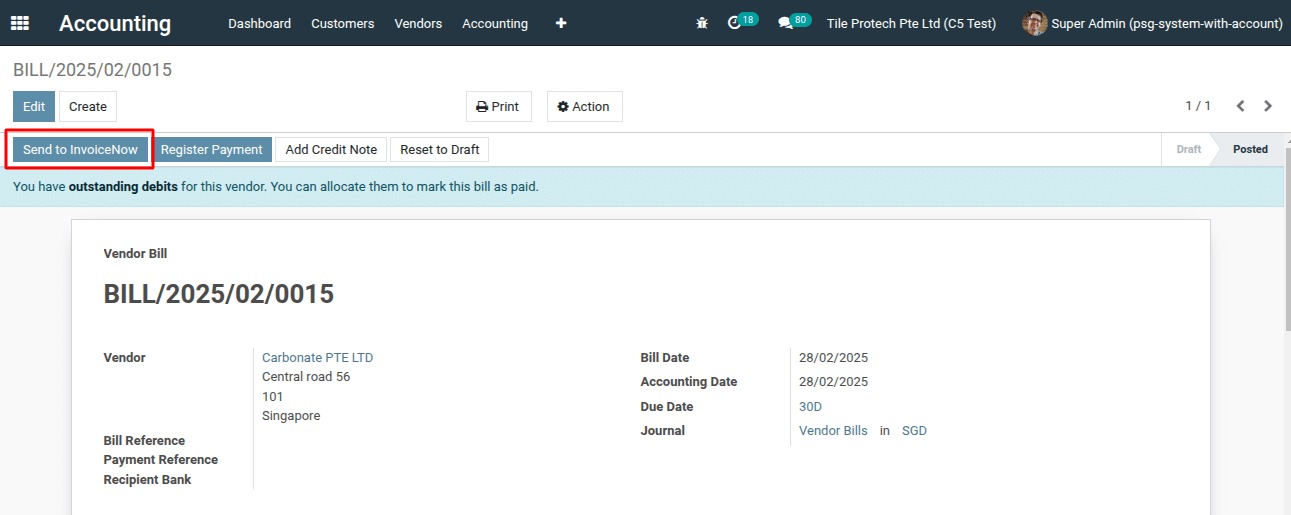
3) Select the Bill from the list view for which you want to send to the GST InvoiceNow, and then click the “Send to InvoiceNow” button.
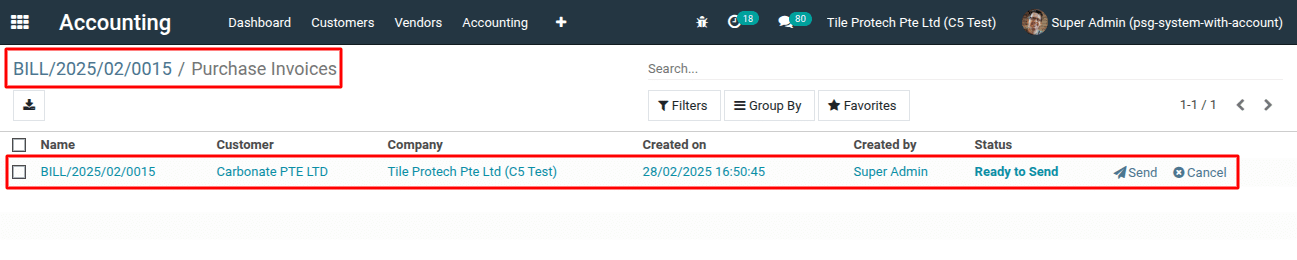
4) This action will open a list view. Next, click the “Send” button to send the Bill.
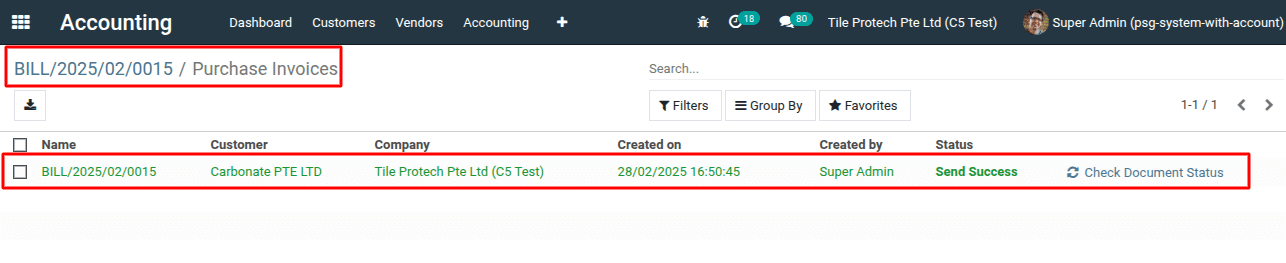
5) Check the status “Send Success”.
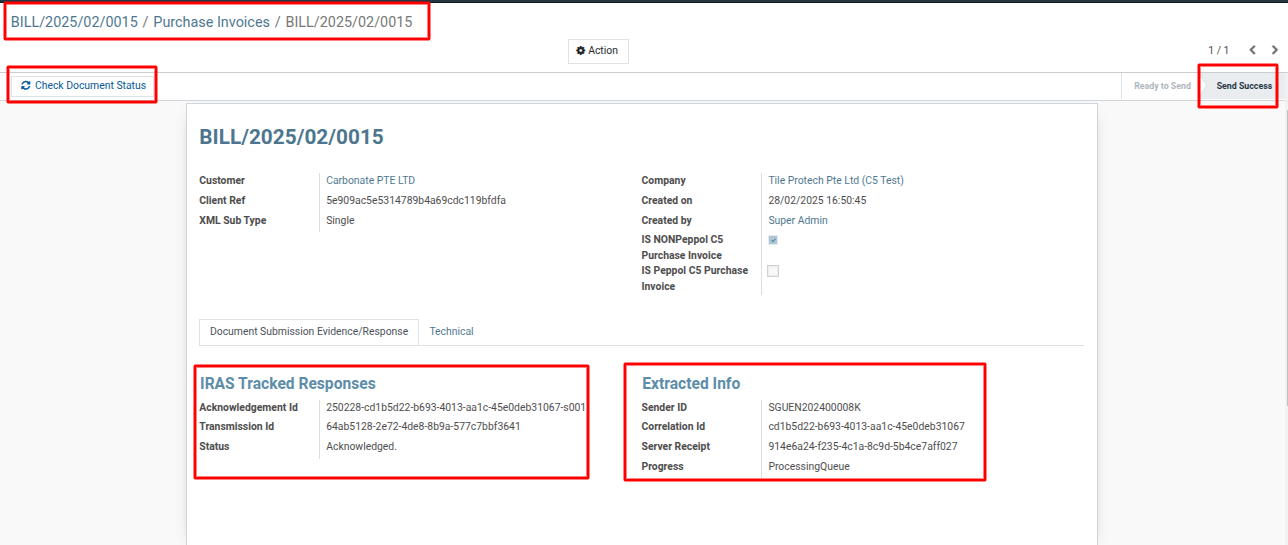
To more details on how to extract and package non-peppol purchase invoices for submission to GST InvoiceNow, please do contact us at support@metrogroup.solutions