
To create a journal entry in Metro ERP’s Accounting App, follow these steps:
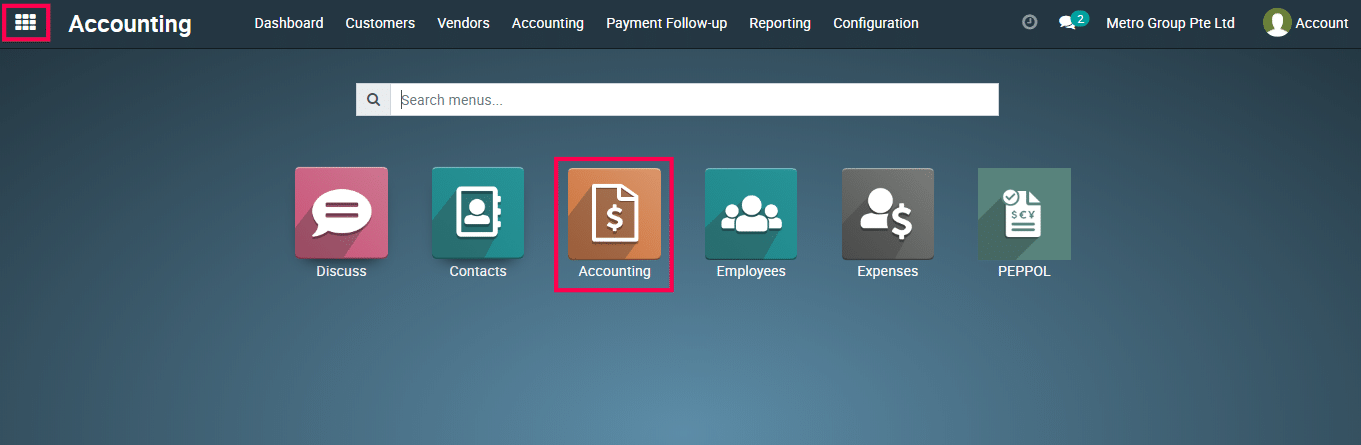
1) Go to the ‘Accounting’ module.
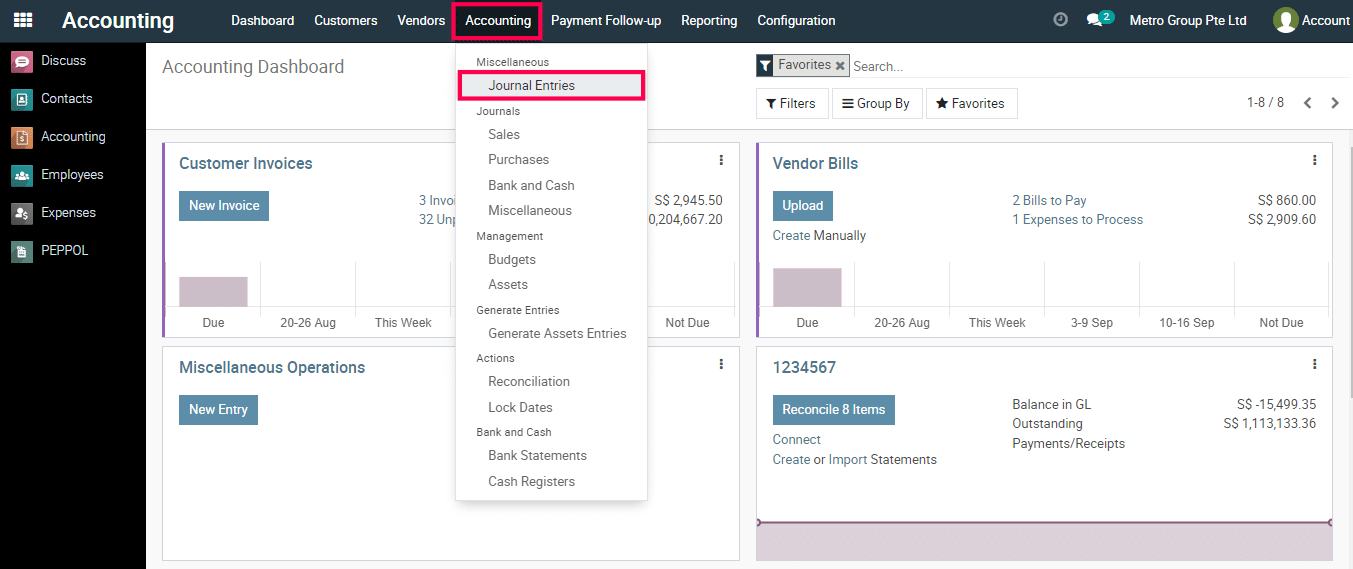
2) Go to ‘Journal Entries’.
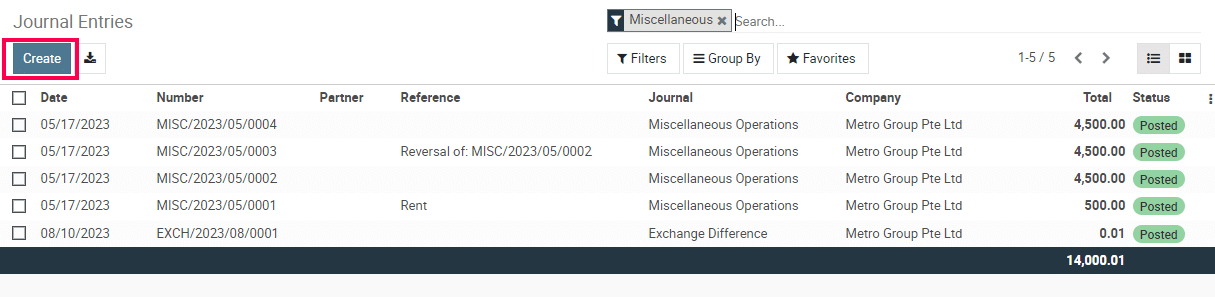
3) Click on the Create Button.
4) Select the journal, enter the date, and provide a reference if needed. Add line items with accounts, debit and credit amounts, and descriptions.
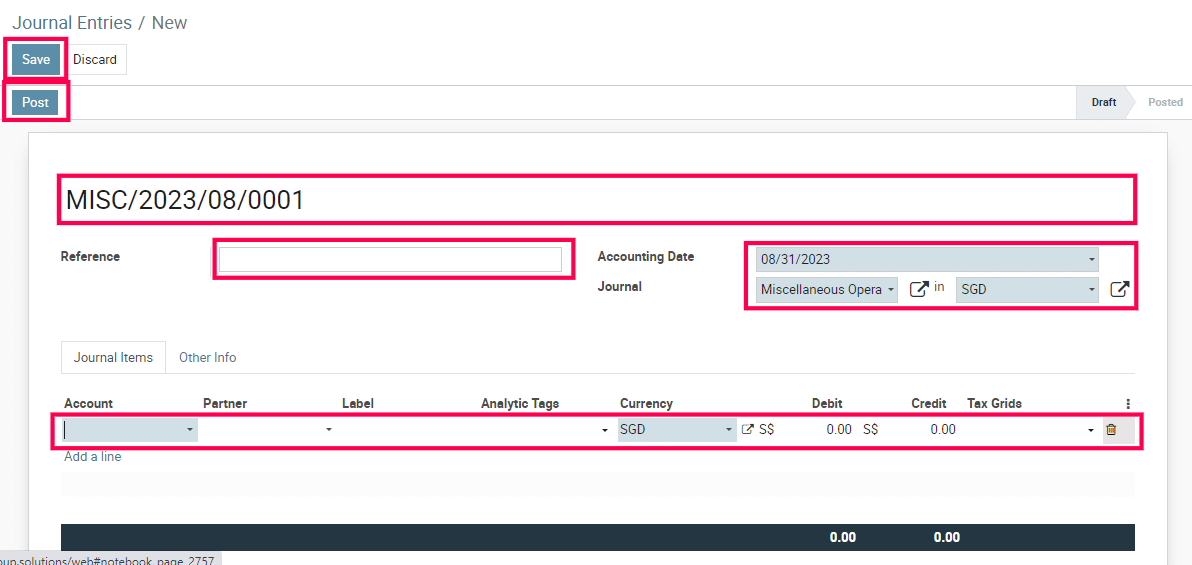
5) Validate and save the journal entry.
To get more details to create a journal entry, please do contact us at support@metrogroup.solutions