
To create an analytic item in Metro ERP’s Accounting App, follow these steps:
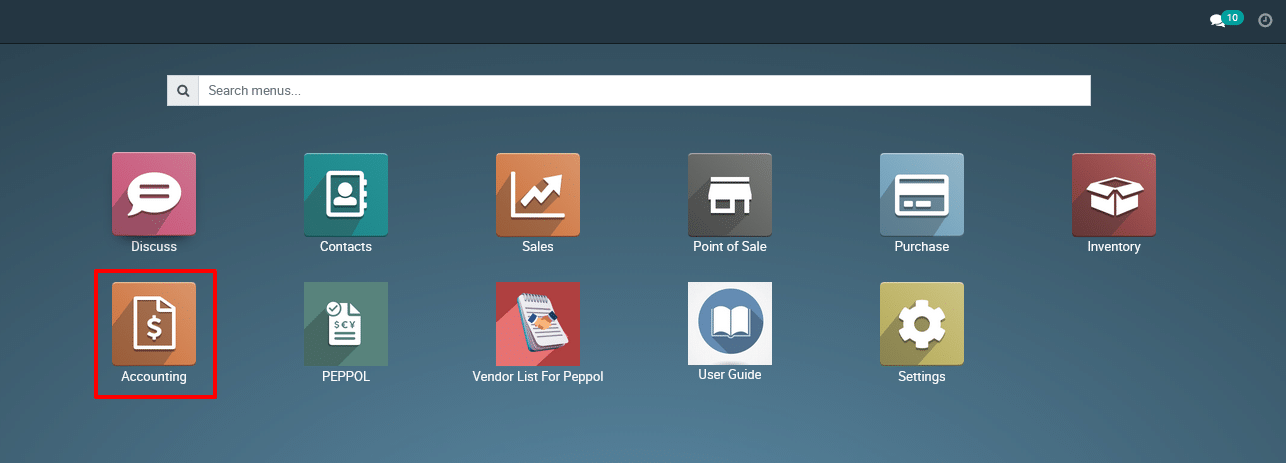
1) Go to the ‘Accounting’ module.
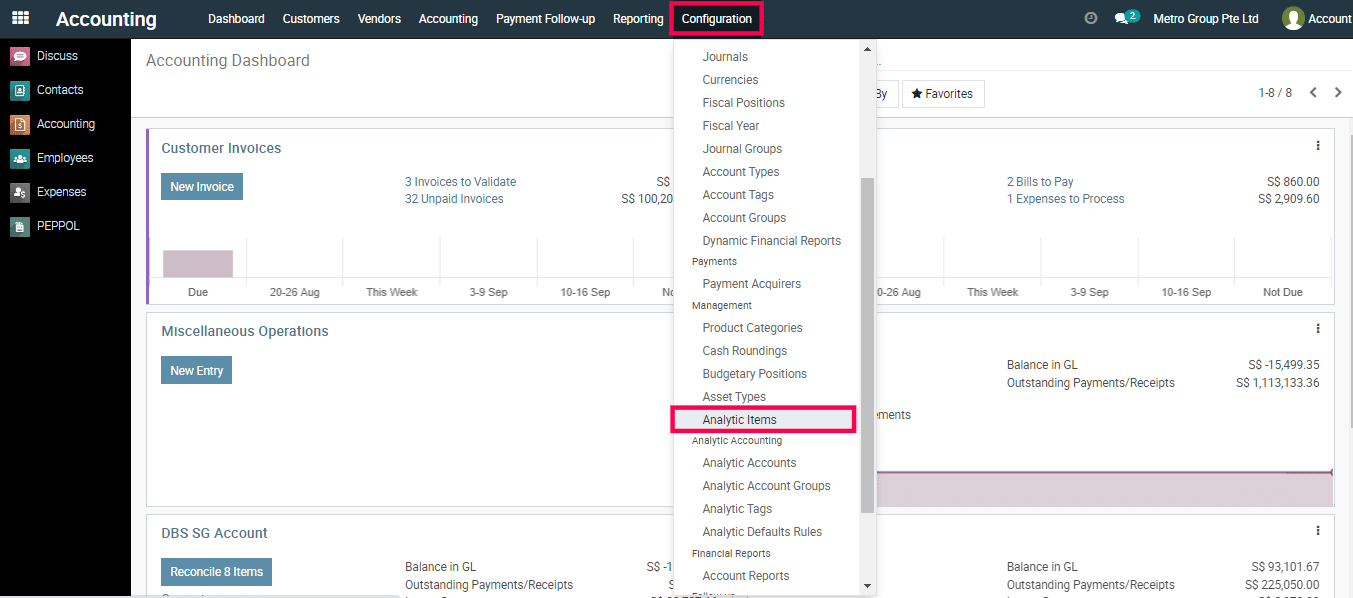
2) Navigate to ‘Configuration’ > ‘Analytic Items.’
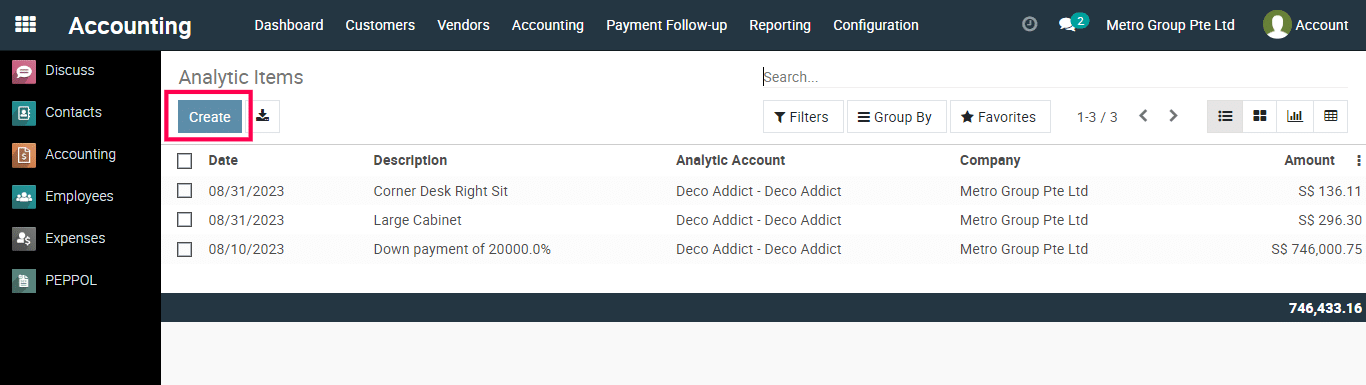
3) Click ‘Create’ to add a new analytic item.
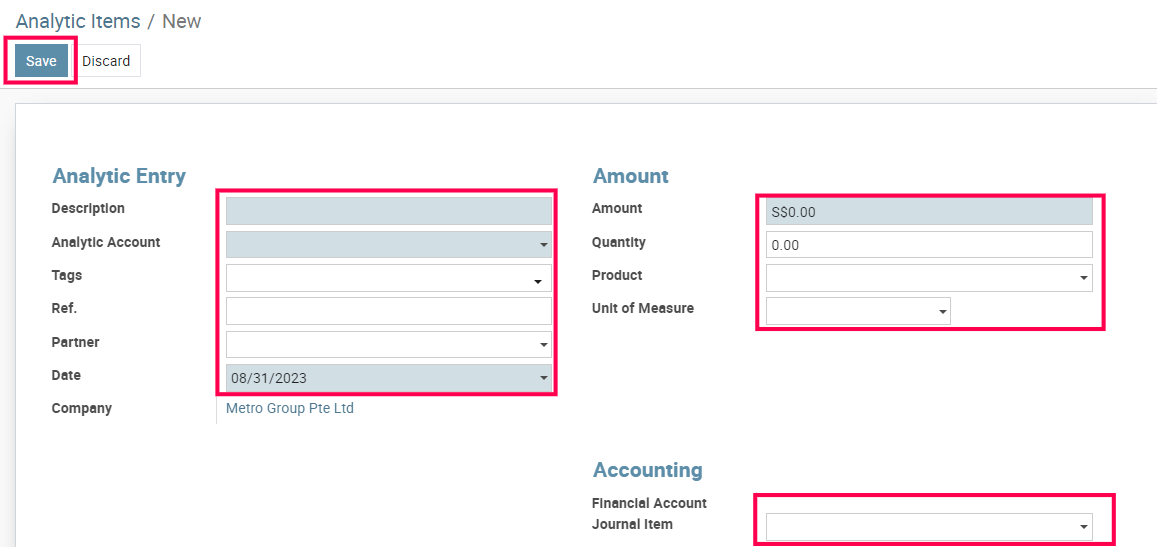
4) Provide a description, analytic account, tags, partner, date, amount, quantity, product and so on.
5) Save the analytic items.
To get more details to create an analytic item, please do contact us at support@metrogroup.solutions