
To setup document template in the Metro ERP system,
Step 1: Login into the system.
Step 2: Go to the settings.
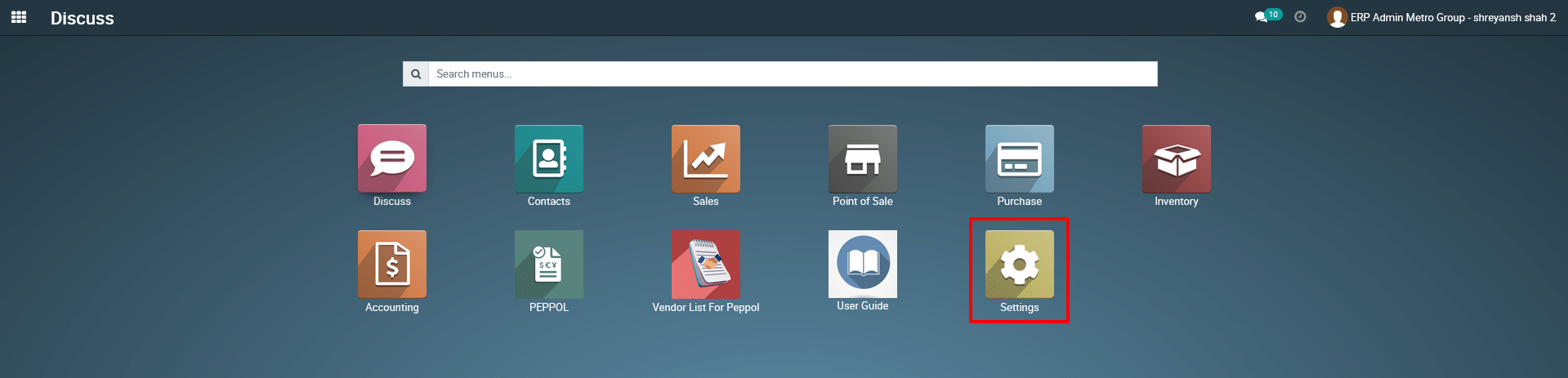
Step 3: Search by “Document” in the search box.
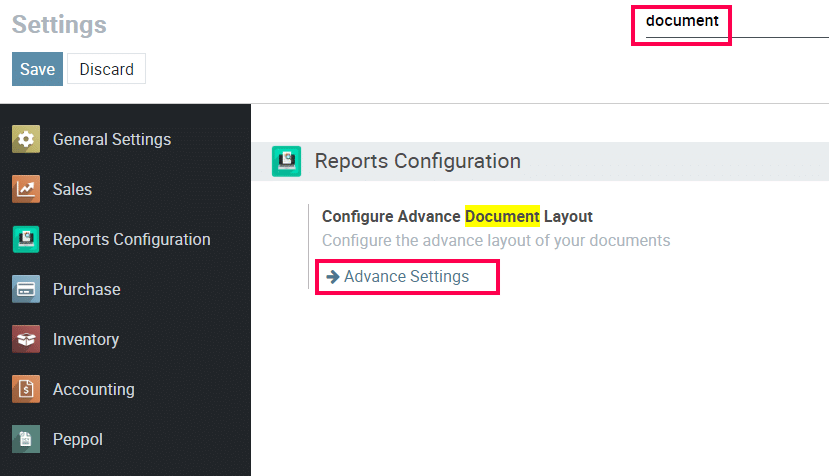
Step 4: Click on “Advance settings”
Step 5: Click the document which you want to configure.
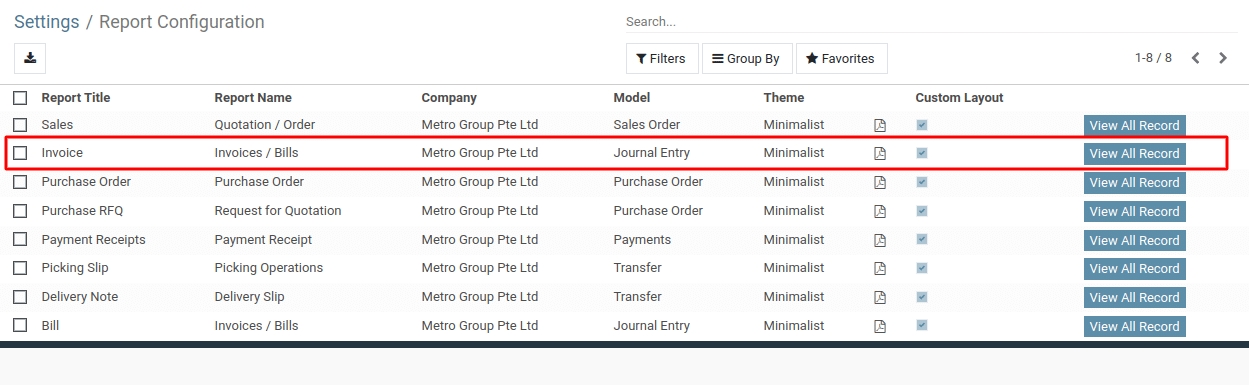
Step 6: Click on “Edit” button.
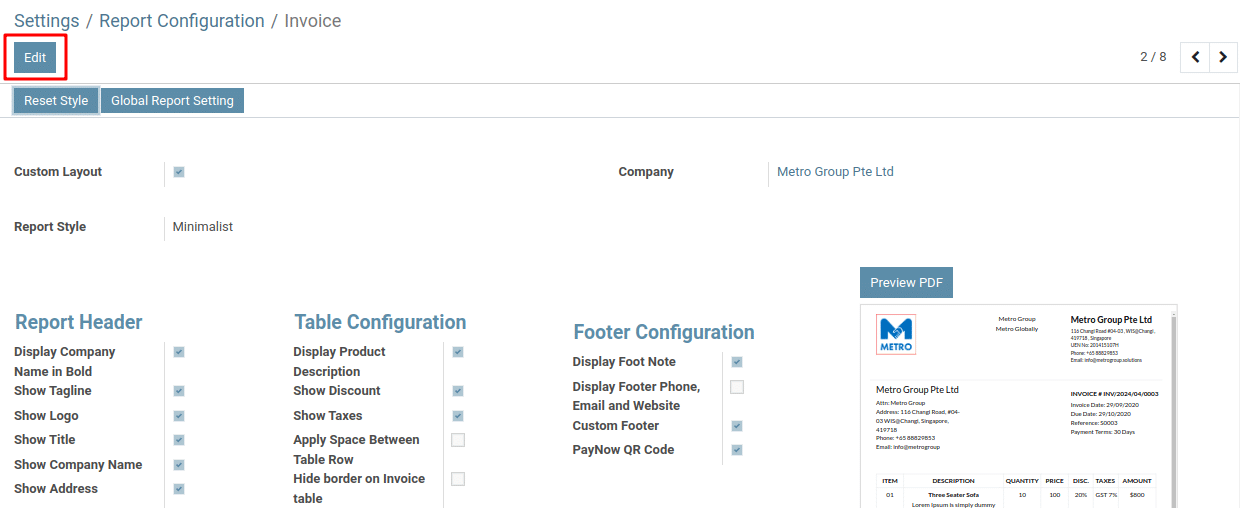
Step 7: Select different report style and setup the report layout as per your convenience.
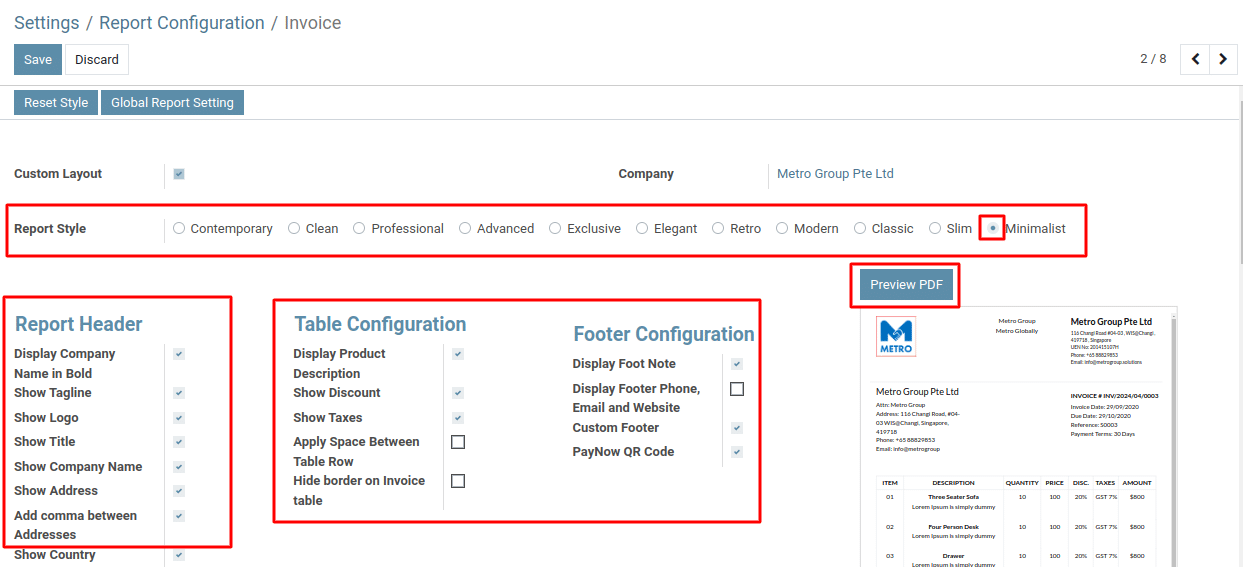
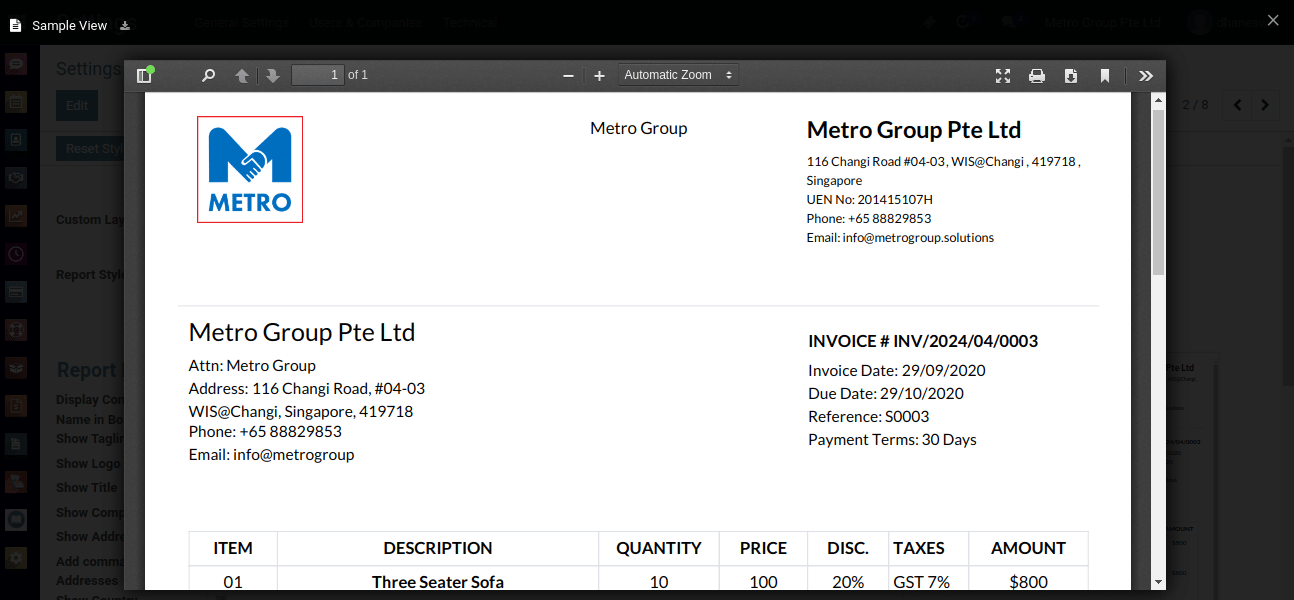
Step 8: Once done, click the “Save” button. Next, click the “Preview PDF” button on the right-hand side to see a preview of your report.
To get more details on how to set up the document templates, please do contact us at support@metrogroup.solutions