
A
putaway rule is a configuration in the Metro ERP Inventory Management
module that specifies the logic and standards for automatically
deciding where new products should be stored or put away in the
warehouse.
1) Log
in to your Metro ERP system using your credentials.
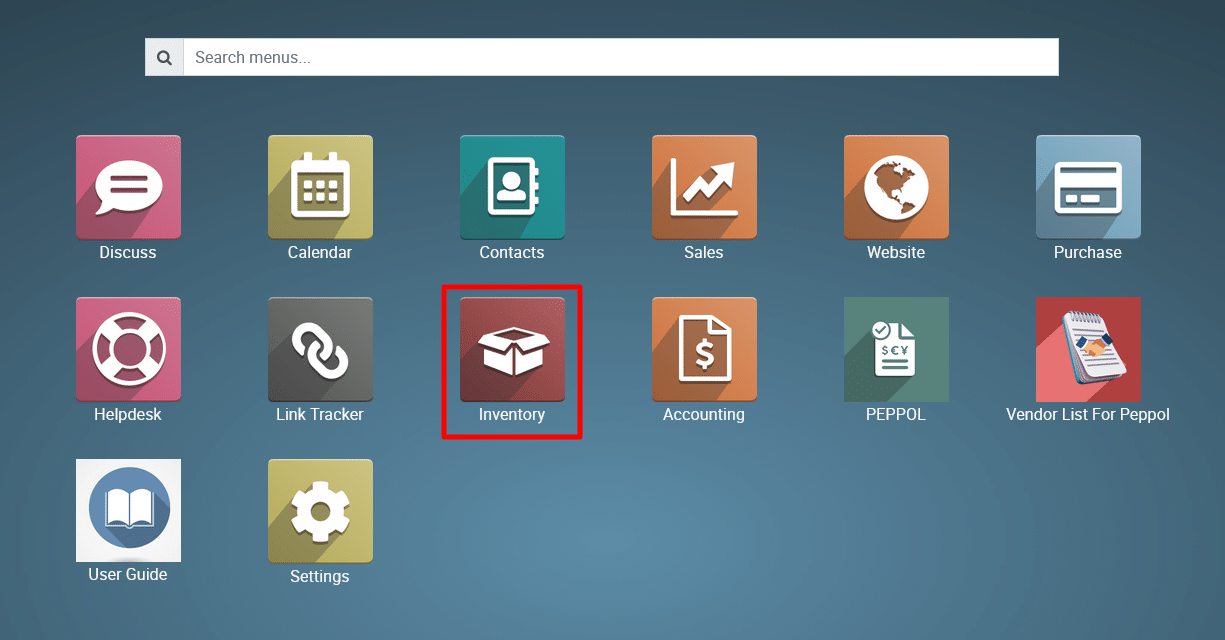
2) Navigate
to the Inventory Module.
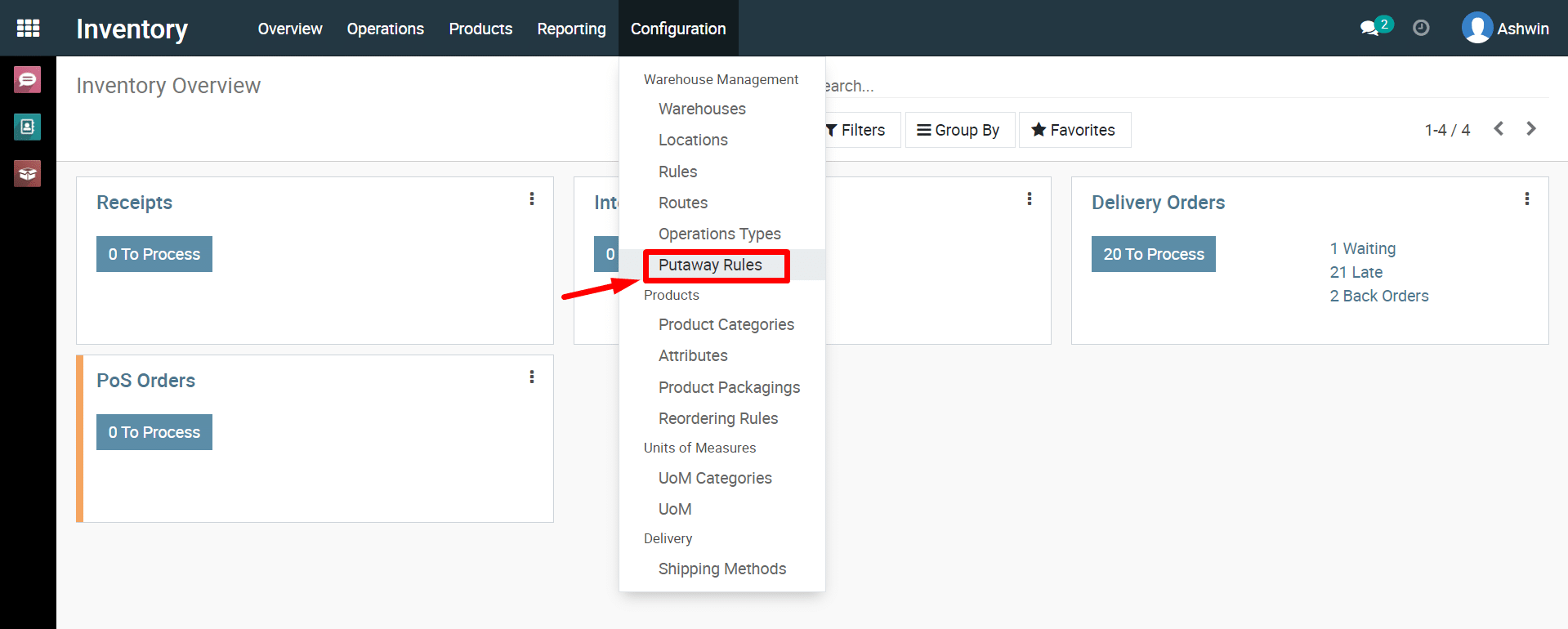
3) Click
on Configuration and then select ‘Putaway Rules’.
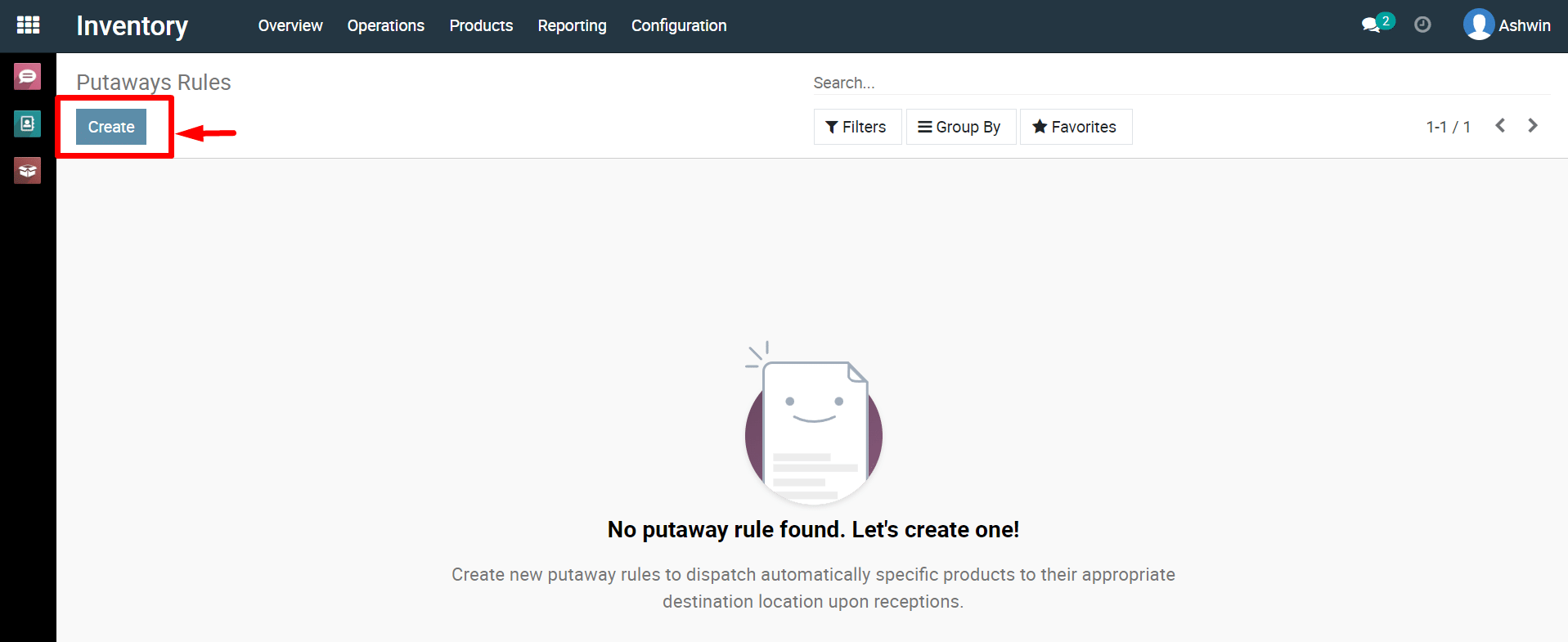
4) Click
on ‘Create’ button.
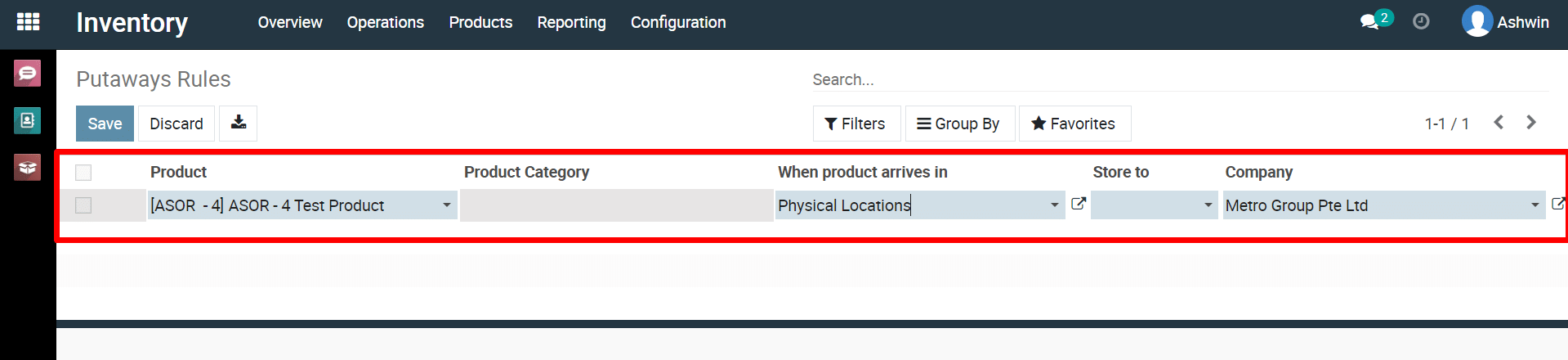
5) Fill
in the details and click the ‘Save’ button.
To configure put-away rules in inventory, please do contact us at support@metrogroup.solutions