
In Metro, you cannot directly delete (Archive) a Warehouse or Location if it has been used in any transaction (stock moves, pickings, quants, etc.). Instead, Metro follows a soft-delete / archive approach.
Remove (Archive) a Warehouse.
1) Navigate
to the Inventory Module.
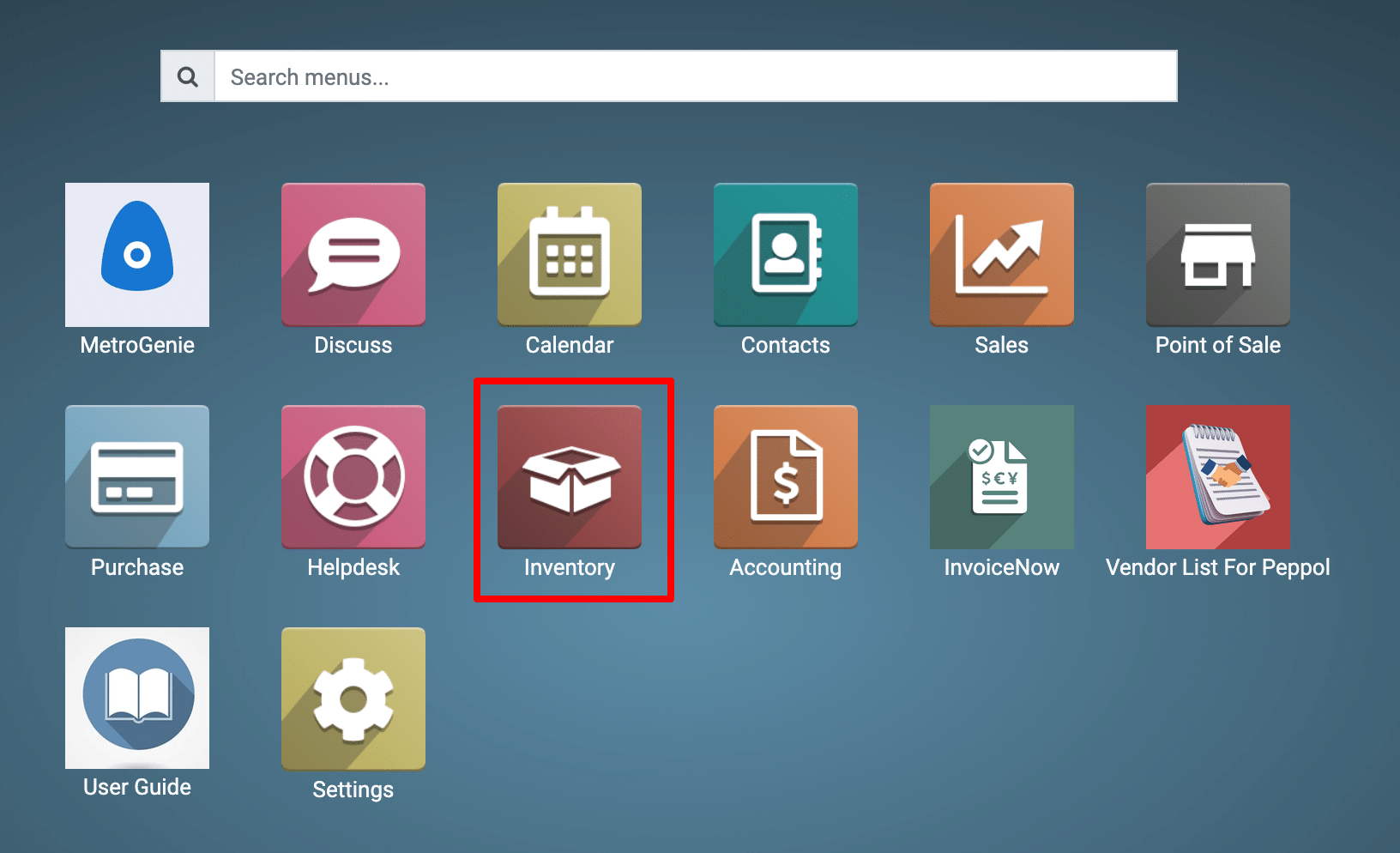
2) Click
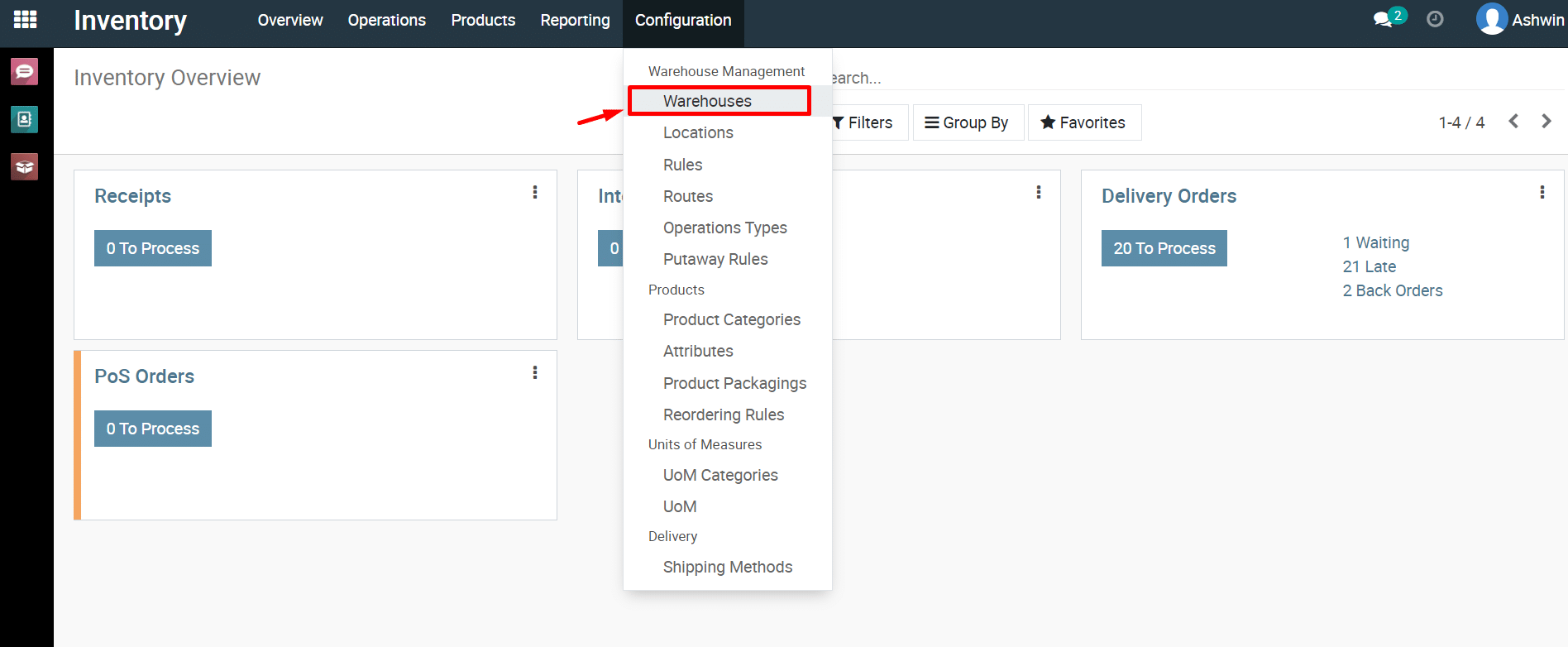
on Configuration and then select Warehouses.
Go to Inventory → Configuration → Warehouses

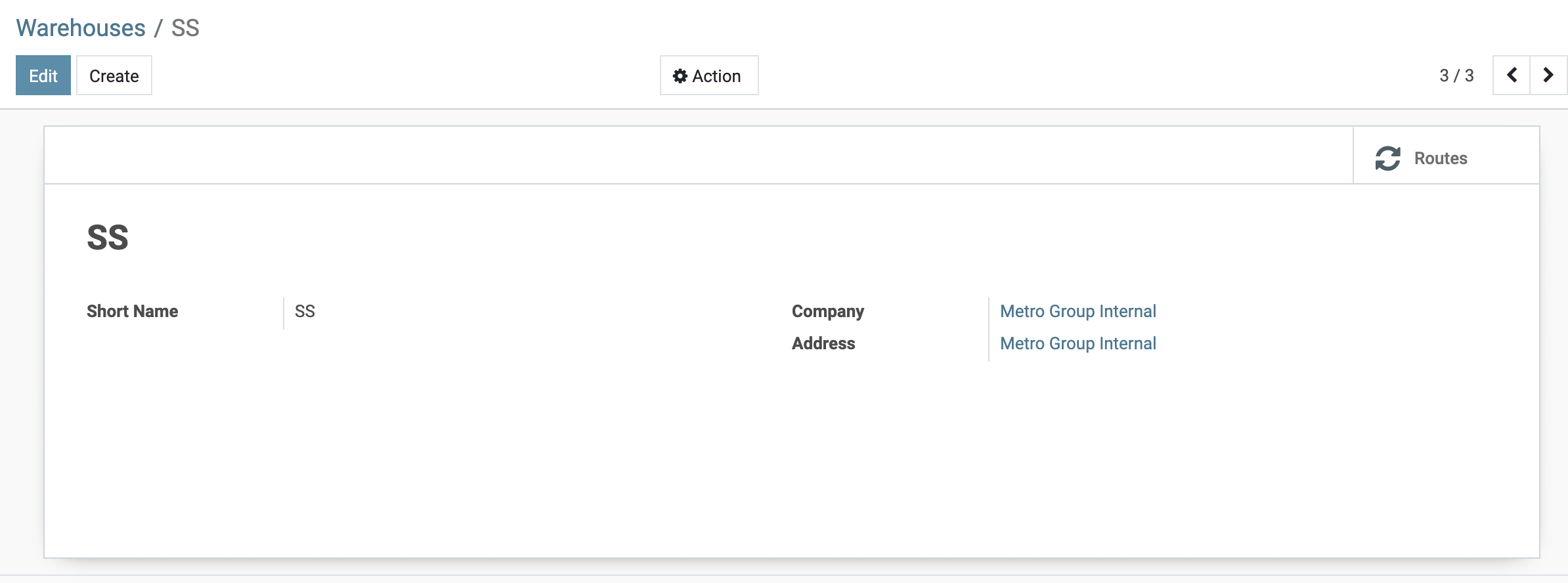
3) Click and View the Warehouse.
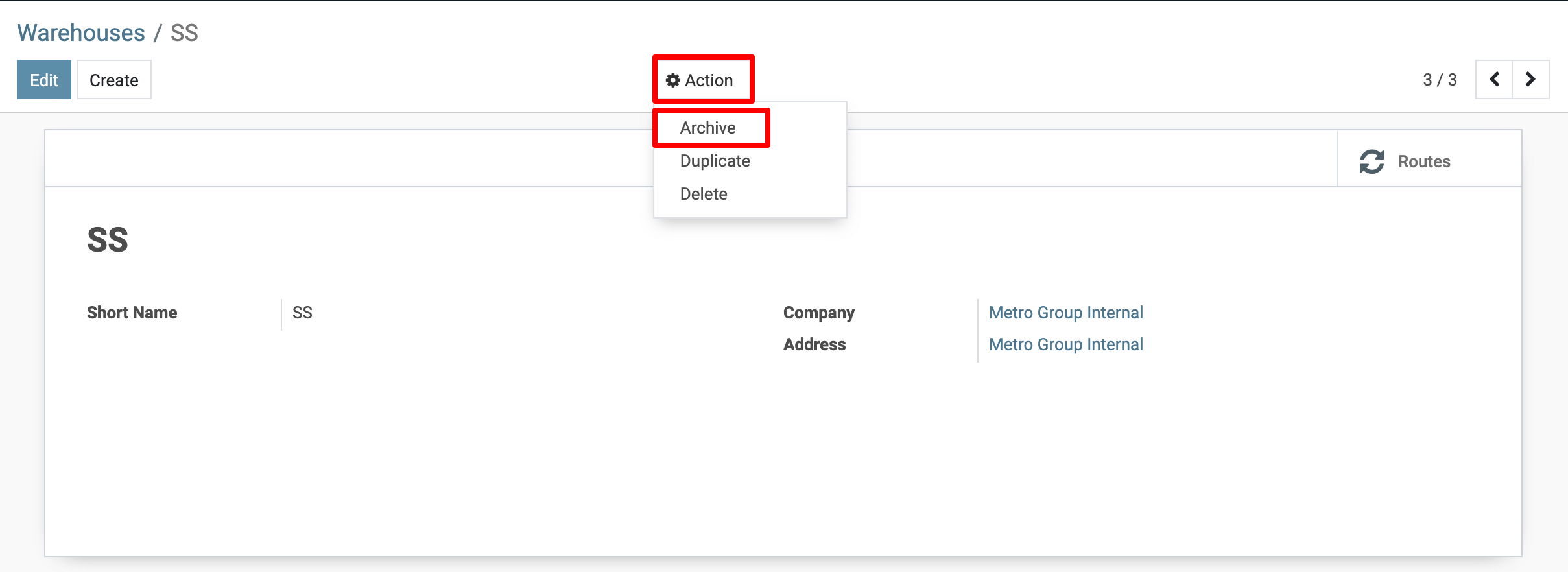
4) Now,click on the Action menu, then click on the Archive link menu.
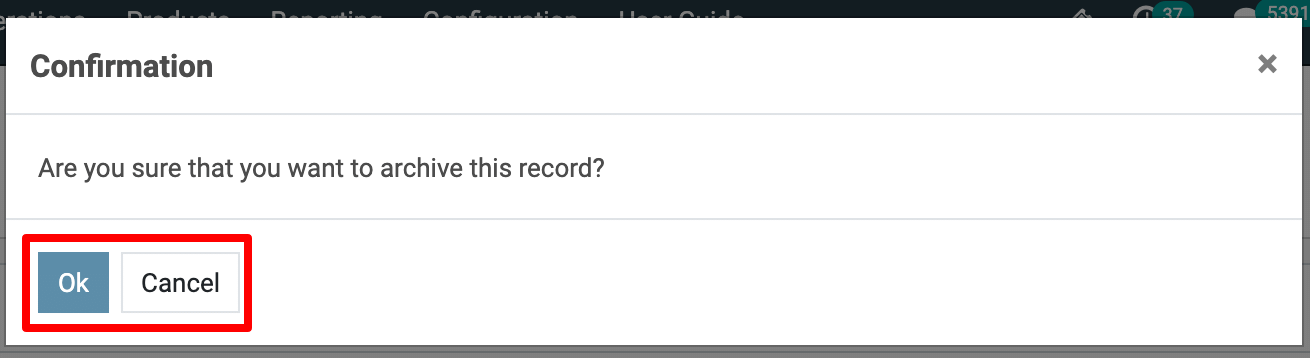
View the Confirmation dialolg and click on the Ok button.
5) You
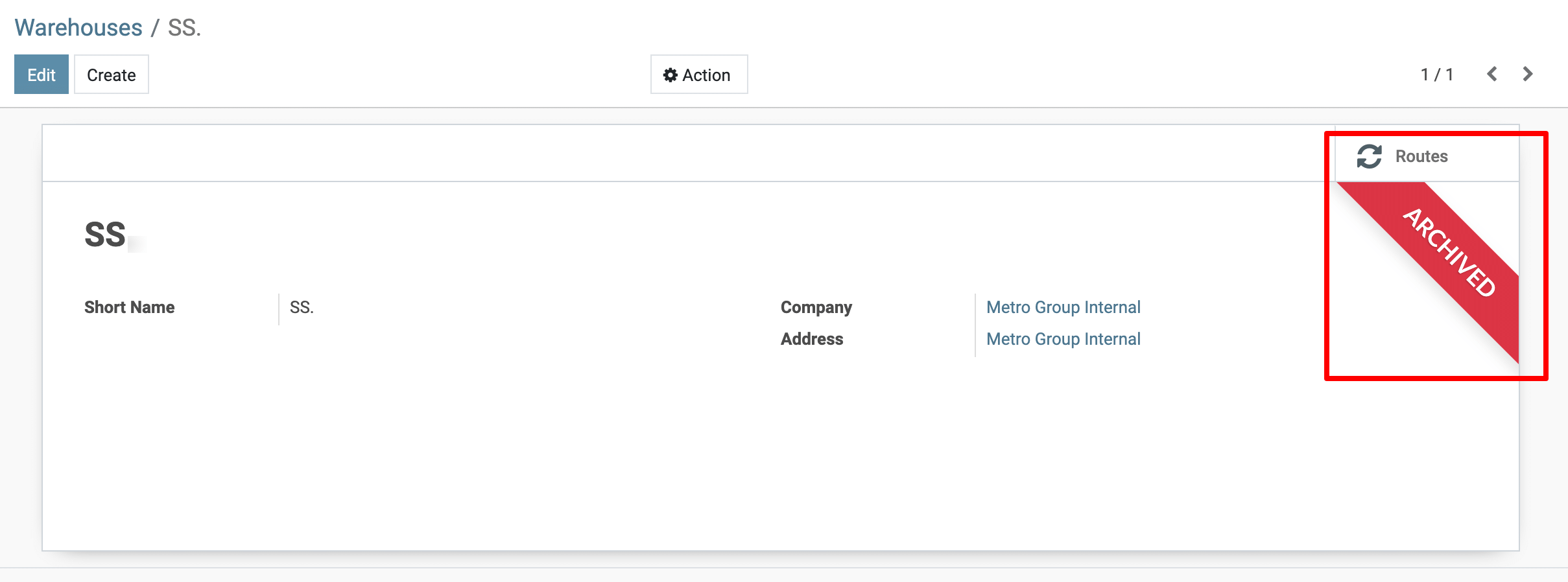
have successfully Archived warehouse.
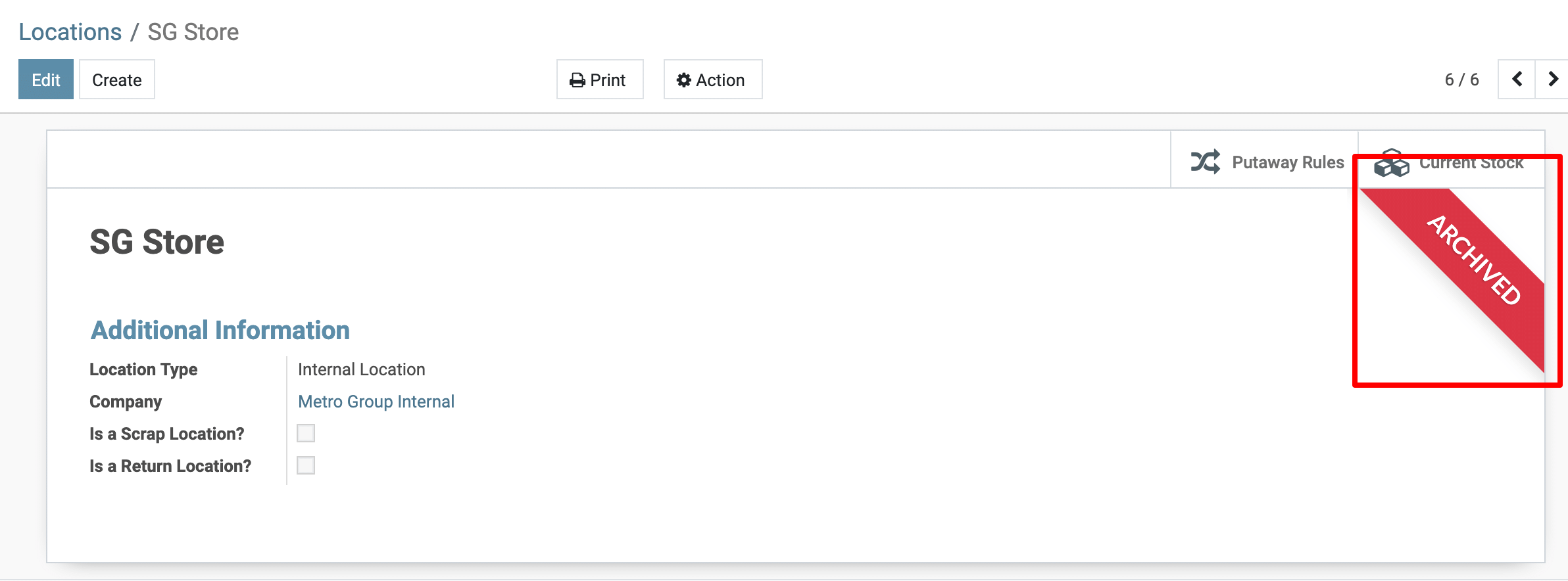
Remove (Archive) Location.
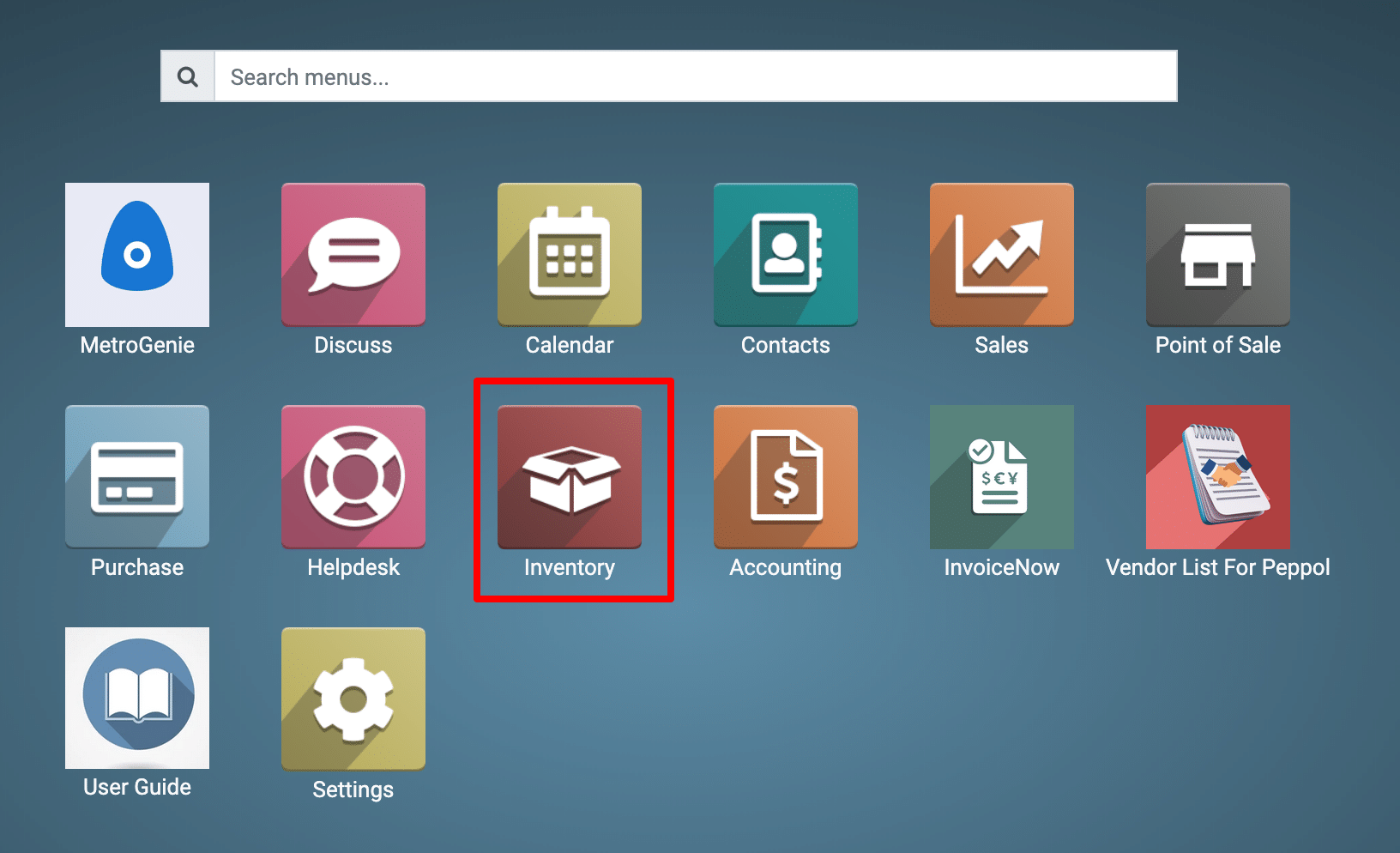
1) Navigate
to the Inventory Module.
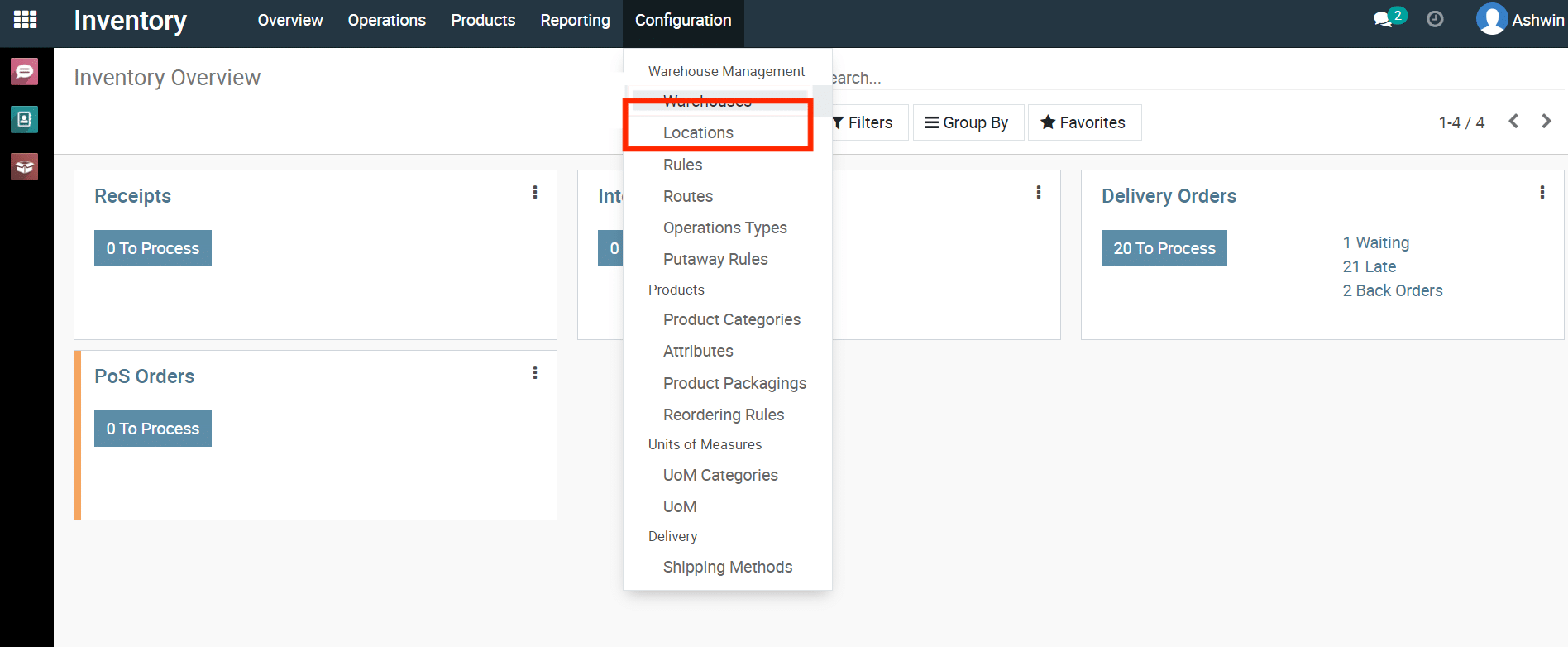
3) Click
on Configuration and then select Location.
Go to Inventory → Configuration → Locations.
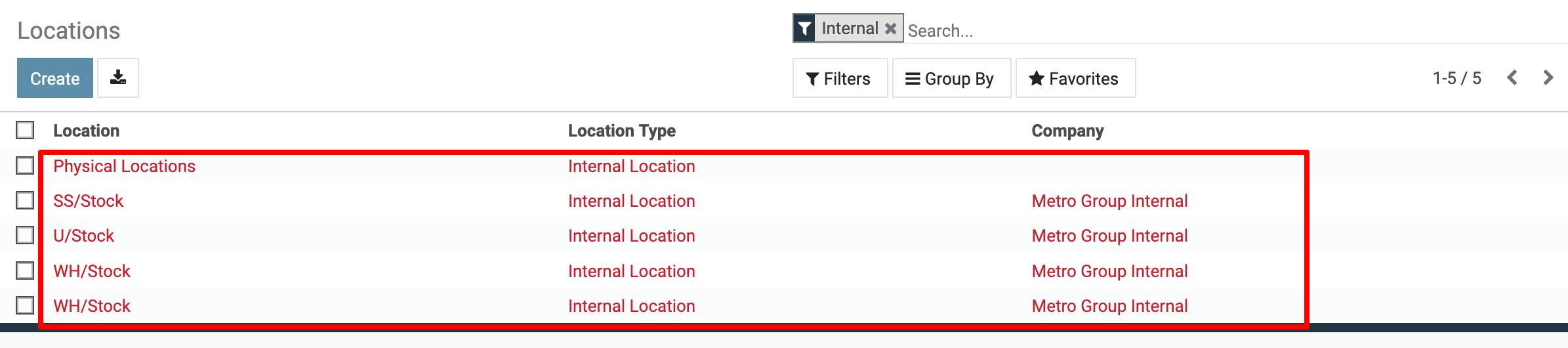
4) Click and View the Locations.
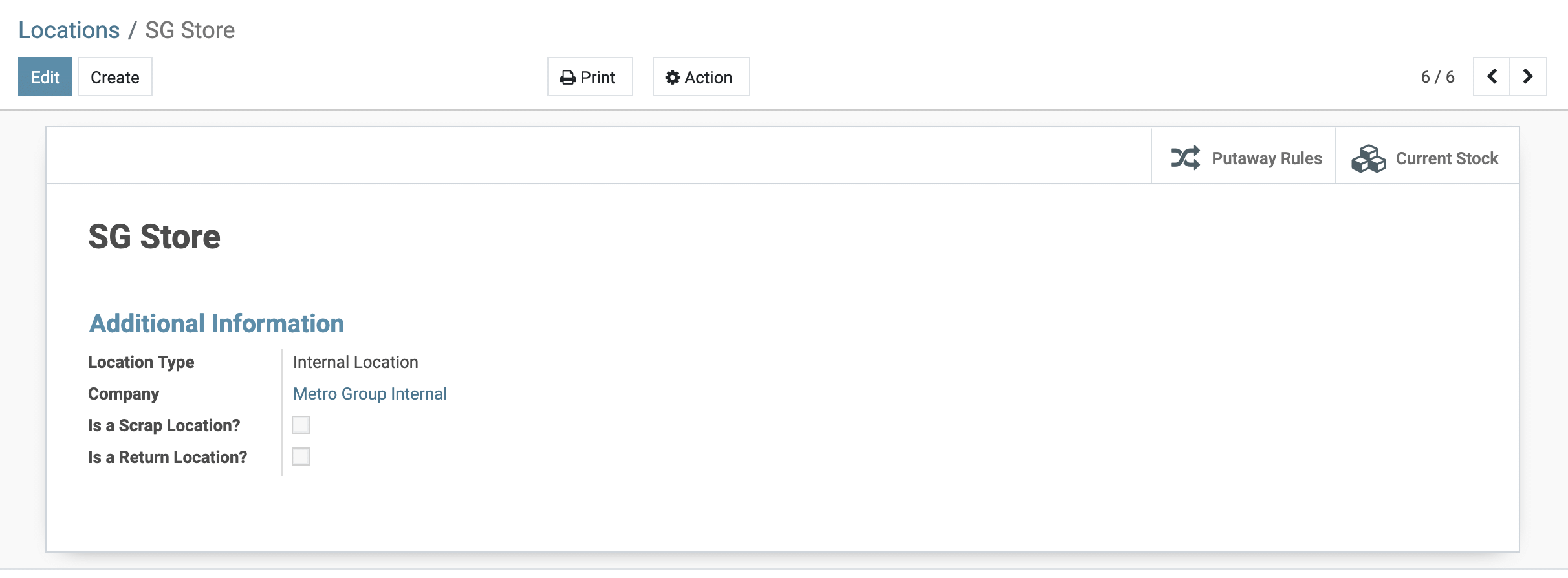
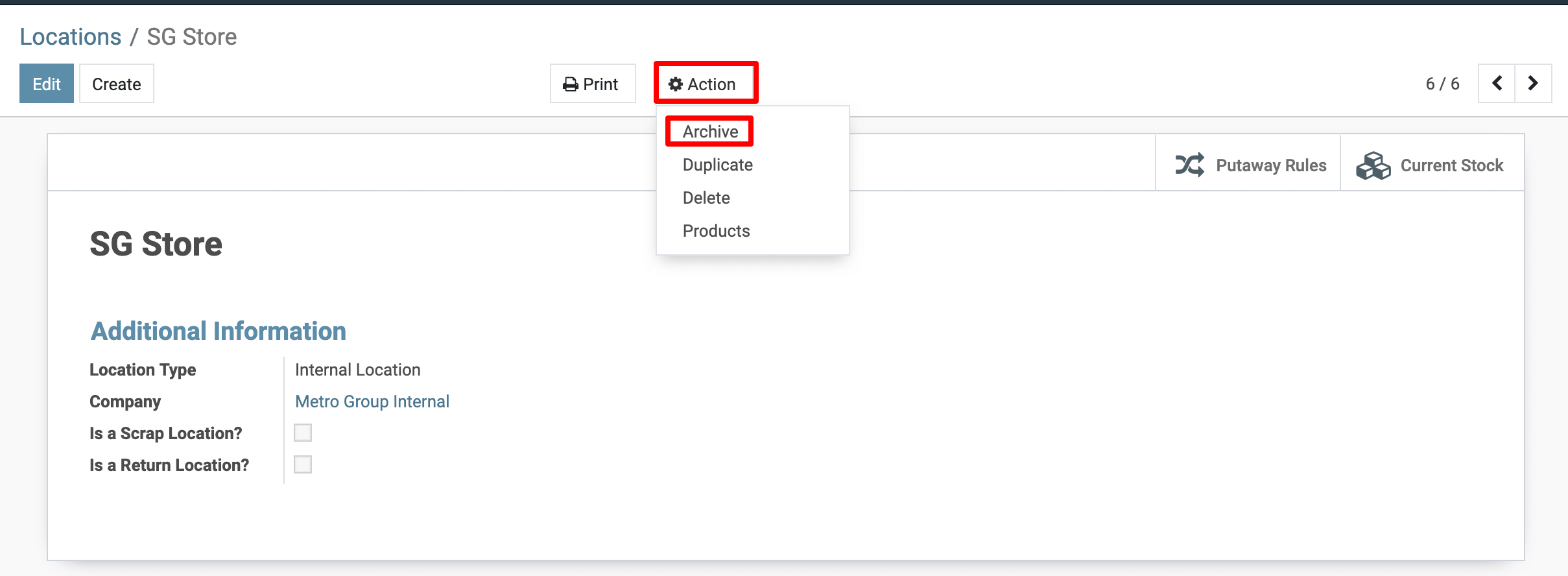
5) Now,click on the Action menu, then click on the Archive link menu.
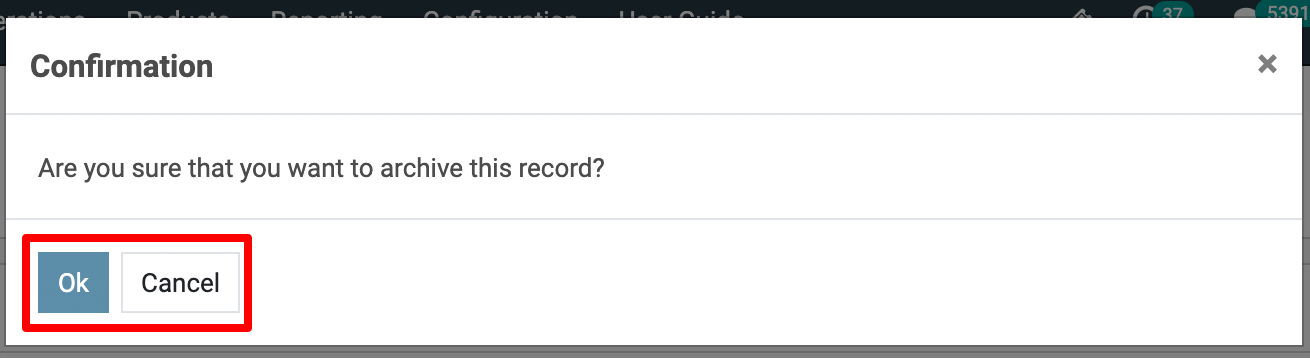
View the Confirmation dialolg and click on the Ok button.
6) You
have successfully Archived Location.
To more details, how do I remove Warehouse/Location in Metro ERP, please do contact us at support@metrogroup.solutions