
Here’s how you can do it:
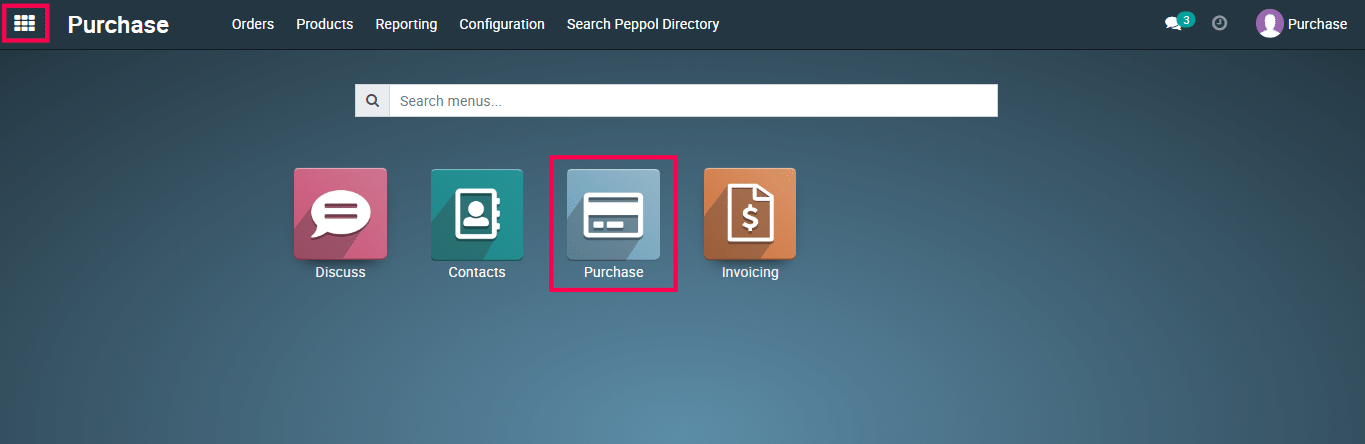
1) Go to the Purchase app from the Metro ERP main menu.
2) Select the purchase module.
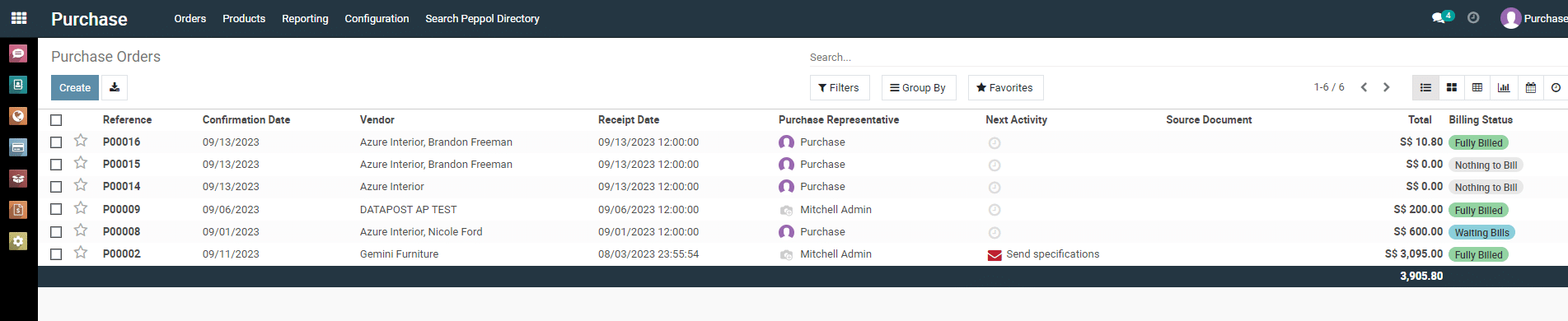
3) From the list view page of purchase order.
4) Now, click on “ Export All ” icon.
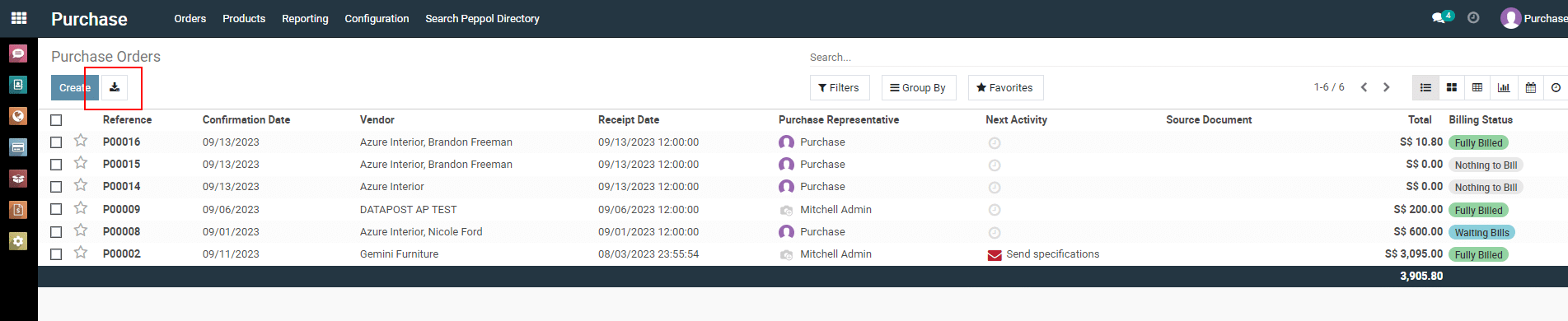
5) User Export Purchase order file successfully.
To get more details on how to use the Purchase module, please do contact us at support@metrogroup.solutions