
To inspect and map the e-purchase order to the existing sale orders, you can follow these steps:
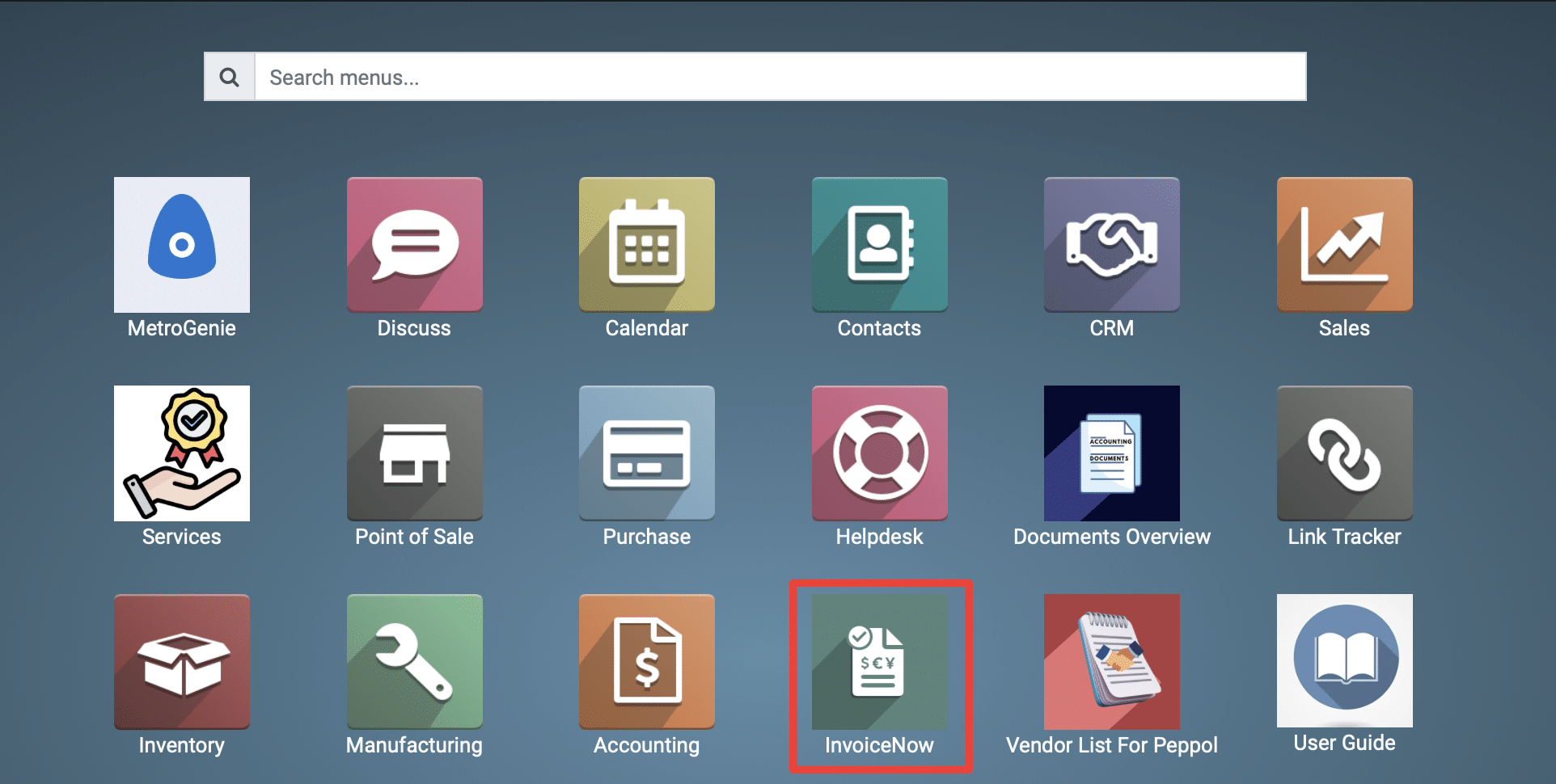
1) Go to the Peppol application by clicking on its icon in the main dashboard or by using the application menu.
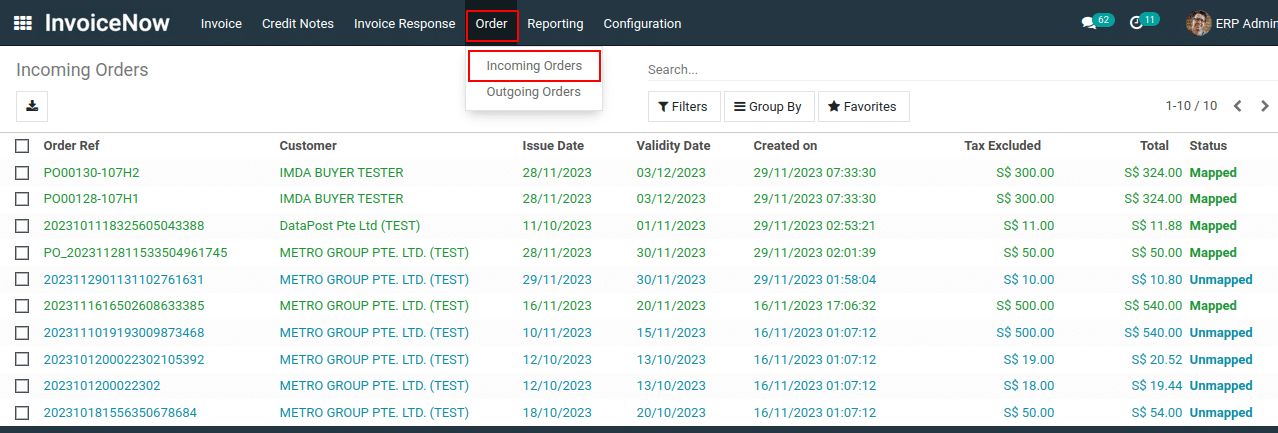
2) Navigate to the “Order >Incoming Orders.”
3) Open the e-purchase order to view its details and map it with the existing sales order.
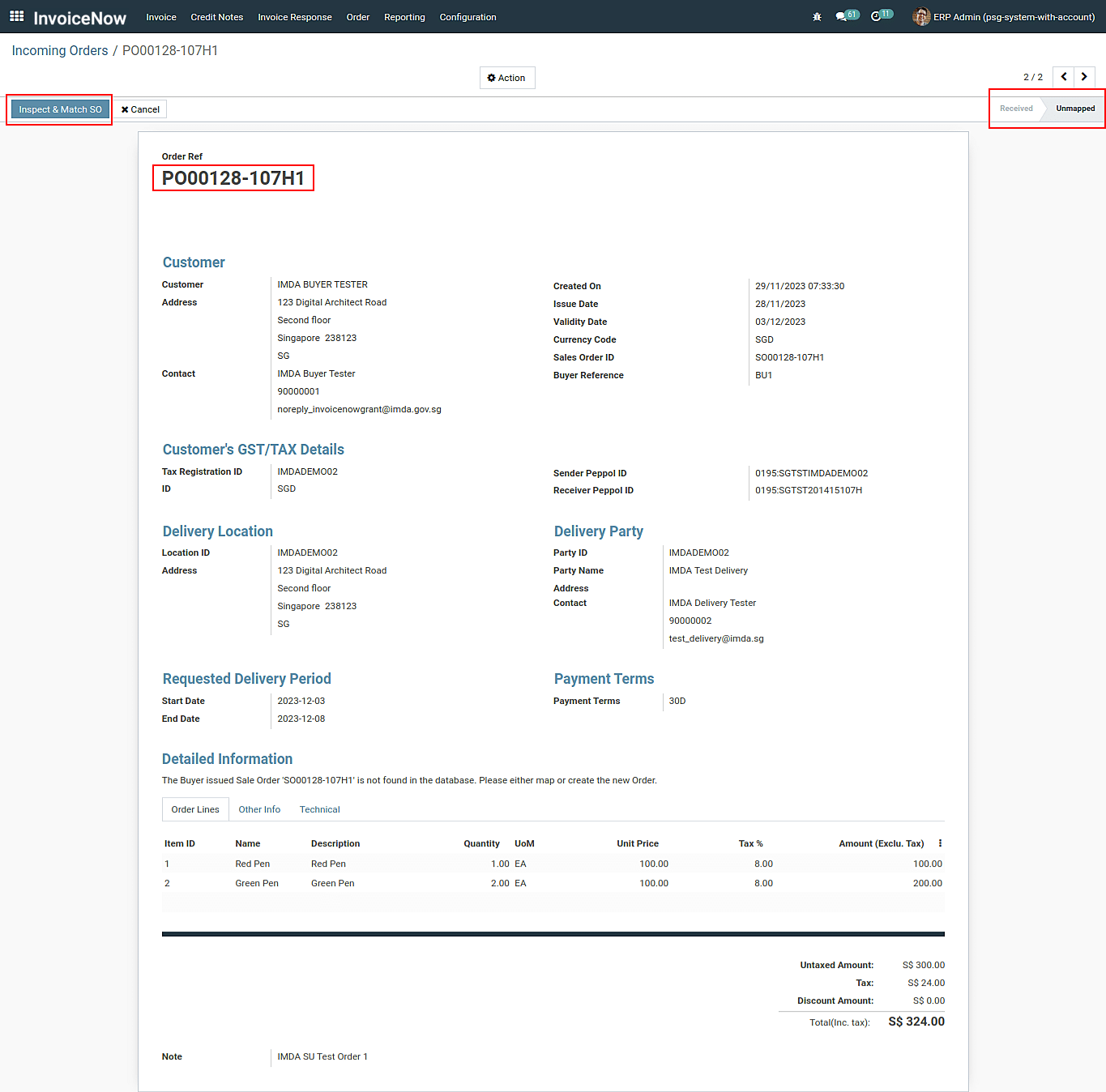
4) Click on the “Inspect & Match SO” button to view the existing sales order record, along with the Map and Create options.
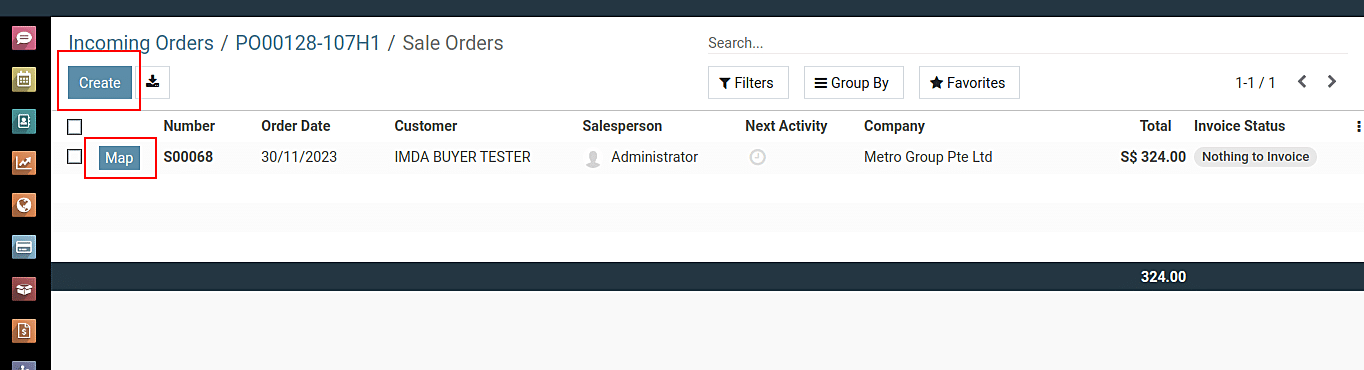
5) Now, click only the “Map” button, it allows linking the e-Purchase order with the existing ERP’s Sales Order.
To inspect and map the e-purchase order to the existing sale orders, please do contact us at support@metrogroup.solutions