
In Metro, you can check received Invoice Responses by followinga these steps:
1) Go to the InvoiceNow.
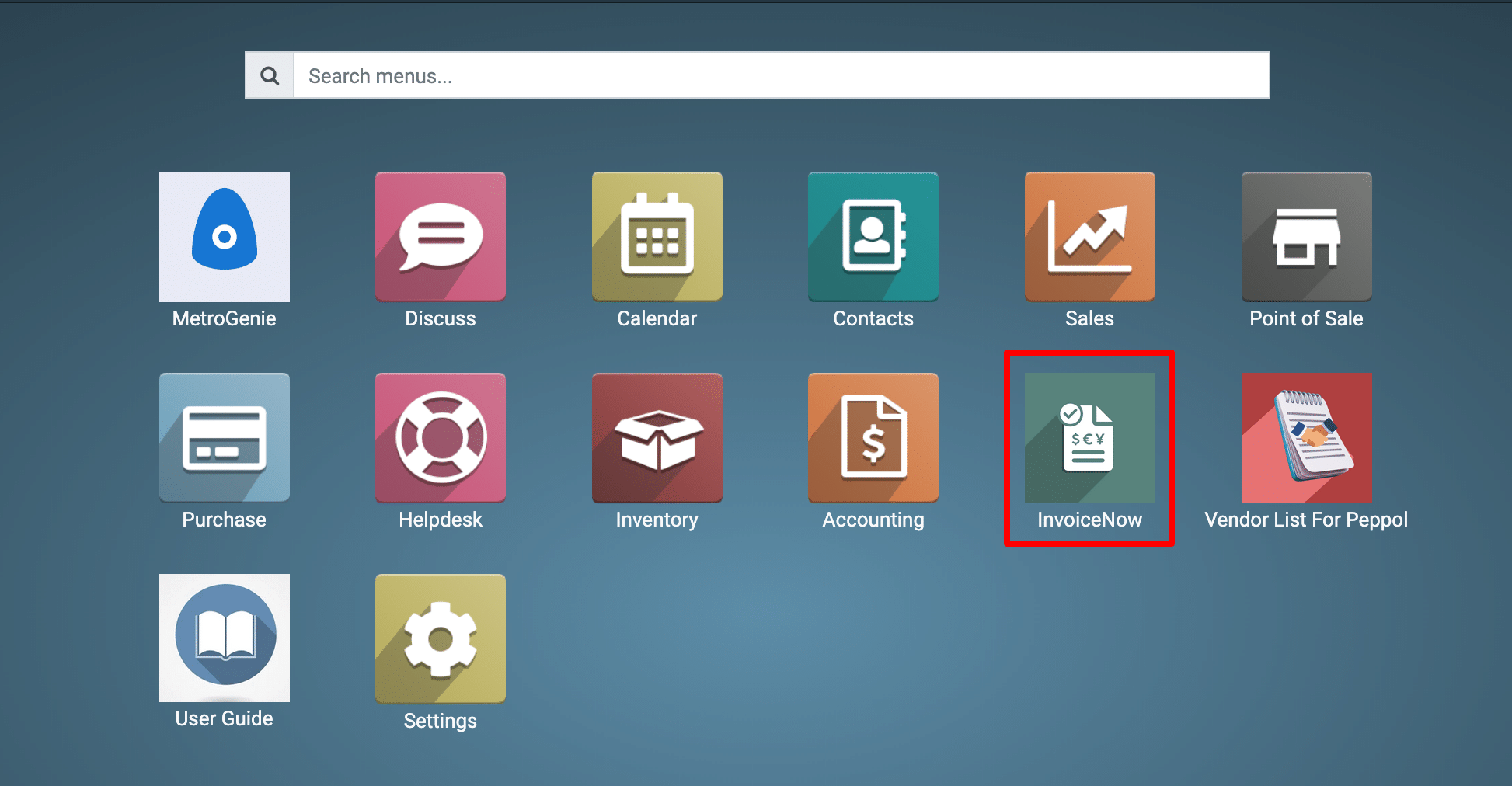
2) View the InvoiceNow Dashboard.
Go to the Peppol Invoice → Incoming Invoice Responses.
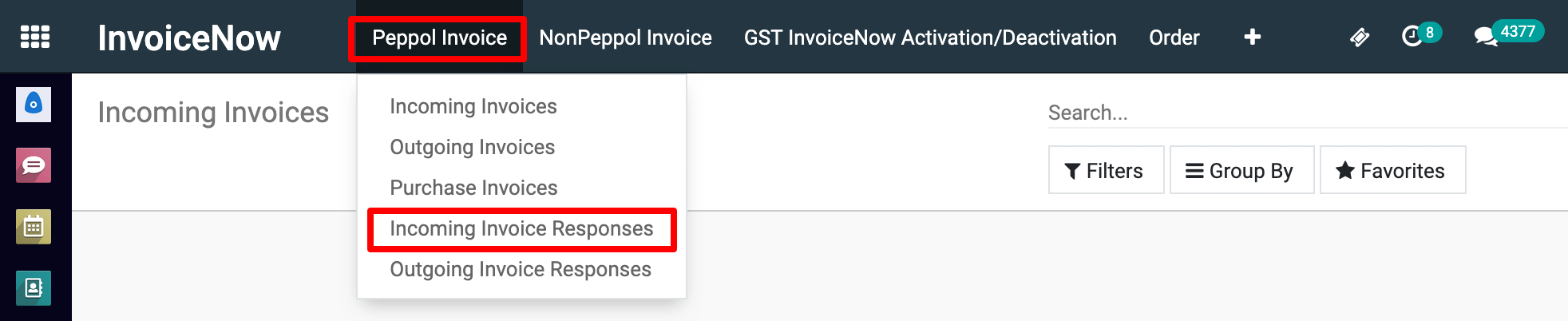
View the Incoming Invoice Responses Dashboard.

To get more details how to check received Invoice Responses, please do contact us at support@metrogroup.solutions