
To deactivate C5 Submission for GST-Registered Businesses in Metro Accounting System, you can follow these steps:
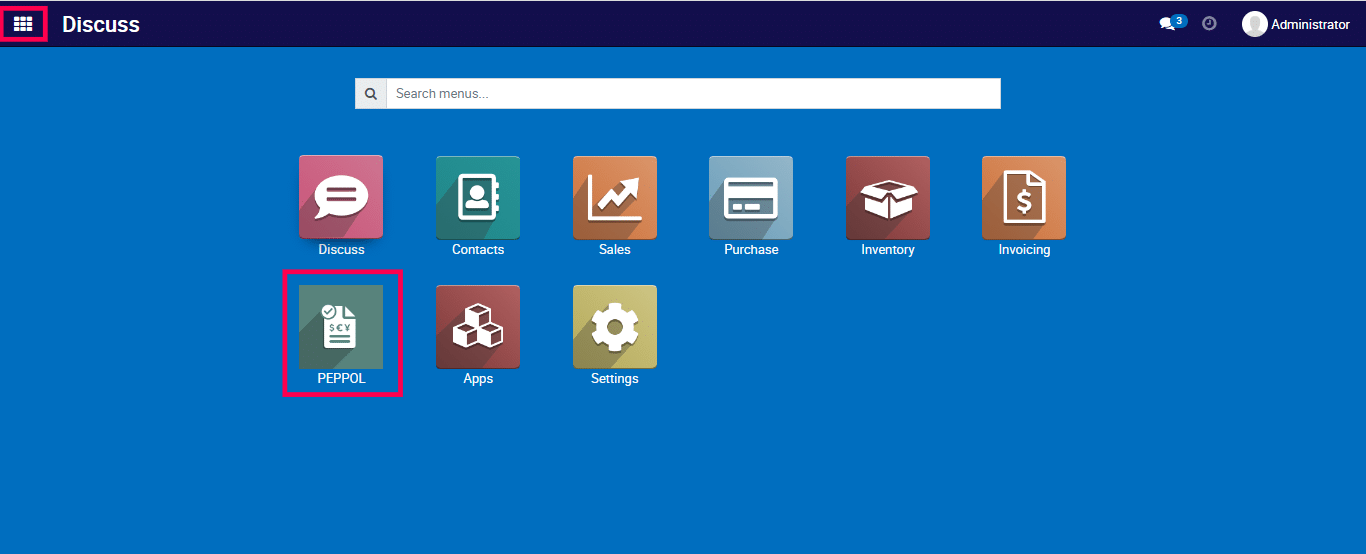
1) Go to the Peppol application by clicking on its icon in the main dashboard or by using the application menu.
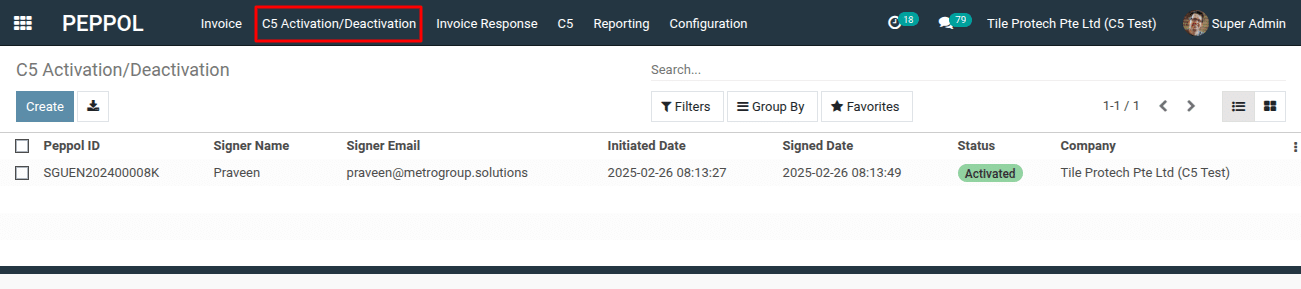
2) Navigate to the “C5 Activation/Deactivation.”
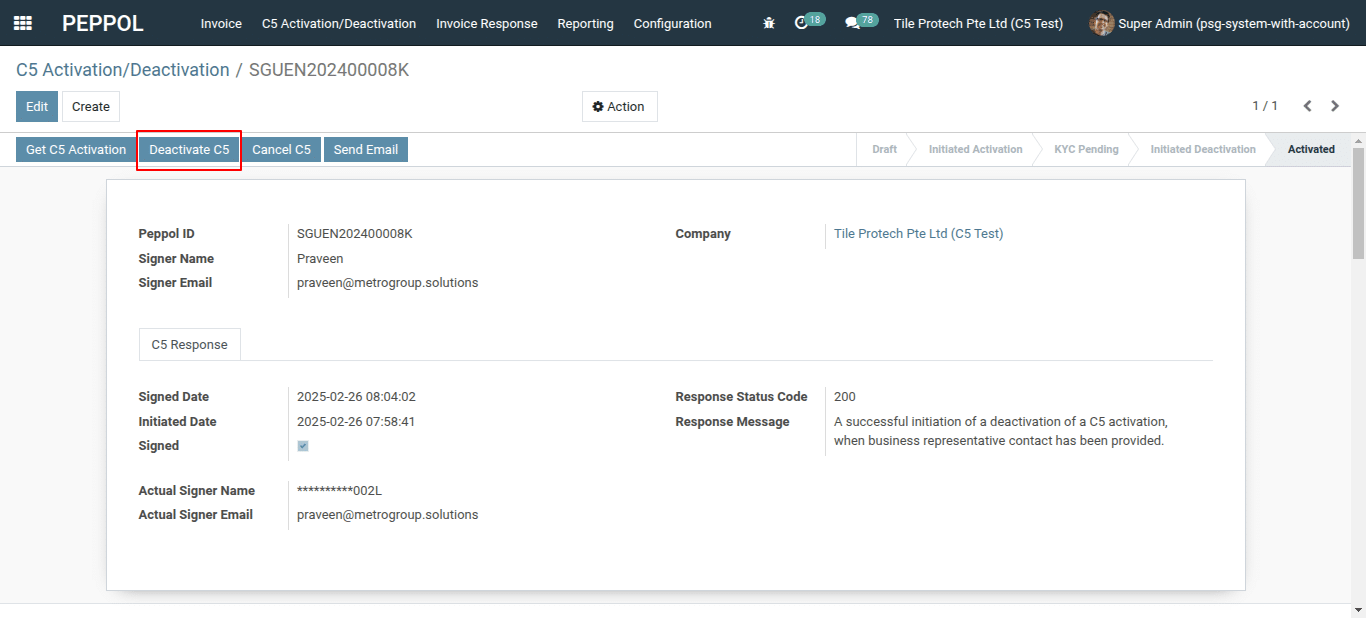
3) Click on the “Deactivate C5” button.
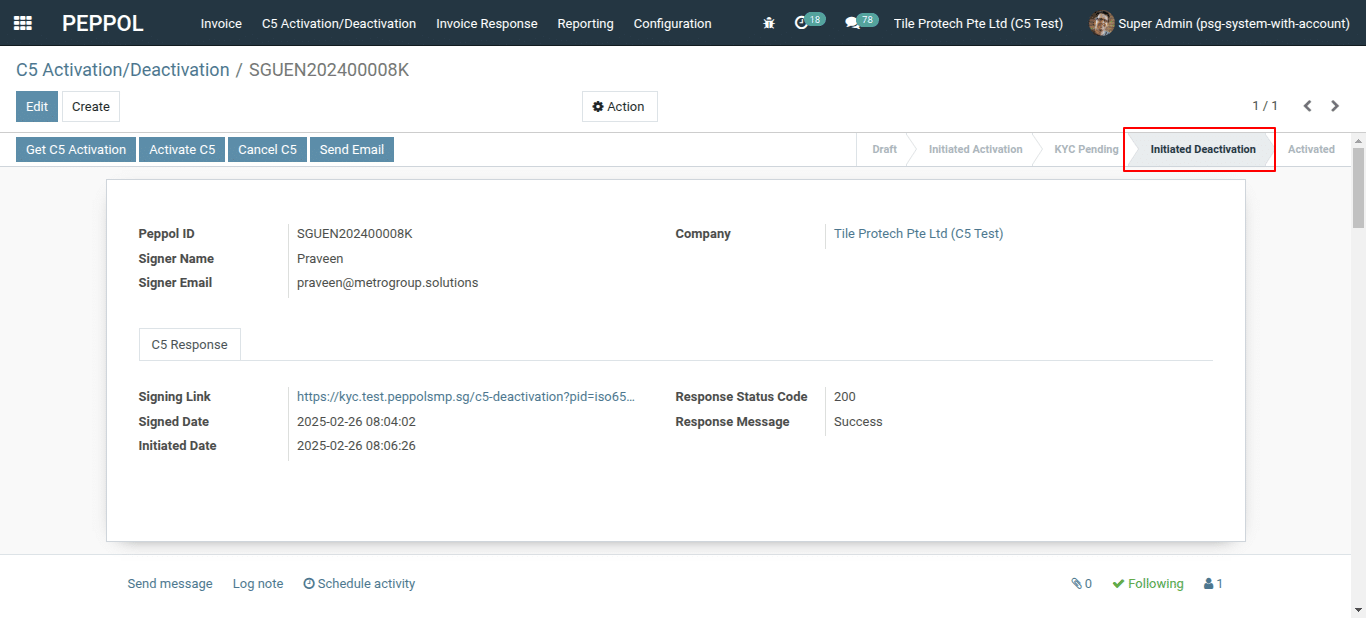
4) This action will deactivate C5 successfully.
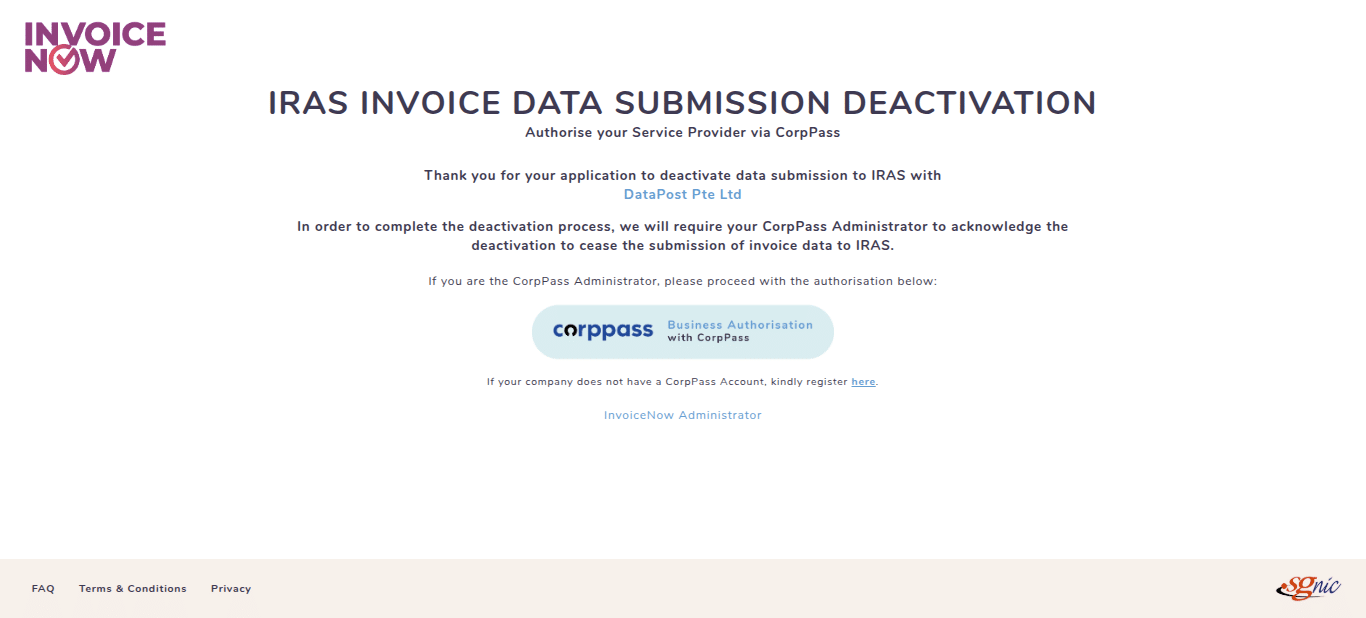
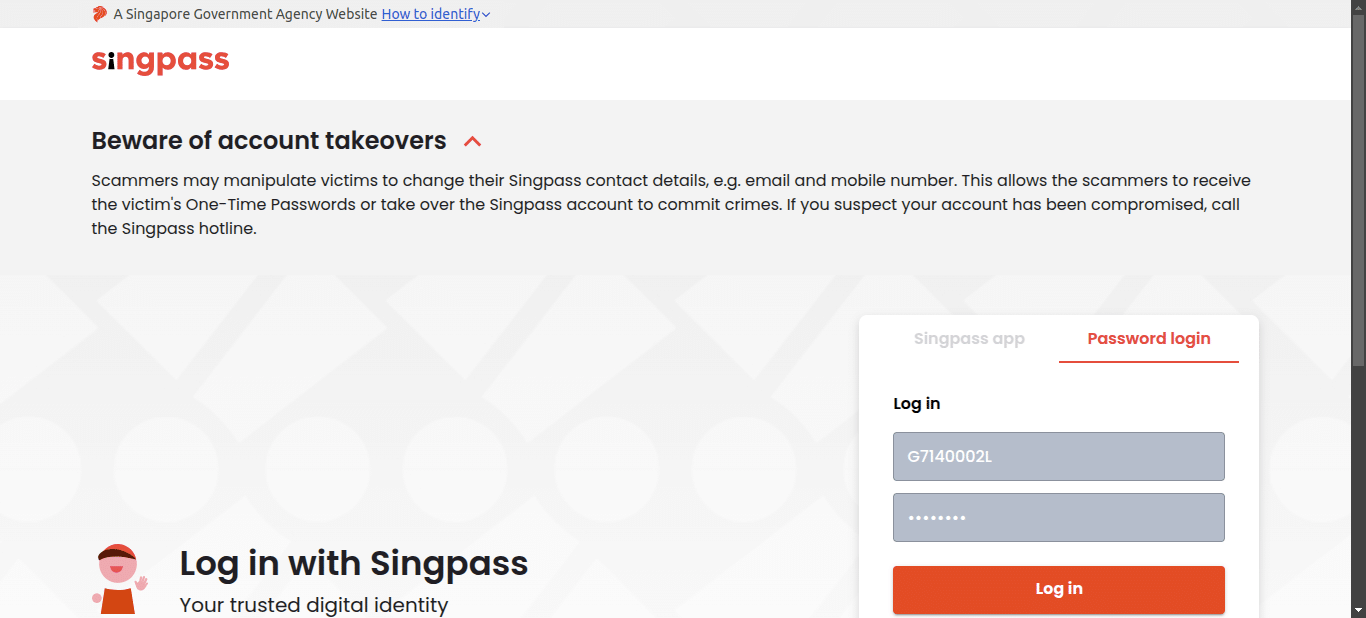
To get more details how to deactivate C5 submission for GST-Registered Businesses in Metro Accounting System, please do contact us at support@metrogroup.solutions